
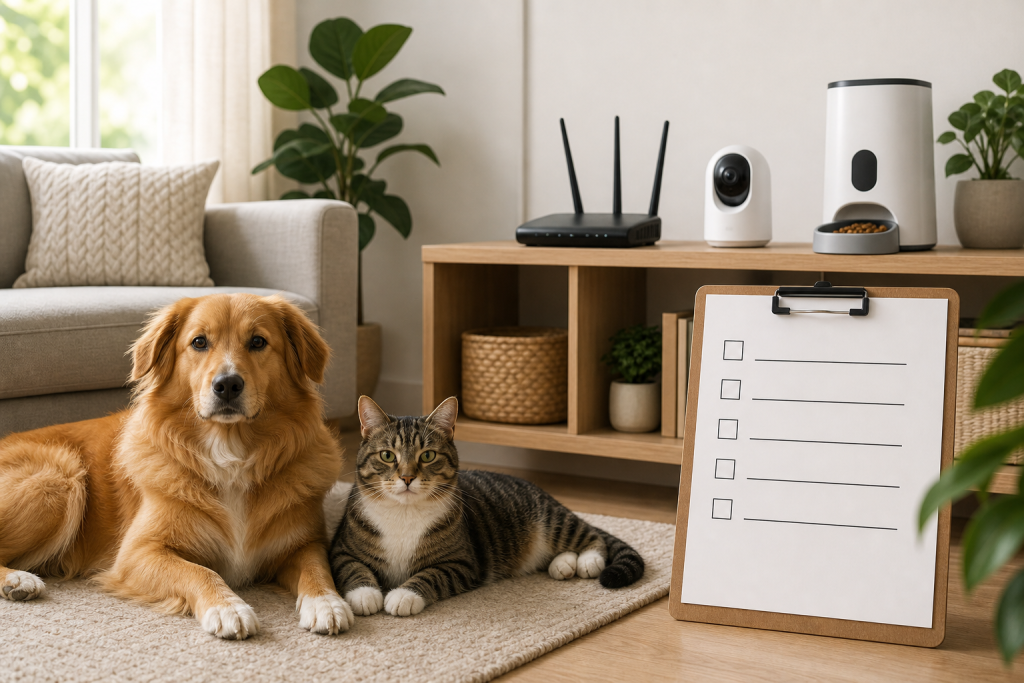
#pet camera
#router security
#smart feeder
#smart pet devices
That cheap smart pet camera, feeder or tracker is not just a pet purchase. It also depends on your home router, Wi-Fi settings, app account and update support, so a weak network can turn a good deal into a privacy or reliability problem. The fresh reason to check is CERT/CC’s July 2026 advisory about an unpatched Tenda firmware backdoor, but the shopping lesson is broader: do not buy another connected pet gadget until you know how it will run on your network.
For pet owners, the risk is practical rather than abstract. A camera may stream from the room where your dog sleeps. A feeder may need stable Wi-Fi to update schedules. A tracker or smart collar may push sensitive location and account data through an app. If the product looks discounted, the router and support details still matter before checkout.
Why this matters now
On July 6, 2026, the CERT Coordination Center published Vulnerability Note VU#213560 for several Tenda firmware versions. CERT/CC says the affected firmware contains an undocumented authentication backdoor that can allow administrative access to a device’s web management interface and is tracked as CVE-2026-11405. CERT/CC also says it was unable to coordinate a patch with the vendor, so its listed workarounds are mitigation steps, not a full fix.
That advisory is about network equipment, not a pet camera or automatic feeder. Still, pet gadgets live on the same home network as laptops, phones and cameras. When shoppers compare app-connected pet gear, the router is part of the real cost and risk picture.
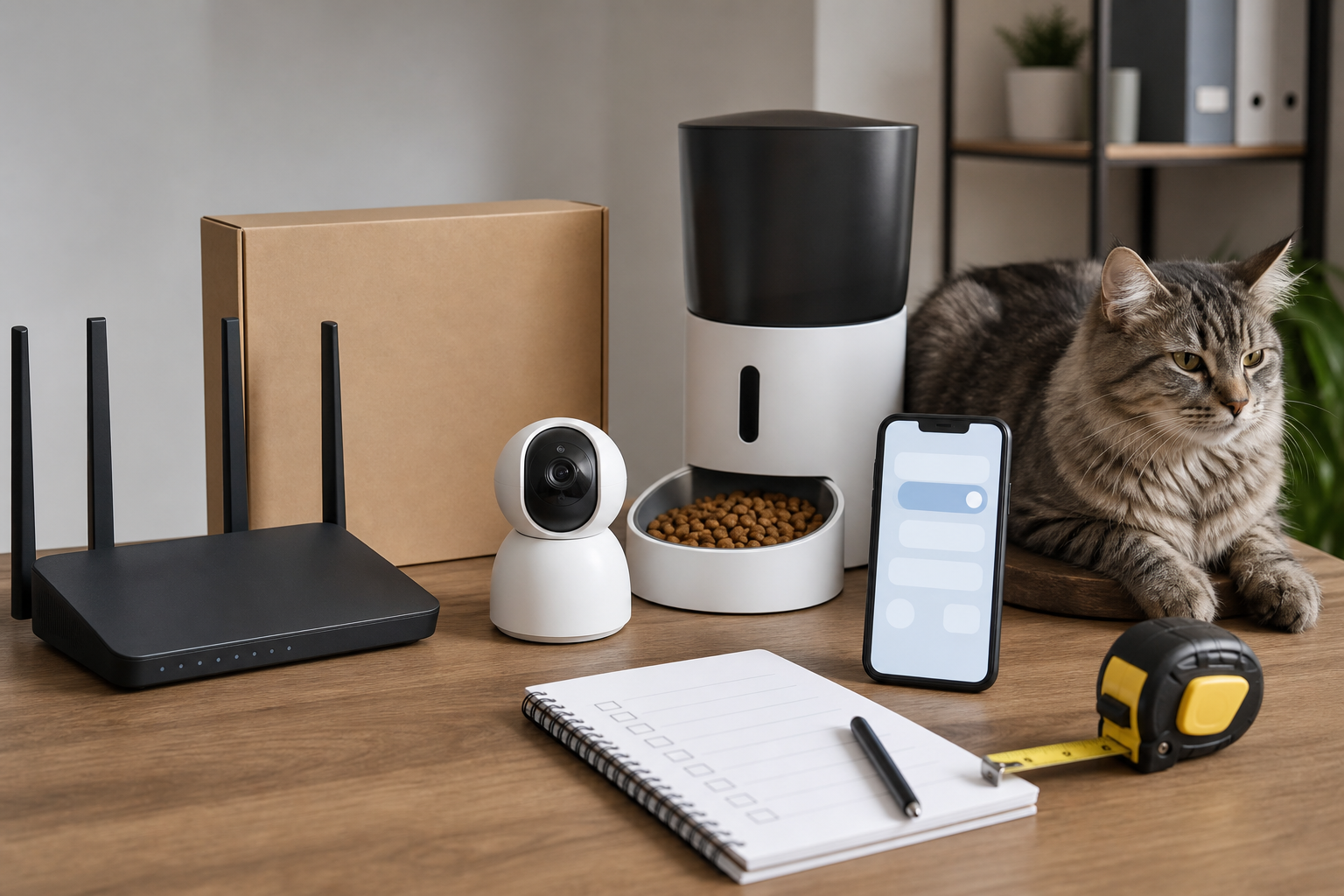
The router check to make before you buy
Before ordering a smart feeder, pet camera, connected fountain, automatic litter box, smart collar or Wi-Fi sensor, check these details:
- Router model and firmware: Look up your router model and current firmware version. If the router is old, unsupported or named in a current advisory, the pet gadget is not the only item you may need to budget for.
- Remote management: CERT/CC specifically recommends disabling remote web management on affected Tenda devices. For any router, remote administration is worth reviewing before you add more connected cameras or sensors.
- Wi-Fi band support: Many pet devices still require 2.4 GHz Wi-Fi. PetSafe’s Smart Feed troubleshooting page, for example, tells owners to connect the feeder to a 2.4 GHz network and notes that dual-band routers may need separated bands.
- App and cloud dependency: Check whether the device works locally, needs the vendor’s app for basic use, or loses key features without a cloud plan.
- Update history: Prefer products and router brands that make firmware updates easy to find. If you cannot find a support page before purchase, treat that as part of the deal math.
The subscription can be the real pet-tech bill
A low device price can hide a recurring charge. Petlibro’s Video Cloud AI page for Scout says cloud storage, AI-powered behavior tracking and smart recaps require a subscription, with plans starting at $9.99 per month. It also says each Scout camera requires its own Video Cloud AI subscription for cloud storage and AI-powered features.
That does not make the product bad. It means the checkout comparison should include the first year and the second year, not just the sale price on the camera. If you are buying multiple cameras for a dog room, cat room or feeding area, multiply the plan cost before you decide the bundle is cheap.
What to verify at checkout
Use the product page, support page and cart together. A good checkout pass should answer these questions:
- Does the device still perform its basic pet-care function if Wi-Fi drops?
- Does it need 2.4 GHz Wi-Fi, and can your router provide a separate compatible network?
- Are cloud recordings, AI summaries, smart alerts or multi-pet recognition included or paid?
- Can you turn off the camera, cover the lens or limit where recordings are stored?
- Does the seller explain firmware updates, app support and warranty length?
- Can you return the device after setup if it will not connect to your router?
For feeders, the most important question is not whether the app looks polished. It is whether your pet still gets meals if the internet or vendor cloud service has a bad day. PetSafe says its Smart Feed continues to feed as previously scheduled if it has power when it is offline. Do not assume every feeder behaves the same way.
Deal and coupon checks
Do not let a coupon code settle a security or compatibility question. Smart pet devices often have layered costs: device price, shipping, subscription, replacement parts, batteries, filters, warranty coverage and possibly a router upgrade. A discount is useful only if the product works on your network and the features you want are not locked behind a plan you did not price.
Before paying, check the final cart after the promo applies, then read the return window for opened electronics. If the product is sold through a marketplace seller, confirm who handles warranty support. For connected cameras and feeders, save the product page and support page because device features and app requirements can change.
What to avoid
- A pet camera with vague storage language and no clear privacy or support page.
- A feeder that does not explain what happens during Wi-Fi or cloud outages.
- A router or pet device with no visible firmware update path.
- A marketplace listing that copies brand-style photos but gives no manufacturer support link.
- Any listing that promises “no subscription” while hiding key alerts, history or video access in paid app terms.
The FTC’s past action involving internet-connected home security cameras is a reminder that camera privacy failures can expose sensitive parts of daily life. A pet camera may be marketed around a cute dog or cat, but it is still a connected camera inside your home.
Quick answers
Should I stop using every smart pet device because of the Tenda advisory?
No. The advisory is specific to listed Tenda firmware versions. The broader lesson is to check your router model, firmware, remote management settings and support status before adding more connected pet devices.
Is a no-subscription pet camera always better?
Not automatically. A local-storage camera can reduce recurring costs, but you still need secure account settings, firmware updates, useful alerts and a return policy if it does not fit your setup.
What matters most for a smart feeder?
Stable feeding behavior matters more than app extras. Confirm whether scheduled meals continue without internet, whether backup power is available and whether the feeder supports your router’s Wi-Fi band.
When should I replace the router instead of buying another pet gadget?
Consider replacing it first if it is unsupported, cannot receive firmware updates, has remote management exposed, cannot provide the Wi-Fi band your device needs, or appears in a current security advisory with no patch.
Sources
Sources last checked: July 11, 2026, 19:34 Europe/Rome.
- CERT Coordination Center, VU#213560: Tenda firmware contains hidden authentication backdoor.
- CVE Program, CVE-2026-11405 record.
- CISA, Securing the Internet of Things (IoT).
- Federal Trade Commission, internet-connected home security video camera privacy enforcement announcement.
- PetSafe Support, My PetSafe Smart Feed Automatic Pet Feeder is Offline.
- Petlibro, Video Cloud AI service page for Scout Smart Camera.