
#pet deals
#pet tech
#smart pet devices
#smart plugs
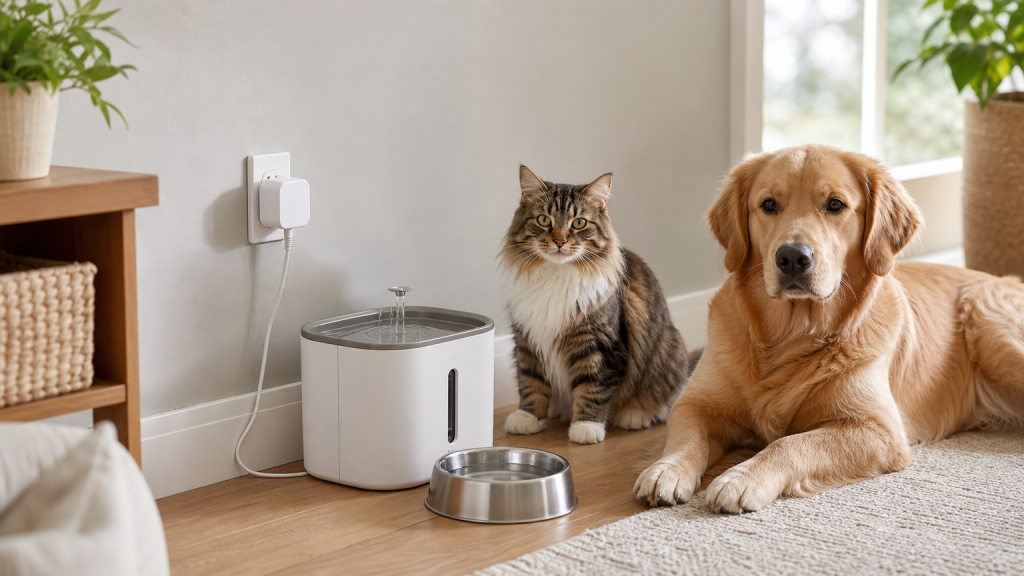
A cheap smart plug can be useful for a pet camera, a low-power fan or a fountain you only want to schedule, but it is not a safe shortcut for every pet device. Before you put one in your cart, check the plug’s load rating, Wi-Fi requirements, app support, restart behavior and whether the pet product is designed to be switched off remotely. The wrong plug can turn a bargain into a missed feeding, a stopped fountain or a return you cannot use.
Smart-home deals are about to get louder. Amazon says Prime Day 2026 runs June 23-26, Walmart has announced a June 22-28 Walmart Deals event, and pet owners will see plenty of smart plugs, cameras, fountains, fans and feeders bundled into the same sale pages. The pet-shopping question is not whether a smart plug is clever. It is whether it belongs between your outlet and the device your dog or cat depends on.
Why this pet-tech deal is tempting right now
Smart plugs are small, cheap and easy to overlook in a pet-supply order. They promise remote control, schedules and voice commands, so it is natural to think about using one with a fountain, automatic feeder, crate fan, camera, lamp near a litter area or heated bed.
The catch is that a smart plug is only a switch. It does not make the attached device safer, smarter or more reliable. If the feeder needs its own clock to stay powered, if the fountain pump should run continuously, or if a heated product has safety instructions that require direct wall power, adding a plug can create a new failure point instead of solving a problem.
Check the load before the price
Start with the boring specification that actually matters: maximum load. TP-Link’s support guidance for Kasa and Tapo plugs tells shoppers to check the exact model’s supported load and load type, then compare it with the device they plan to connect. That matters because the same-looking plug may have limits for resistive loads, motors or long-running devices.
For pet owners, that means you should not guess with pumps, fans, heaters, dryers or anything that warms, cools, spins or runs all day. Look at the pet device’s label, the smart plug’s label and the manufacturer’s support page. If either product says not to use an extension cord, timer, power strip or smart switch, treat that as a real checkout stop.
Do not use a plug to make a bad setup remote
A smart plug can be reasonable for a simple lamp that helps you check a pet camera at night. It can also make sense for some low-power accessories where turning the device on and off is part of normal use. It is a weaker idea for devices that should keep running while you are away.
- Automatic feeders: verify whether the feeder resumes its schedule after power is cut. Some devices need time to reboot, reconnect or reload settings.
- Water fountains: decide whether scheduled off time is worth the risk of stopping water access, especially in warm weather or multi-pet homes.
- Heated beds and pads: follow the product’s electrical instructions. Do not add a smart plug just to work around a missing timer or safety control.
- Fans near crates or carriers: check wattage, motor compatibility, tip-over risk, cord routing and whether the fan should be directly supervised.
- Pet cameras: a plug can reboot a frozen camera, but it can also leave you blind if the app, Wi-Fi or voice command fails.
The Wi-Fi detail that ruins many smart-plug deals
Many smart plugs still require a 2.4 GHz Wi-Fi network. Some homes use combined network names, mesh routers or guest networks that make setup harder than the product page suggests. If you are buying the plug to monitor pets while traveling, do the setup and a full test before you leave, not the night before.
The Federal Trade Commission’s connected-device advice is also relevant here: update device software, use strong passwords and turn on available security features. A pet plug may feel less sensitive than a camera, but it still sits inside your home network and may control equipment your pet uses.
Deal checklist before checkout
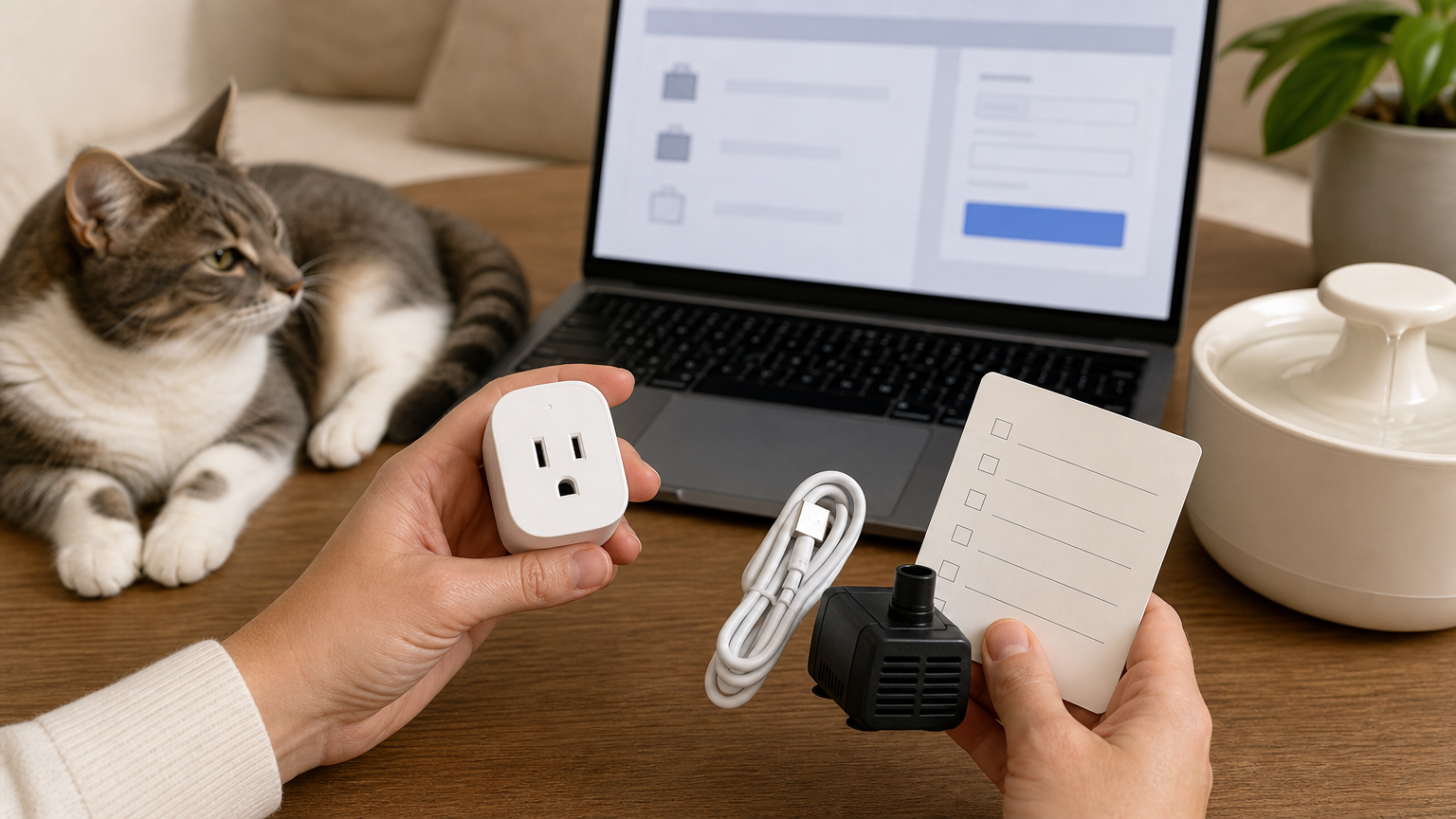
Use the sale price only after these checks are done:
- Load rating: match amps, watts and load type against the exact pet device, not a similar model.
- Certification and condition: prefer clearly listed safety certification from a reputable seller. Be careful with marketplace listings that hide the actual manufacturer.
- Indoor or outdoor use: do not use an indoor plug for patios, balconies, outdoor catios or damp grooming areas.
- Restart behavior: test what happens after you cut power and restore it. The attached pet device should recover predictably.
- Manual override: the plug should have a physical button, and the pet device should still be usable without the app.
- App support: check whether the brand publishes firmware updates and whether setup depends on an app you actually want to keep.
- Return window: confirm you can return an opened smart plug after setup testing if it does not work with your router or pet device.
Coupon and sale terms to verify
Smart plugs often appear in electronics promotions, not only pet promotions. That can make the cart math look better than it is. A bundle may be cheaper because the plug is generic, non-returnable after opening or not rated for the device you had in mind.
Before paying, compare the sale price with the cost of a purpose-built pet device that already has a timer, battery backup or app control. Also check whether the promotion requires a membership, whether the coupon excludes electronics or marketplace sellers, and whether the seller is the brand, the retailer or an unknown third party. For pet supplies, Chewy and Petco publish return policies, but electronics and pharmacy-style exclusions can differ by item and seller, so read the product page instead of assuming every pet order has the same return path.
What to avoid
Skip any smart-plug setup that daisy-chains a plug into a power strip, hides cords under rugs, places plugs where pets can chew them, or leaves a heat-generating product controlled only by an app. The U.S. Consumer Product Safety Commission warns that extension cords can overheat when overloaded or used improperly, and the same common-sense electrical checks belong in pet areas with bowls, litter, bedding and curious animals.
Also avoid using a smart plug as a substitute for pet care. A plug cannot confirm that food actually dispensed, water is clean, a bowl is full, a fan is pointed safely or a nervous dog is comfortable. If the device is important enough that your pet would be affected by a failure, build in a non-smart backup.
When a smart plug does make sense
A smart plug can be worth buying when the connected device is low-risk, within the plug’s rating, easy to test and not your only pet-care backup. Examples include a lamp for camera visibility, a low-power air purifier that can safely restart, a room fan that is rated for the plug and placed away from pets, or a nonessential accessory you want to turn off remotely.
In those cases, test the setup for several days while you are home. Turn Wi-Fi off, restore power, reboot the router, use the physical button and make sure every household member knows how to override the automation.
Quick answers
Can I plug an automatic pet feeder into a smart plug?
Only if the feeder’s own instructions allow it and you have tested that it restarts correctly after power is cut. Many feeders are designed to stay powered and manage schedules internally, so a smart plug can add risk.
Is a smart plug safe for a heated pet bed?
Do not assume so. Follow the heated bed’s manual first. If the manual warns against timers, extension cords, power strips or unattended use, a smart plug is not a workaround.
What smart-plug feature matters most for pet owners?
Reliable recovery after a power or Wi-Fi interruption matters more than voice control. A physical button, clear load rating, update support and an easy return policy are more useful than a flashy app screen.
Should I buy a smart plug during Prime Day or Walmart Deals?
Only after checking compatibility. June deal events can be a good time to compare prices, but the useful deal is the plug that safely works with your exact pet setup, not the cheapest multi-pack.
Sources
Sources last checked June 14, 2026, 13:33 Europe/Rome.
- Amazon, Prime Day 2026 dates and deal-event information.
- Walmart, Walmart Deals June 22-28, 2026 announcement.
- TP-Link support, what loads can be connected to Tapo/Kasa plugs.
- Kasa Smart Wi-Fi Plug Mini HS103 product specifications.
- Federal Trade Commission, securing internet-connected devices at home.
- Federal Trade Commission, smart-device software update disclosure report.
- U.S. Consumer Product Safety Commission, household extension cord fire-safety guidance.
- Chewy return policy.
- Petco returns policy.