
#July 4 pet safety
#lost pet app
#microchip registration
#pet identification
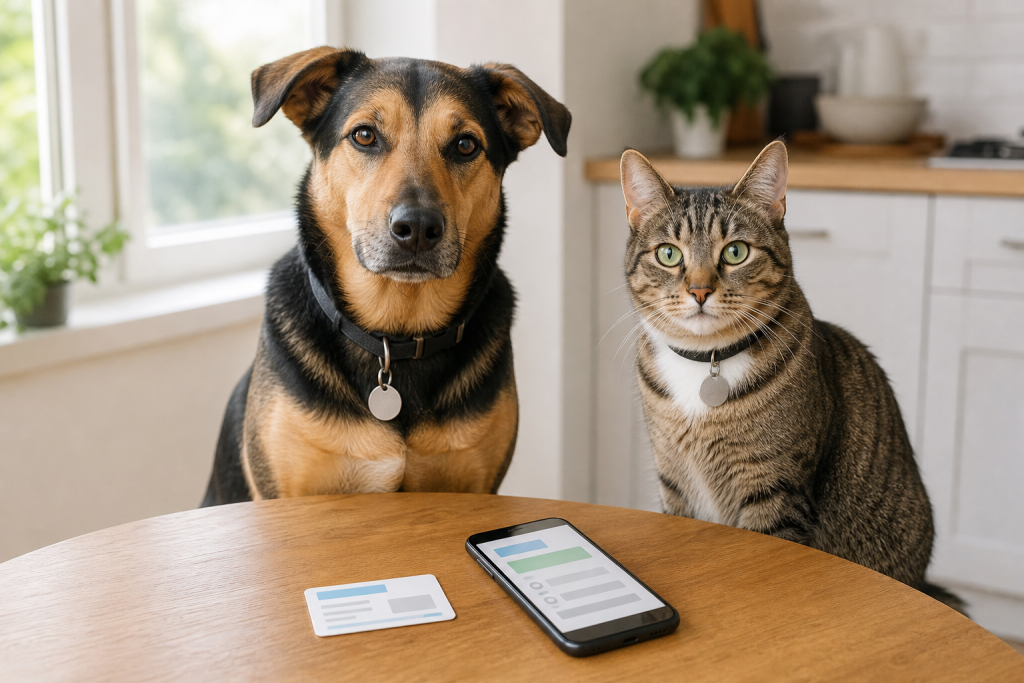
Petco Love Lost is the free lost-pet AI tool worth setting up before fireworks start because it can match a dog or cat photo against lost-and-found listings, but it only helps if your pet’s photo and contact details are ready before a panic. It is not a replacement for a readable ID tag, a registered microchip, a secure collar or keeping pets indoors during fireworks. Think of it as one extra recovery layer, not the whole safety plan.
That distinction matters right now because early July is one of the most stressful shopping windows for pet owners. Stores push calming products, GPS trackers, QR tags, crates and last-minute safety gear, while shelters and animal services agencies warn owners to update IDs before the holiday noise starts. A free photo-matching profile can be genuinely useful, but it should change what you buy, not make you buy more blindly.
What the Free Tool Actually Does
Petco Love Lost says its service lets owners search a national lost-and-found pet database for free. Its help center says users can upload a photo of a dog or cat, and the system searches listings using details such as size, color, facial features and coat attributes.
In April 2026, Petco Love said the platform had helped reunite 250,000 pets and described it as a free national database using AI-powered photo matching at scale. The useful shopper takeaway is simple: if you are comparing paid lost-pet tags, GPS collars or recovery services this week, check whether you have already used the free tools that do not require new hardware.
There is a catch. Photo matching works best when you have clear, current photos and accurate contact information. A blurry puppy photo, an old address or a phone number that no longer works can turn a promising tool into another incomplete profile.
Set It Up Before You Buy More July 4 Gear
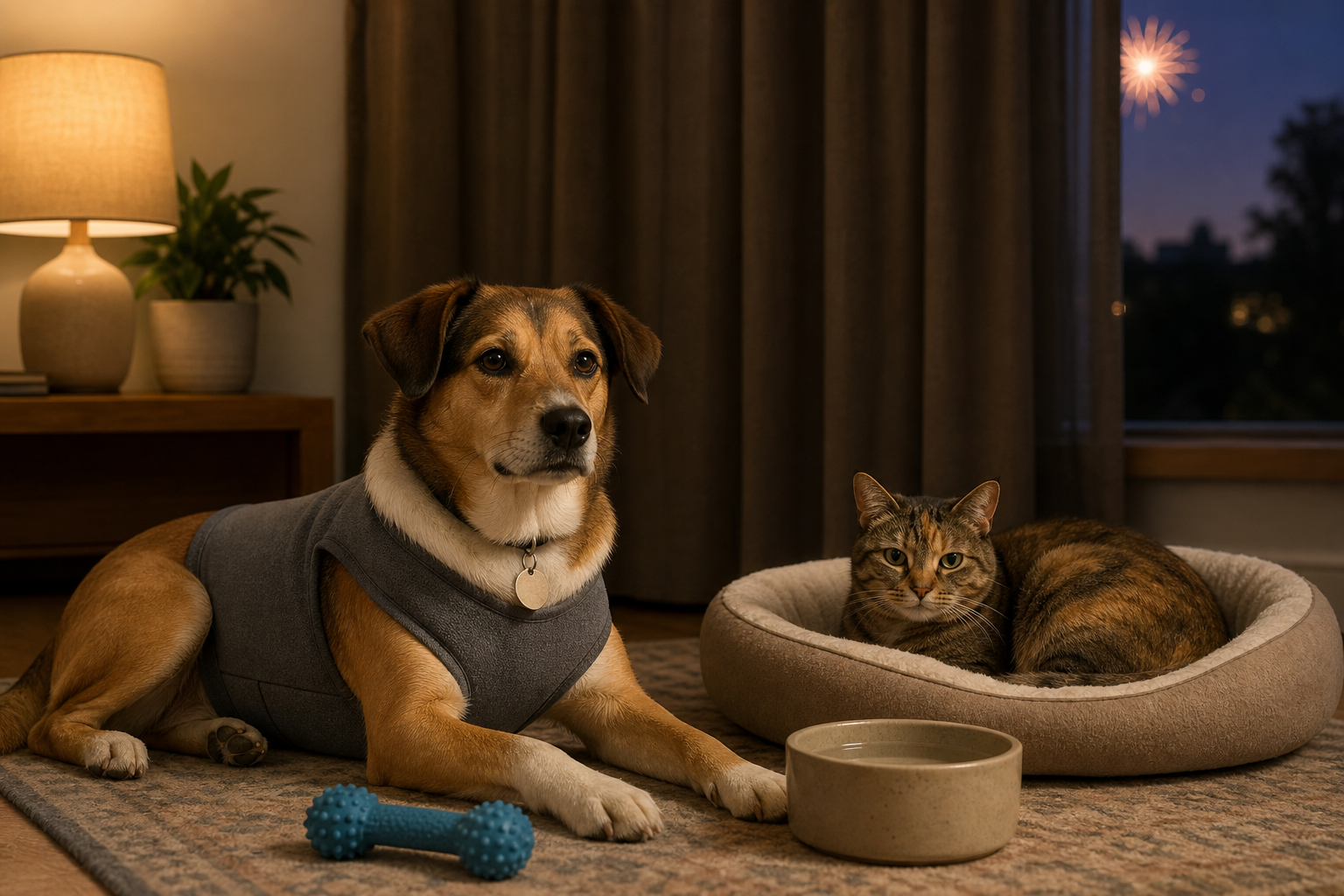
Before checkout, handle the low-cost and free steps first. Take fresh photos in good light, including a full-body side photo, a face photo and any unusual markings. Save those photos somewhere you can reach from your phone if your pet gets out.
Then check your pet’s ID stack. LA Animal Services advises owners to make sure pets are microchipped and wearing up-to-date identification before Independence Day. The AVMA explains that a microchip is not a GPS tracker. It contains an identification number, so the registration has to be current for a finder, shelter or clinic to reach you.
If you do not know where your pet’s chip is registered, the AAHA Microchip Registry Lookup Tool can help identify which registry is connected with a chip number. It does not show private owner contact details to the public, and it is not a place to update the record directly. It points you toward the registry you need to contact.
The Checkout Mistake: Paying for the Same Promise Twice
Lost-pet products can be useful, but the labels can blur together. A QR tag, NFC tag, GPS tracker, Bluetooth tag, microchip registry and photo-matching database do different jobs. Buying one does not automatically solve the weaknesses of the others.
Before paying for a tag, tracker or recovery add-on, check these details:
- Whether the service needs a monthly or yearly subscription after the first purchase.
- Whether a finder needs an app, account or special phone feature to contact you.
- Whether your phone number or address is public by default, hidden behind a contact form or editable later.
- Whether the tag still has engraved backup text if the QR code is scratched, muddy or ignored.
- Whether a tracker uses GPS, Bluetooth proximity or a crowd network, because those are not the same thing.
- Whether cancellation, replacement and warranty terms are clear before checkout.
A cheap digital tag can be a good deal if it gives a finder a fast way to call you and lets you update details later. It is less useful if the profile is empty, the scan page hides your contact route behind friction, or the tag has no readable backup if the code fails.
What to Prepare in the Profile
Keep the public-facing details practical. Use a current phone number, an alternate contact and a short description that helps a finder identify your pet. Include medication needs or handling warnings only if they are useful for a safe return, and avoid posting unnecessary private information.
Use plain wording. “Shy, do not chase, call owner” can be more useful than a long biography. If your pet is fearful around strangers, has limited vision or slips collars easily, say that clearly. For medical needs, avoid turning the profile into a diagnosis page. Give enough information for a finder to act safely and contact you quickly.
What Not to Trust
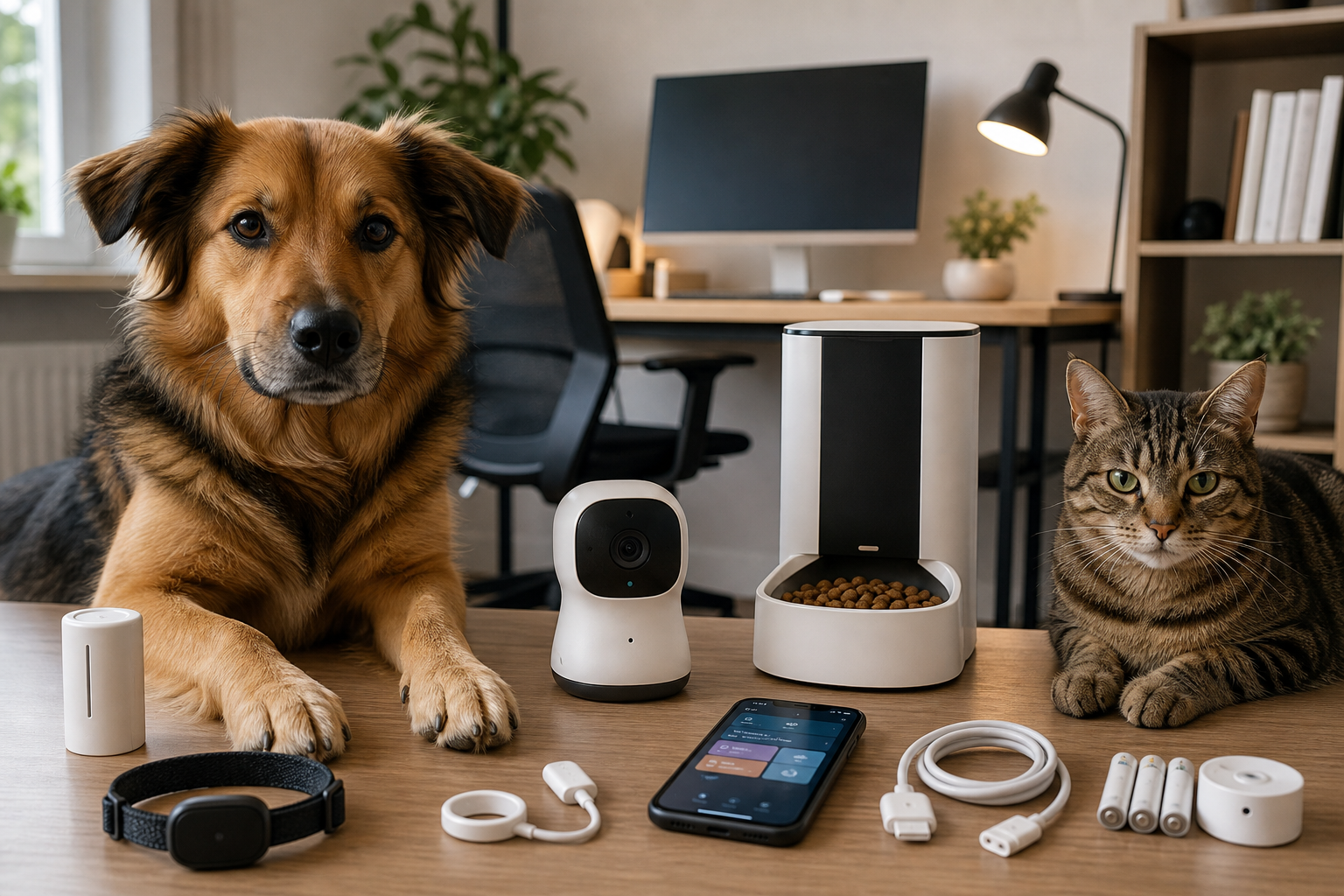
Do not trust any single product or app as a guarantee. A GPS collar can lose battery, a Bluetooth tag can be out of range, a QR code depends on a finder scanning it, and a microchip depends on someone scanning the pet and finding a current registry record.
Also avoid last-minute buying driven by fear. Fireworks products are often marketed with strong emotional language, but the basics still come first: keep pets indoors, secure doors and gates, update ID, prepare a quiet room and ask your veterinarian about pets with severe noise distress. A gadget is not a substitute for supervision and containment.
Deal and Coupon Checks
If a retailer is promoting July 4 pet safety gear, treat the sale badge as only one part of the decision. For ID tags, compare engraving space, scan setup, profile editing and replacement costs. For trackers, compare the first-year and second-year cost, not just the device price. For crates, gates and harnesses, check sizing and return rules before opening packaging or customizing anything.
Do not pay for a “lost pet recovery” promise until you know what the paid service adds beyond free tools such as Petco Love Lost, your microchip registry and local shelter reporting. A paid plan may be worth it for some owners, but it should solve a specific gap, not duplicate steps you can already do for free.
Fast Setup Checklist
- Upload a clear, current dog or cat photo to a reputable lost-pet photo-matching service before the holiday.
- Confirm your microchip number and registry contact details.
- Put a readable ID tag on the collar or harness your pet actually wears.
- Save recent photos and your pet’s chip number in your phone.
- Photograph unusual markings, collar color and current haircut or coat length.
- Check gates, screens, crates and guest-room doors before fireworks begin.
FAQ
Is Petco Love Lost free?
Petco Love Lost describes the lost-and-found search and pet registration tool as free. Always use the official site and review the current terms before entering personal information.
Does photo matching replace a microchip?
No. Photo matching can help search listings, while a microchip can help a shelter or clinic identify a scanned pet. The strongest setup uses both, plus a readable external ID tag.
Should I buy a GPS tracker before July 4?
Only if you understand the subscription, battery life, coverage and collar fit. A GPS tracker can help with location, but it does not replace indoor containment, current ID or microchip registration.
What if I already bought a QR tag?
Set it up before your pet wears it. Test the scan from another phone, confirm the contact route works and keep some engraved backup information on the tag or collar.
Sources
- Petco Love Lost, Report and Search Lost and Found Pets.
- Petco Love, AI For Good: Petco Love Lost Reunites 250,000 Pets, April 14, 2026.
- Petco Love Lost Help Center, How does Petco Love Lost work?.
- LA Animal Services, 4th of July Pet Safety.
- American Veterinary Medical Association, Microchipping FAQ.
- AAHA, Microchip Registry Lookup Tool.
- PetLink, The Complete Lost Pet Guide.
Sources last checked July 1, 2026, 16:35 Europe/Rome.