
#AI pet memorial apps
#AI pet portrait apps
#pet photo privacy
#pet tech subscriptions
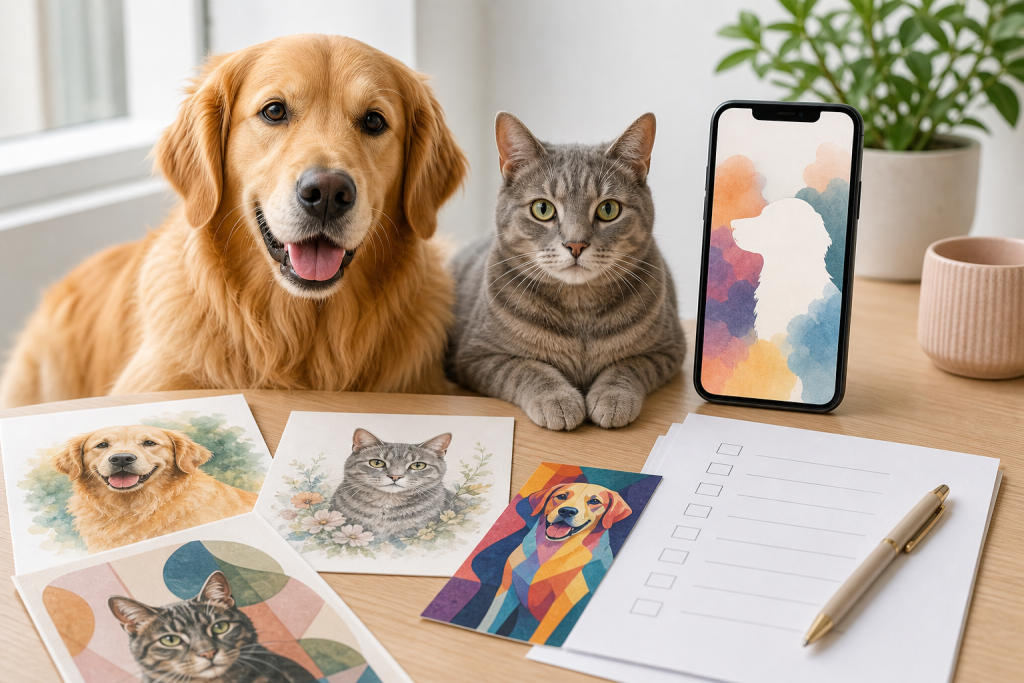
An AI pet portrait app can be a fun buy, but the risky part is usually not the first image. It is the auto-renewing subscription, the paywall before a usable download, the print-quality file limit and the privacy tradeoff of uploading several dog or cat photos. Before paying, check whether you can preview the result, keep a high-resolution file and cancel from Apple or Google Play before the renewal date.
Pet photo apps are moving fast in 2026. Recent app-store listings now promise AI portraits, animated pet videos, stickers and even pet memorial images made from uploaded photos. That makes them tempting for gifts, keepsakes and social posts, but it also means shoppers need to treat the checkout like any other pet-tech subscription, not like a harmless one-time filter.
Why this matters now
Fresh app listings show how crowded the AI pet-photo category has become. A Google Play listing for AI Pet Portrait: Dog & Cat Art was updated on July 10, 2026 and describes in-app purchases, a limited free tier, high-resolution downloads behind premium access and automatic renewal unless canceled before the period ends. Apple lists PetLive: Pet’s New Exp By AI as a free iPhone app with in-app purchases, frequent July 2026 version updates, weekly or yearly subscription renewal language and pet-photo video features.
There is also a more emotional lane: pet memorial apps. Google Play lists Rainbow AI: Pet Loss Reunion, updated July 23, 2026, with in-app purchases, a one-time purchase for AI learning and photo generation, plus an optional daily photo subscription. That kind of offer can be meaningful for some owners, but it is exactly where clear pricing, cancellation and privacy checks matter most.
The checkout checks that matter
Start with the trial terms. If an app says it has a free trial, confirm when the paid plan starts, whether it renews weekly, monthly or yearly, and whether deleting the app cancels the billing. It usually does not. Apple and Google both provide subscription-management pages, but you still need to know which store account was used for the purchase.
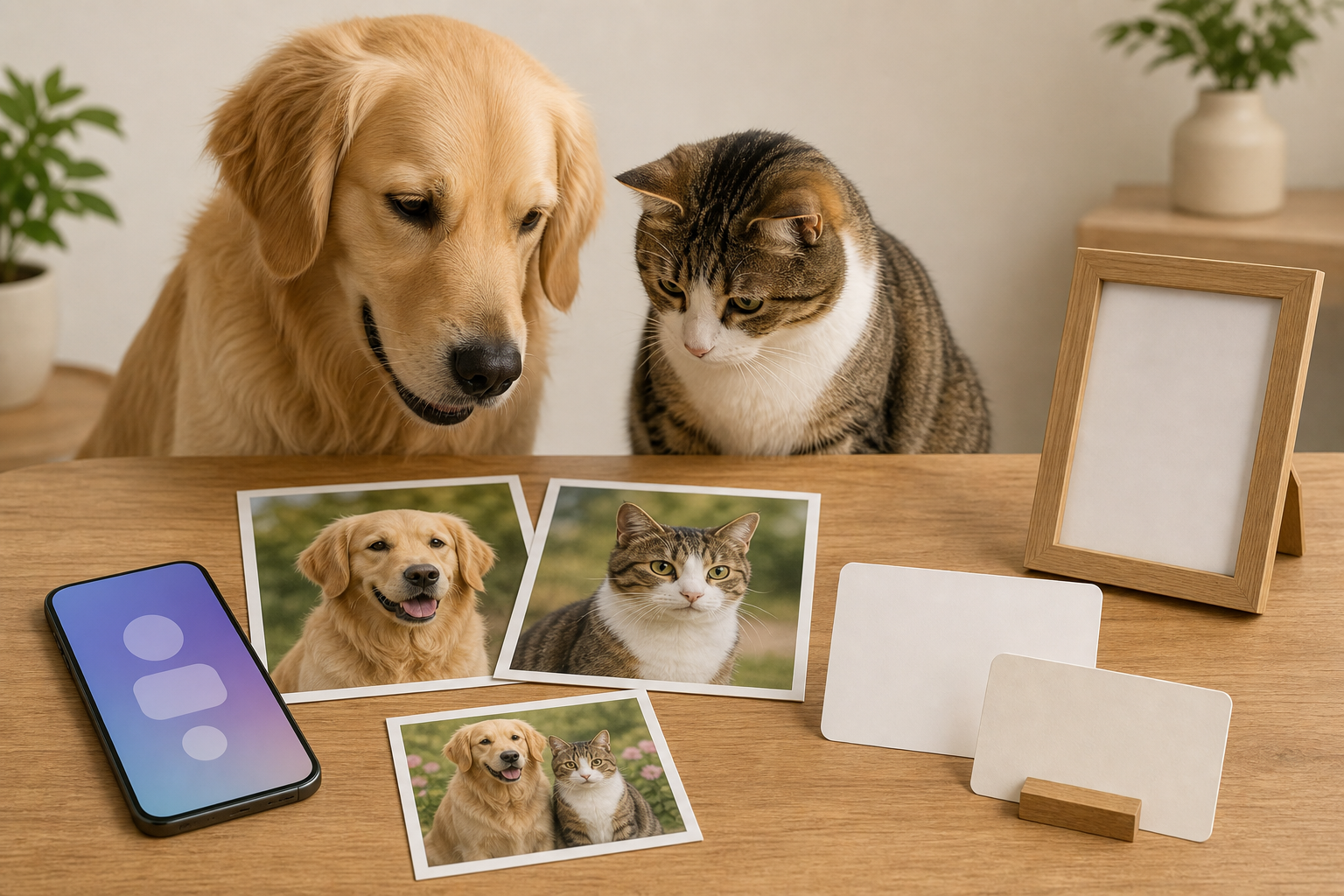
Next, check what you get before paying. A pet portrait app is much less useful if the preview is tiny, watermarked or too vague to tell whether your pet still looks like your pet. For gift or memorial use, look for a clear preview, a plain refund path and a high-resolution download that you can keep outside the app.
Also check whether the price buys one export, a pack of credits, a weekly plan or an annual subscription. Credit systems can make a cheap first result look better than it is, especially if you need several attempts to get a portrait that preserves markings, eye color, ear shape or a distinctive expression.
Privacy is part of the price
These apps often need pet photos from your camera roll, and some ask for several images so the AI can learn a pet’s appearance. A pet photo can still reveal more than the pet: your home, a child in the background, location clues, a collar tag, a vet document on a table or other personal details.
Do not rely only on a friendly app description. Google Play says its data-safety section is based on information supplied by developers and can vary by use, region and age. Apple similarly notes that app privacy information is supplied by the developer and may not be verified by Apple. Read the privacy label, then open the linked policy before uploading memorial photos, home videos or images that include people.
Practical privacy checks are simple. Use cropped pet photos without faces, addresses, phone numbers, license plates, vet paperwork or home-security details. Avoid uploading every old photo just because an app asks for more training images. If the app offers account deletion or photo deletion, make sure you can find that control before you pay.
When a deal is not really a deal
A discount is useful only if the final file is useful. Before using a coupon, promo trial or annual plan, compare the total cost against a one-time digital portrait, a local artist, a print shop template or a free in-app preview. If you only need one birthday card, a weekly subscription can become expensive if you forget the renewal.
Do not assume “high resolution” means print-ready for every size. Check whether the app gives you the exact pixel dimensions, whether 4K or upscaling costs extra, and whether commercial printing rights are included. For a framed gift, the file you can export matters more than the number of styles advertised.
If the app sells memorial images, slow down before buying a long plan. Emotional copy can make a subscription feel urgent even when you may only want one or two keepsakes. A fair checkout should make the renewal, cancellation path and export rights obvious before charging you.
What to avoid
- Apps that hide the usable result until after payment.
- Weekly subscriptions when you only need one portrait or card.
- Vague “HD” claims with no file-size or print guidance.
- Uploading photos that show people, addresses, tags or private rooms.
- Assuming an app-store privacy label is an independent audit.
- Buying a memorial subscription when you cannot find the cancellation settings first.
Quick answers
Are AI pet portrait apps worth paying for?
They can be worth it for a gift, card or keepsake if you can preview the result, keep a high-resolution file and avoid a subscription you do not need. They are a poor deal when the app charges before showing a usable preview or pushes a weekly plan for a one-time image.
Is it safe to upload pet photos?
Use the same caution you would use with any photo app. Crop out people, home details, collar tags and documents, then check the privacy policy and deletion options before uploading multiple images.
How do I avoid being charged again?
Cancel from the same store account you used to subscribe. Apple subscriptions can be managed in App Store account settings, and Google Play subscriptions can be managed from the Play Store subscription page. Set a reminder before the renewal or trial deadline.
Should I use an AI pet memorial app?
Only if it feels helpful to you and the cost is clear. Do not let grief-focused wording push you into a subscription before you understand the renewal, refund path, privacy policy and what files you can keep.
Sources
Sources last checked: July 29, 2026, 10:34 Europe/Rome.
- Google Play, AI Pet Portrait: Dog & Cat Art: https://play.google.com/store/apps/details?hl=en_US&id=com.veyselyesilmen.petportrait
- Apple App Store, PetLive: Pet’s New Exp By AI: https://apps.apple.com/us/app/petlive-pets-new-exp-by-ai/id6752239214
- Google Play, Rainbow AI: Pet Loss Reunion: https://play.google.com/store/apps/details?hl=en_US&id=com.goldendog.pet_heaven
- Pawtograph, AI pet portrait feature page: https://www.pawtograph.app/ai-pet-portrait
- Apple Support, cancel a subscription: https://support.apple.com/en-us/118428
- Google Play Help, cancel, pause or change a subscription: https://support.google.com/googleplay/answer/7018481
- FTC consumer advice, free trials, auto-renewals and negative-option subscriptions: https://consumer.ftc.gov/articles/getting-and-out-free-trials-auto-renewals-and-negative-option-subscriptions
- FTC privacy and security guidance hub: https://www.ftc.gov/business-guidance/privacy-security