

#app coupon
#Chewy app
#pet coupons
#pet supply deals
The Chewy app deal is easy to miss because the savings are tied to how you check out, not just what you put in the cart. Chewy’s current app page says shoppers must enter code APP at checkout, be logged into their account in the app and meet the promotional terms, so a normal browser order may not trigger the same offer. Before you add extra pet food, litter or toys just to feel like you saved, compare the app discount with free-shipping thresholds, Autoship terms, Chewy+ and return rules.
Why this matters now
Pet owners are shopping across more deal surfaces in August: retailer sale pages, app-only offers, Autoship prompts, membership pop-ups and coupon roundups. That makes a small app incentive look simple, but the checkout path matters. The same cart can behave differently depending on whether you’re in the mobile app, signed in, using a first app order, placing an Autoship, using a new-customer promotion or trying to stack another offer.
This is especially relevant for routine dog and cat purchases because shoppers often buy heavy or repeat items, such as kibble, canned food, cat litter, flea and tick products, supplements and cleaning supplies. A $5 app discount can help if it applies cleanly to something you already need. It can also become noise if it pushes you into a larger cart, a less useful product or a delivery schedule you did not mean to start.
The checkout mistake owners make
The mistake is assuming that seeing an app promotion mentioned online means it will automatically follow you into any Chewy cart. Chewy’s own app page says the APP promotion requires the code at checkout, is limited to one use per order and one order per customer, and requires the shopper to be logged into the account in the app. It also says the offer is subject to promotional terms and may change while supplies last.
That wording matters. If you browse on a laptop, build a cart from a deal page, switch devices, check out as a guest or forget to enter the code, you may not see the expected deduction. If the app promo applies only to your first app order, using it on a small toy or filler item can waste the better use of the offer.
How to decide whether the app deal is actually useful
Start with the cart you would have bought anyway. Then ask four questions before changing the order just to chase the app incentive.
- Is this truly your first app purchase? App store listings describe the offer as a first app order or first app purchase promotion. If your account already used it, do not count on it showing again.
- Are you signed in inside the app? Chewy’s app page says you must be logged into your account in the app to receive the promotion.
- Did the code apply before payment? Treat the order total, not the ad copy, as the final check. If the discount is not visible in checkout, pause before paying.
- Would the item still be worth buying without the code? Pet food your dog tolerates, litter your cat accepts and medication-adjacent purchases are not good places to experiment just to use a small promo.
Compare it with free shipping, Autoship and Chewy+
The app deal is not the only savings lever on Chewy. Chewy’s current site and deal pages point shoppers toward free shipping on orders over $49, Autoship savings on eligible products and Chewy+ membership benefits. Those can change the math more than a one-time app code, especially for owners who place repeat orders.
Free shipping is most relevant when your natural cart is near the threshold. Adding a bag of treats you do not need to clear shipping can be more expensive than paying a fee or waiting until the next regular restock. Autoship can be useful for predictable purchases, but it should match your pet’s actual eating, litter and medication schedule. Chewy+ is a different calculation because Chewy lists an annual membership cost and member benefits, including no-minimum free shipping and rewards on eligible purchases.
A simple test works: compare the final total across the app order, a normal cart that qualifies for free shipping, an Autoship cart if the product is genuinely repeatable and a membership cart only if you already know your annual order pattern. Do not include gift cards, pet insurance or excluded products in reward math unless the current terms say they qualify.
What to verify before paying
Use the last checkout screen as your source of truth. Check the promo line, shipping line, estimated tax, delivery timing, Autoship frequency, item quantity and return eligibility before you tap the final button. This matters more for bulky supplies because a wrong litter, food case or bed size can be annoying even when returns are available.
For prescription foods, pharmacy products and veterinary diet items, build in extra caution. Chewy’s app and site promote pharmacy access, but prescription-related orders may involve veterinary authorization and different practical timing than a toy or bowl. If the product affects your pet’s health, ask your veterinarian before switching brands, formulas or dosing-related items because a deal appeared in the app.
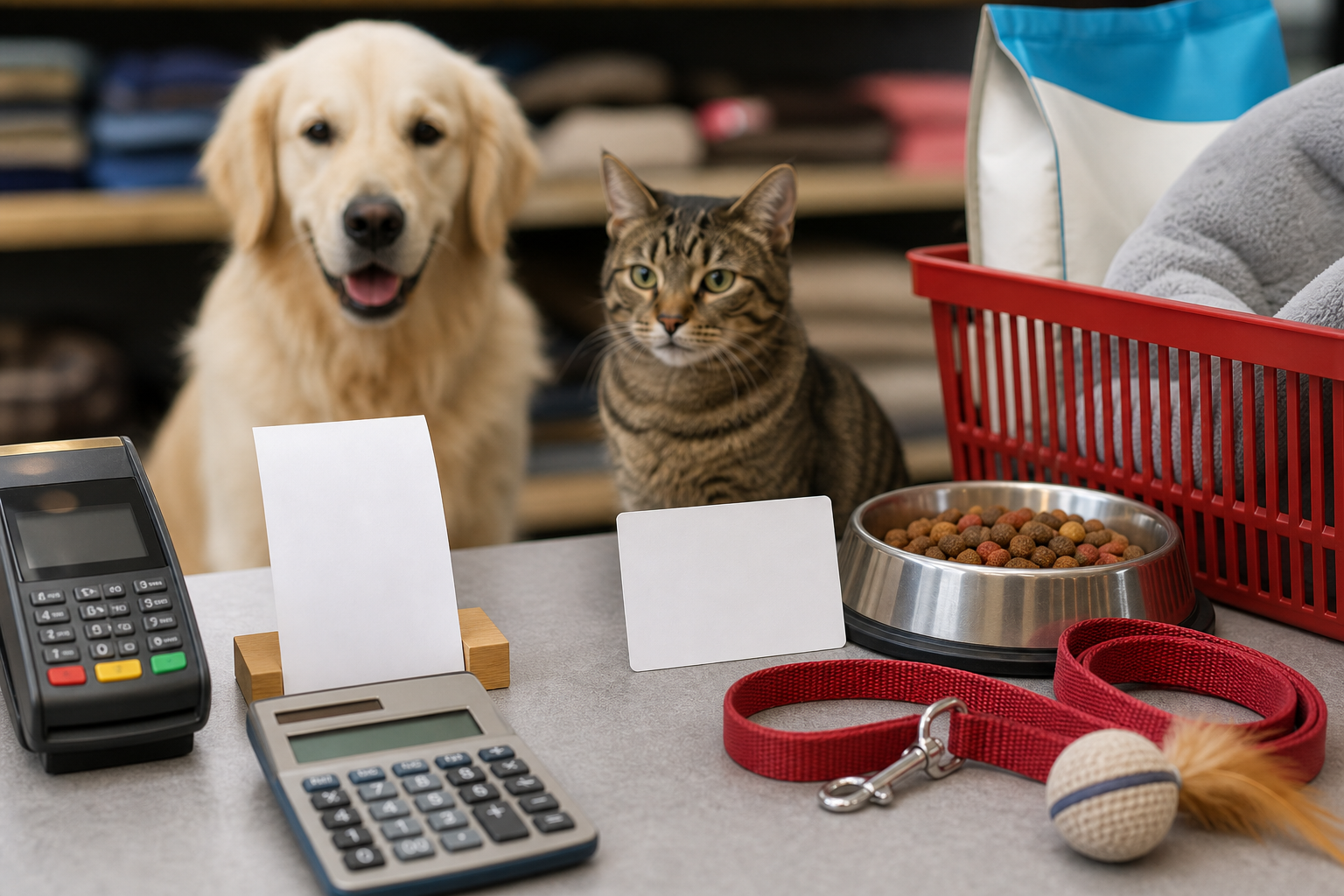
Deal and coupon checks that prevent waste
Do not stack assumptions. A coupon roundup may mention one offer, Chewy’s app page may show another, and a product page may show a separate deal badge. The only offer that matters is the one that applies to your account, cart and delivery method at checkout.
- Confirm whether the app code is entered exactly and applied before payment.
- Check whether another promo disappears when APP is entered.
- Compare one-time purchase and Autoship totals if the item is eligible.
- Look at the shipping threshold before adding filler products.
- Save the order confirmation if you plan to track a reward, return or promotion later.
What to avoid
Avoid using the app deal on a product your pet has never tolerated unless it is low risk and easy to return. Avoid splitting an order into several small carts if the shipping, packaging or delayed delivery makes the total worse. Avoid buying extra supplements, treats or flea and tick items simply because a promo makes them feel cheaper.
Also avoid treating app-store text, social posts or coupon websites as a guarantee. They can be useful signals, but terms can change. Chewy’s own pages and your checkout screen are the safer reference points.
Quick answers
Is the Chewy app deal automatic?
Do not assume that. Chewy’s app page says the shopper must enter code APP at checkout and be logged into an account in the app.
Should I add items just to use the app promotion?
Usually no. Use the promotion on a planned purchase if it applies, but do not add unnecessary pet supplies just to make a small discount feel larger.
Is Chewy+ the same thing as the app deal?
No. Chewy+ is a paid membership with its own terms, annual cost, no-minimum shipping benefit and eligible rewards structure. The app deal is a separate checkout promotion.
What if the discount does not show before I pay?
Pause and check the code, account login, device, app status and current promotional terms. If the total does not show the savings, do not rely on getting it later.
Sources
Sources last checked: August 4, 2026, 13:32 Europe/Rome.