
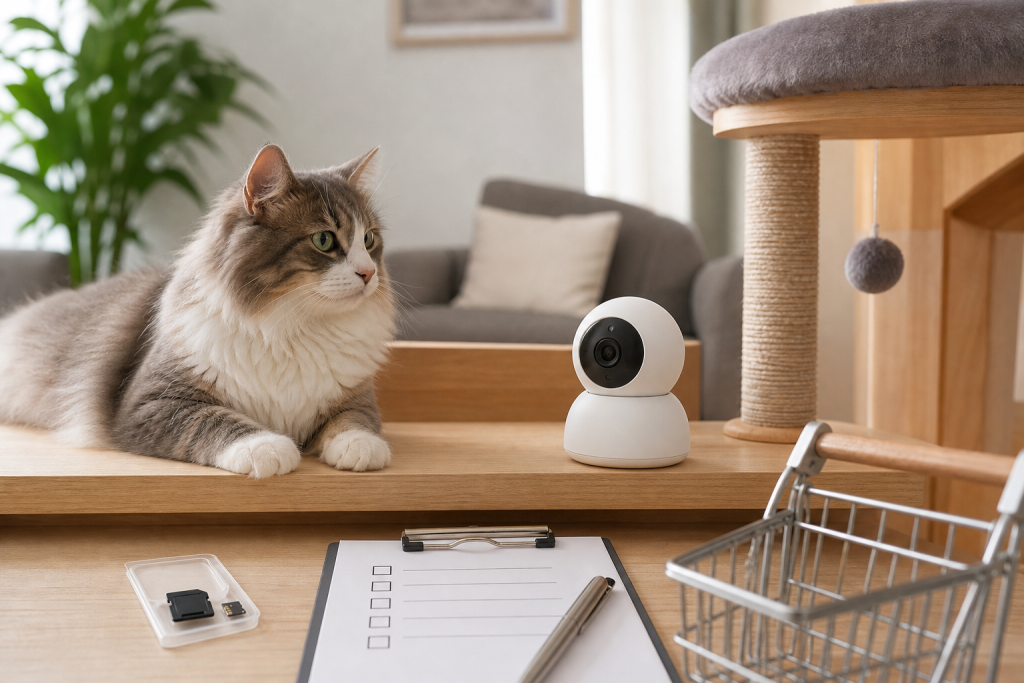
A cheap cat camera toy can be a bad deal if it only lets you watch live video and needs a separate microSD card, paid cloud plan or app setting before it records anything useful. Before checkout, confirm how clips are saved, whether the app can store video locally, what privacy controls exist and where the device can sit without becoming a chewable toy or a knocked-over gadget. The small storage detail matters more than the cute camera shape.
Pet cameras are still drawing shopper attention because they promise a simple answer to a real question: what does my cat do when I am not home? The buying mistake is assuming every camera in the cat aisle behaves like a full security camera. Some products are mainly live-view devices unless you add the right storage card, enable the right settings or accept a subscription.
Why This Matters Now
Catit currently lists the PIXI Smart Mouse Camera among its most popular and searched-for products, which is a useful demand signal for cat owners comparing app-connected cameras, feeders and fountains. Broader pet-camera coverage from consumer tech publishers also keeps highlighting the same split: the base device may show live video, while smarter alerts, saved clips or longer history can depend on local storage or paid services.
That does not make cat cameras pointless. It means the real purchase is not just the gadget on the product page. You are buying a camera, a storage method, an app account, a placement plan and a privacy decision for a room inside your home.
The Recording Trap To Check First
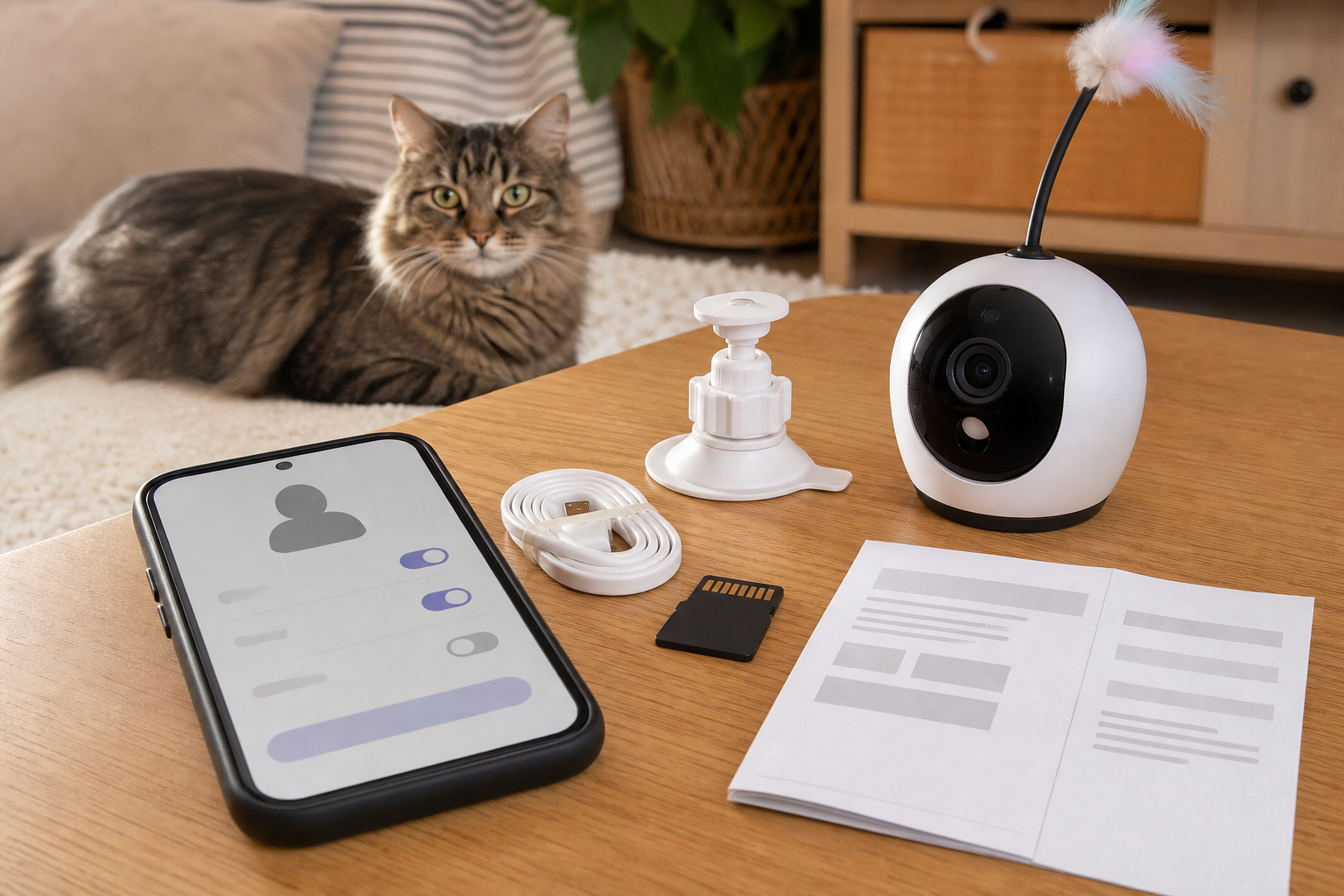
Do not assume motion detection means saved motion video. Catit’s own PIXI Smart Mouse Camera Q&A says motion-detected video recording is only possible when a microSD card is inserted. The same Q&A says compatible cards should be UHS-I, speed class 10 or above, FAT32 formatted, at least 8 GB and no more than the tested maximum of 256 GB.
That turns a low sticker price into a cart check. If the card is not included, add the cost of a compatible card before you compare the camera with another model. If the card is included, check its speed class, capacity and whether the seller is actually bundling a branded card from a reliable source.
Also check what happens when storage fills up. Catit’s Q&A says the microSD card starts overwriting the earliest recorded data when full. That may be fine for casual check-ins, but it is not fine if you expect the camera to preserve a clip for days without you saving it.
Local Storage, Cloud Storage Or Phone Storage?
The best checkout question is simple: where does the video go?
- Local microSD: useful if you want recording without a monthly plan, but you need the right card and must know whether older clips overwrite automatically.
- Phone storage: convenient for manual snapshots or clips, but it can clutter your device and may save media when you did not expect it.
- Cloud plan: useful for history and alerts, but it can turn a one-time gadget deal into a recurring bill.
Catit’s Q&A says pictures or videos taken manually through the PIXI app are saved to the smartphone and that there is no current way to turn that off. Other brands may work differently, so read the support page before buying rather than after setup.
The Checkout Checklist
Before paying for a cat camera toy, verify these details in the product page, manual or support articles:
- Whether a storage card is included.
- The exact card format, speed class and maximum capacity supported.
- Whether motion clips require a card, a cloud plan or both.
- Whether smart alerts, pet detection, clip history or downloads require a subscription.
- Whether the camera has a physical privacy shutter or only an app setting.
- How to delete clips, format storage and remove the device from your account before resale or return.
- Whether the app is still updated on iOS and Android.
- Whether returns are allowed after opening the box and pairing the device.
If the retailer page does not answer those questions, search the manufacturer’s support site by the exact product name. A cute product page can skip the details that determine whether the device will do what you expect.
Privacy Is Part Of The Price
A cat camera is still an internet-connected indoor camera. The FTC advises owners of connected devices to change default usernames and passwords, use two-factor authentication when available, enable security features, keep firmware and apps updated and disable or disconnect features they do not use. The FTC also calls out IP cameras, including pet cams, as devices that can be vulnerable to digital snooping.
NIST gives similar smart-home advice: plan before you buy, ask what privacy and security features the device offers, monitor privacy settings, update automatically when possible and consider separating smart-home devices from the network that holds sensitive computers or work files.
For pet owners, the practical version is this: do not put the camera in a bedroom, bathroom, child’s room or any private space just because that is where the cat sleeps. Aim it at a feeding area, play corner, cat tree or litter-room doorway only if everyone in the home is comfortable with that view being connected to an app.
Deal And Coupon Checks
A cat camera discount is only useful if it covers the full setup you need. Before using a coupon or sale badge, compare the camera plus card plus optional subscription plus return risk. A cheaper camera can cost more than a slightly pricier one if the cheaper model needs a paid plan for the clips you wanted.
Do not rely on an old coupon page for live pricing or a working code. Check the final cart, the retailer’s exclusions, the subscription terms and whether the discount disappears when you choose a bundle with storage. If the device is sold by a third-party marketplace seller, check who handles returns and warranty support.
What To Avoid
Avoid any product listing that promises pet monitoring but never explains storage. Avoid camera toys with vague app names, no support page, no update history and no clear privacy controls. Avoid mounting a camera where a cat can bat it into water, chew the cable or knock it off a shelf.
Be careful with toy attachments, feathers and cords near a powered device. A camera can be useful for watching your cat, but it should not introduce a loose part, dangling cable or unstable perch that makes the room less safe.
Who Should Buy One?
A cat camera toy makes the most sense if you want casual check-ins, feeding-area monitoring or a way to understand activity while you are out. It is less compelling if you need reliable security footage, long video history, multi-room coverage or evidence-quality clips. In those cases, a dedicated home security camera with clear local storage and privacy features may be a better comparison.
If your cat is anxious, hiding, not eating or acting unwell, do not use camera clips as a diagnosis. They can help you notice patterns, but health and behavior concerns should go to your veterinarian.
Quick Answers
Does a cat camera toy always record video?
No. Some devices can show live video but need a microSD card or cloud plan for saved clips. Check the exact manual or support page before buying.
Is a microSD card always included?
No. Many listings mention microSD compatibility without including the card. Add a compatible card to your price comparison if recording matters.
Is local storage better than a subscription?
It depends. Local storage can reduce recurring costs, but you still need the right card and a plan for overwritten clips. Subscriptions can add alerts and history, but they change the long-term cost.
Where should I place a cat camera?
Use a stable surface or mount, keep cords out of reach and avoid private rooms. The camera should watch the cat’s routine without turning your whole home into a monitored space.
Sources
- Catit official site, current trending and searched-for product surface.
- Catit Q&A: PIXI Smart Mouse Camera, microSD compatibility, recording and storage behavior.
- Catit PIXI Smart Mouse Camera app walkthrough, motion detection log and app behavior.
- Catit app listing on Google Play, app-connected PIXI Smart device context.
- FTC: Securing Your Internet-Connected Devices at Home, connected device and IP camera security guidance.
- NIST: smart home privacy and security tips, planning, authentication, updates, privacy settings and network segmentation.
- WIRED pet camera guide, current pet-camera shopping context and subscription/local-storage comparisons.
Sources last checked: August 30, 2026, 10:34 CEST, Europe/Rome.