
#Matter smart home
#pet tech
#smart pet gear
#Thread border router
A smart pet gear deal can fail before setup if the product needs a hub, Thread border router or app ecosystem you do not already have. Matter can make some smart-home devices work across platforms, but it does not magically make every pet feeder, pet camera, sensor or fountain compatible with every phone and speaker. Before you buy, check the exact radio, hub requirement, app support, return window and what still works if the internet drops.
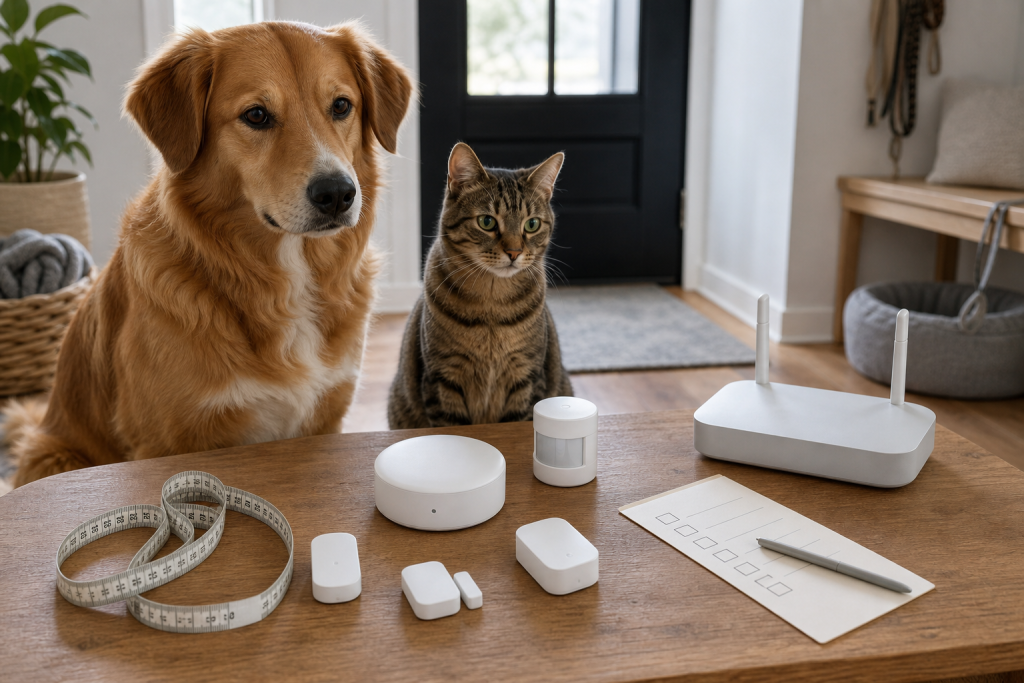
That matters more now because pet owners are buying smart-home gear for pet routines, not just obvious pet gadgets. A door sensor can warn you that a sitter left a room open, a plug can control a lamp near a crate, and a water or temperature sensor can monitor a pet area. The trap is that these small devices often look cheap until the cart reveals the missing hub, bridge, subscription or ecosystem lock-in.
Why this is coming up now
Smart-home compatibility is changing quickly. The Connectivity Standards Alliance says Matter is meant to improve interoperability across connected devices, and its Matter 1.4 update added stronger support for home network infrastructure, energy devices, sensing improvements and battery-powered device behavior. Google’s own Matter help page also makes the practical checkout issue clear: Thread devices need a hub that works as a Thread border router, while Wi-Fi Matter devices have different requirements.
For pet owners, the issue is not whether Matter is good or bad. It is whether the exact device in your cart will solve the pet problem you have. A sensor that cannot reach the pet room, a feeder that loses useful controls without its brand app, or a camera that needs a paid plan for the clip you expected can turn a small deal into another abandoned gadget.
The hub question to ask before checkout
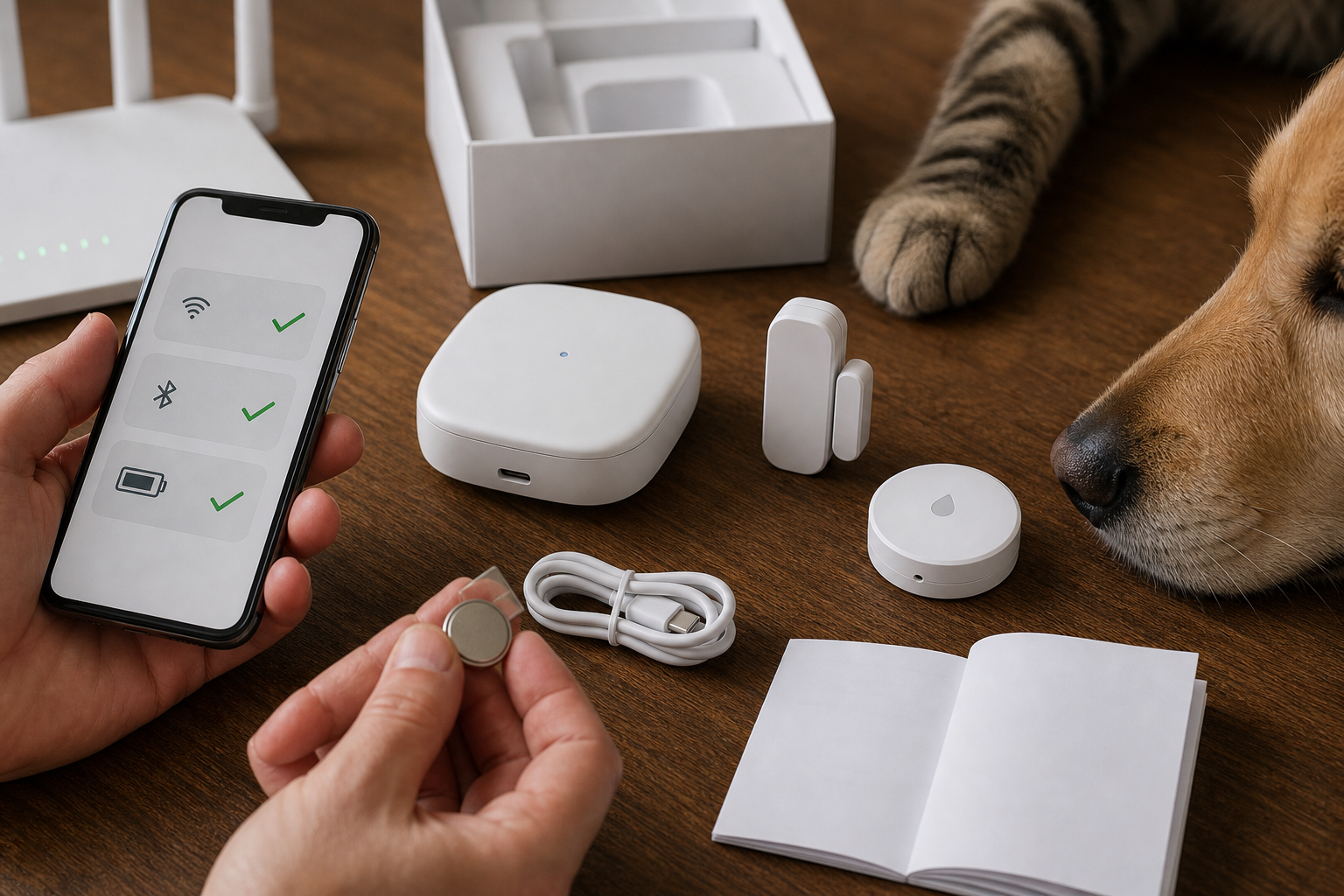
Start with one plain question: what does this device need to work on day one? Do not stop at “works with Alexa,” “works with Google Home,” “Matter compatible” or “app controlled.” Those labels can be useful, but they are not the same as a full setup plan.
Check the product page and manual for these details:
- Wi-Fi, Thread, Zigbee or Bluetooth: Wi-Fi devices usually talk to your router directly. Thread and Zigbee devices usually need the right hub, bridge or border router.
- Matter controller: Matter devices still need a controller in the ecosystem you plan to use, such as a compatible display, speaker, router, hub or app platform.
- Thread border router: If the listing says Matter over Thread, confirm that your home already has a compatible Thread border router or include that cost in the deal.
- Brand bridge: Some sensors work best, or only work fully, through the brand’s own hub even when they can expose limited controls to other platforms.
- IPv6 and router settings: Google notes that Matter may appear to set up but later fail if IPv6 is not enabled on the home network.
Pet situations where this mistake costs money
The missing-hub problem shows up most often with small sensors and “smart home plus pet care” setups. A door or window sensor for a cat room may need a specific hub. A motion sensor for a dog gate may not trigger the routine you wanted in your chosen app. A water-leak sensor near a pet fountain may alert only inside one brand’s app unless it is bridged correctly.
The same logic applies to pet-specific tech. A smart feeder, fountain, automatic litter box, camera toy or tracker might have its own app and account system even if some features can appear in a larger smart-home app. Treat the hub and app requirements as part of the real product, not an accessory you can figure out later.
Deal and coupon checks
A discount on the small device is not enough if the working setup needs two more purchases. Before paying, add the total cost of the device, hub or bridge, spare batteries, replacement mounts, optional cloud plan and shipping. If a retailer coupon excludes electronics, marketplace sellers, subscription items or bundles, the checkout total may not match the sale badge.
Also check the return clock before opening adhesive-backed sensors or mounting hardware. Some retailers require original packaging, and a device that has been stuck to a wall, registered to an account or missing a QR setup code can be harder to return or resell. For pet gear, keep the packaging until the device works in the room where your dog or cat actually spends time.
Privacy and reliability checks
Pet-tech privacy is not just about cameras. A smart sensor can show when doors open, when someone is home, when a routine runs or when a pet area is active. Use a strong account password, turn on multi-factor authentication when available, and avoid sharing the main account with every sitter if the app supports guest access.
For reliability, test the boring parts before you depend on the device. Confirm push alerts arrive when your phone is locked. Walk to the pet room and test range. Remove power from the hub if the setup is supposed to keep local automations working. Replace or label coin batteries before they die quietly.
What to avoid
- Buying a Thread sensor when you do not own a Thread border router.
- Assuming Matter support means every advanced feature appears in every app.
- Using a pet-area alert as your only backup for feeding, water, medication or temperature safety.
- Mounting adhesive sensors permanently before setup and range testing.
- Ignoring subscription terms for video history, AI alerts, cloud clips or multi-user access.
- Letting a cheap bundle pull you into a hub or app ecosystem you do not want.
A practical buying checklist
Before checkout, write down the pet job first: “tell me if the cat room door opens,” “alert me if the pet fountain leaks,” “turn on a lamp near the crate,” or “let the sitter check one routine.” Then match the device to that job.
Buy only when you can answer these questions:
- Does it work with the phone and smart-home platform you already use?
- Does it need Wi-Fi, Thread, Zigbee, Bluetooth, a proprietary bridge or a cloud account?
- Will the main pet-related alert work without a paid plan?
- Can another caregiver receive alerts without your full account login?
- Are batteries, mounts, cables and replacement sensors easy to buy later?
- Can you return it after a real setup test?
FAQ
Does Matter mean I do not need a hub?
No. Some Matter devices communicate over Wi-Fi, while Matter over Thread devices need a compatible Thread border router. You may already own one, but you should verify before buying.
Is Thread better than Wi-Fi for pet sensors?
It can be useful for small battery-powered sensors because it is designed for low-power smart-home devices and mesh coverage. It is not automatically better if you do not have the right border router or if the device’s pet-related feature still depends on a brand app.
Should I buy the cheapest smart pet bundle?
Only if the bundle includes everything you need and the return terms are clear. A cheap sensor can become expensive if it requires a separate hub, special batteries or a subscription to do the one thing you expected.
Can smart sensors replace checking on my pet?
No. Treat them as convenience tools and backups, not as a substitute for safe feeding, fresh water, suitable temperature, secure doors or a reliable caregiver.
Sources
Sources last checked: August 31, 2026, 16:35 CEST, Europe/Rome.
- Connectivity Standards Alliance, Matter 1.4 Enables More Capable Smart Homes
- Connectivity Standards Alliance Certified Products Search
- Google Home Help, Prepare your smart home for Matter
- Google Home, Control your Matter devices with Google Home
- Aqara, Pet-Friendly Automation: Smart Sensors for Dog and Cat Owners
- T3, smart home launches from August 2026