
#ai smart feeder
#cat feeding
#pet tech deals
#smart feeder
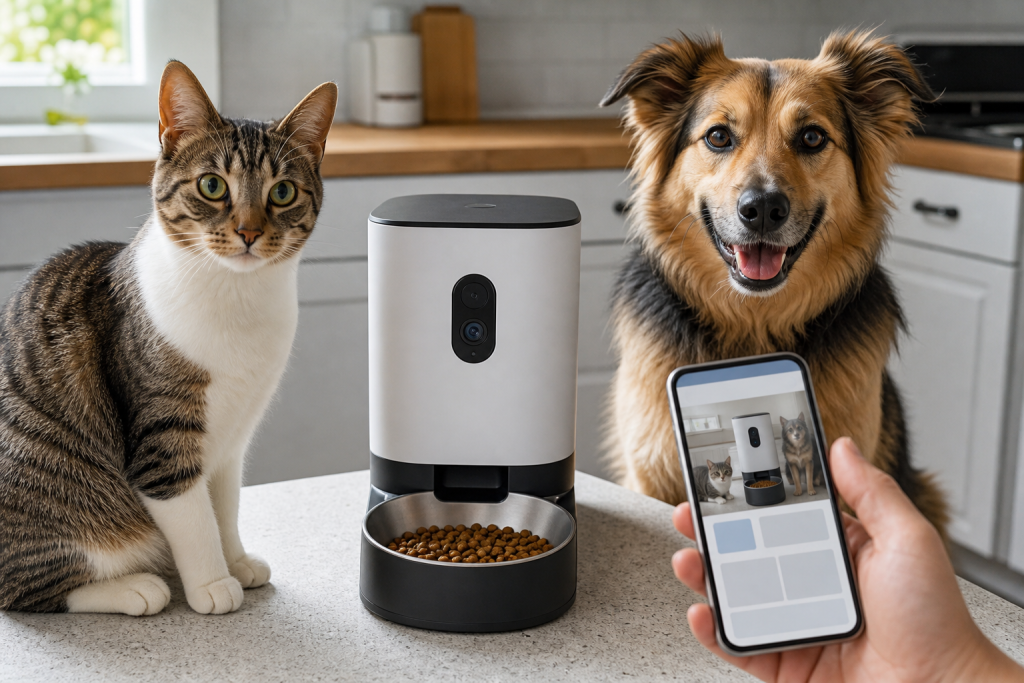
An AI smart feeder can be useful for scheduled meals, but it should not be treated like proof that your cat or small dog is eating normally. The mistake is buying the camera, facial recognition or meal-history claim before checking what still works without a subscription, what happens during outages, and how easily you can verify the bowl yourself. If your pet is skipping meals, vomiting, losing weight or acting unwell, the feeder’s app should be a note for your vet, not the final answer.
That matters now because the newest pet-tech cycle is pushing feeders from simple timers into AI monitoring devices. PETKIT’s YumShare Solo 2 product page, for example, describes facial recognition, individual meal data, bowl monitoring, app alerts and camera privacy controls. Recent smart-feeder outage reporting also showed why pet owners should separate the feeding schedule from the cloud features that make the product feel smart.
Why the AI Feeder Claim Is Easy to Misread
The most tempting promise is not just “feed at 7 a.m.” It is “know who ate, how long they stayed, and whether the bowl changed.” For multi-cat homes, senior pets and pets on weight plans, that sounds valuable. It can be valuable, but only if the camera angle, lighting, food size, bowl position, pet height and app history are reliable in your home.
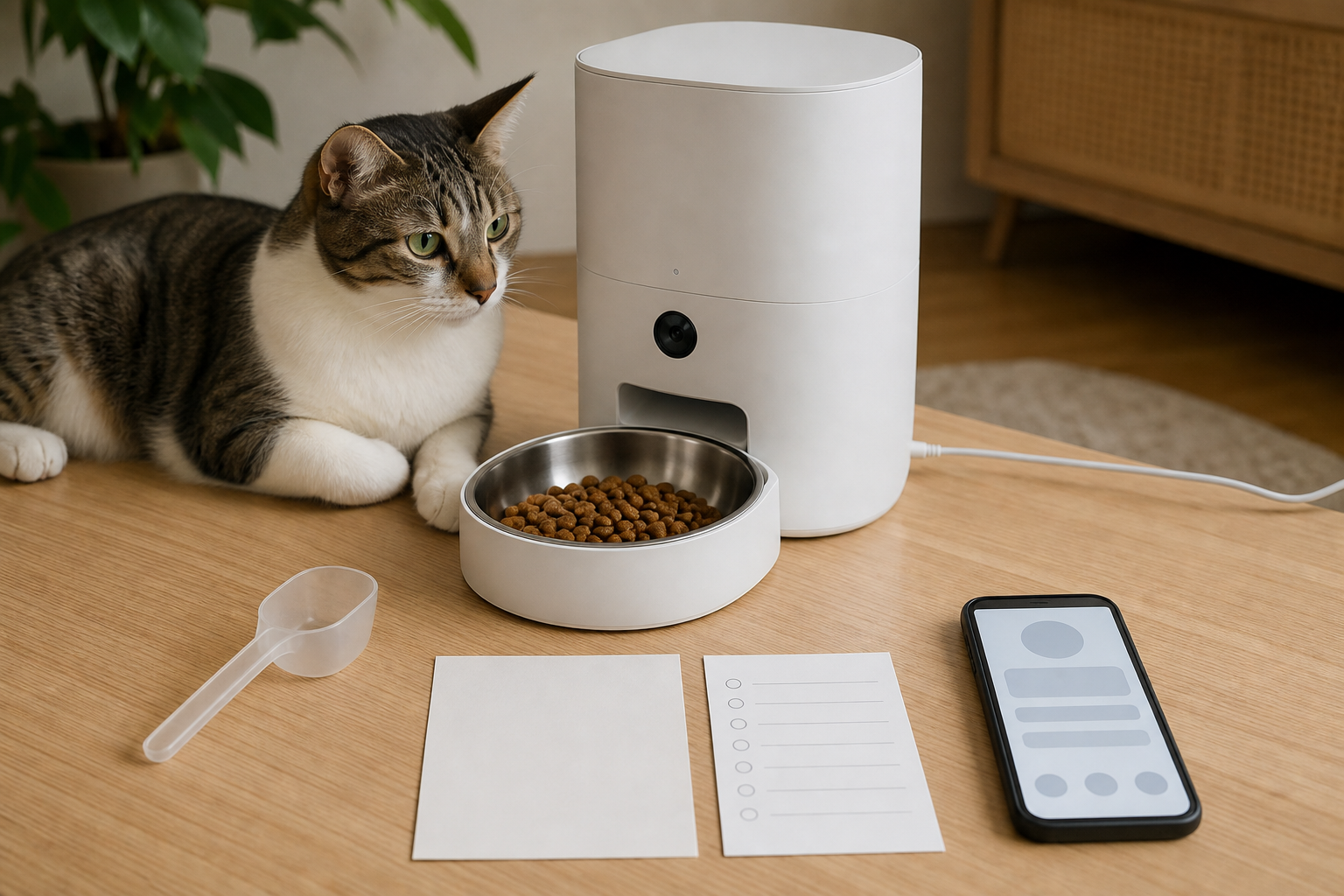
The key shopping question is whether the feeder records useful evidence or creates false confidence. A timeline that says one pet visited the bowl may not mean that pet ate enough. A camera that spots bowl level changes may not tell you whether a different pet finished the food. A “smart” alert may also depend on paid storage, an active app service or a feature that is disabled when the feeder is running on batteries.
Check These Details Before Checkout
- Food compatibility: confirm the kibble size and food type. PETKIT lists dry kibble and freeze-dried food size limits for the YumShare Solo 2, and says it is not for wet food.
- Portion range: compare the smallest and largest portion options with your vet’s feeding plan or the food label. Do not assume an app portion equals a measured gram amount unless the product states it clearly.
- Multi-pet recognition: ask whether the AI identifies individual pets consistently when they are similar in color or size, share the bowl, or approach together.
- Offline behavior: verify whether scheduled meals continue without Wi-Fi and which manual, camera or notification features stop working.
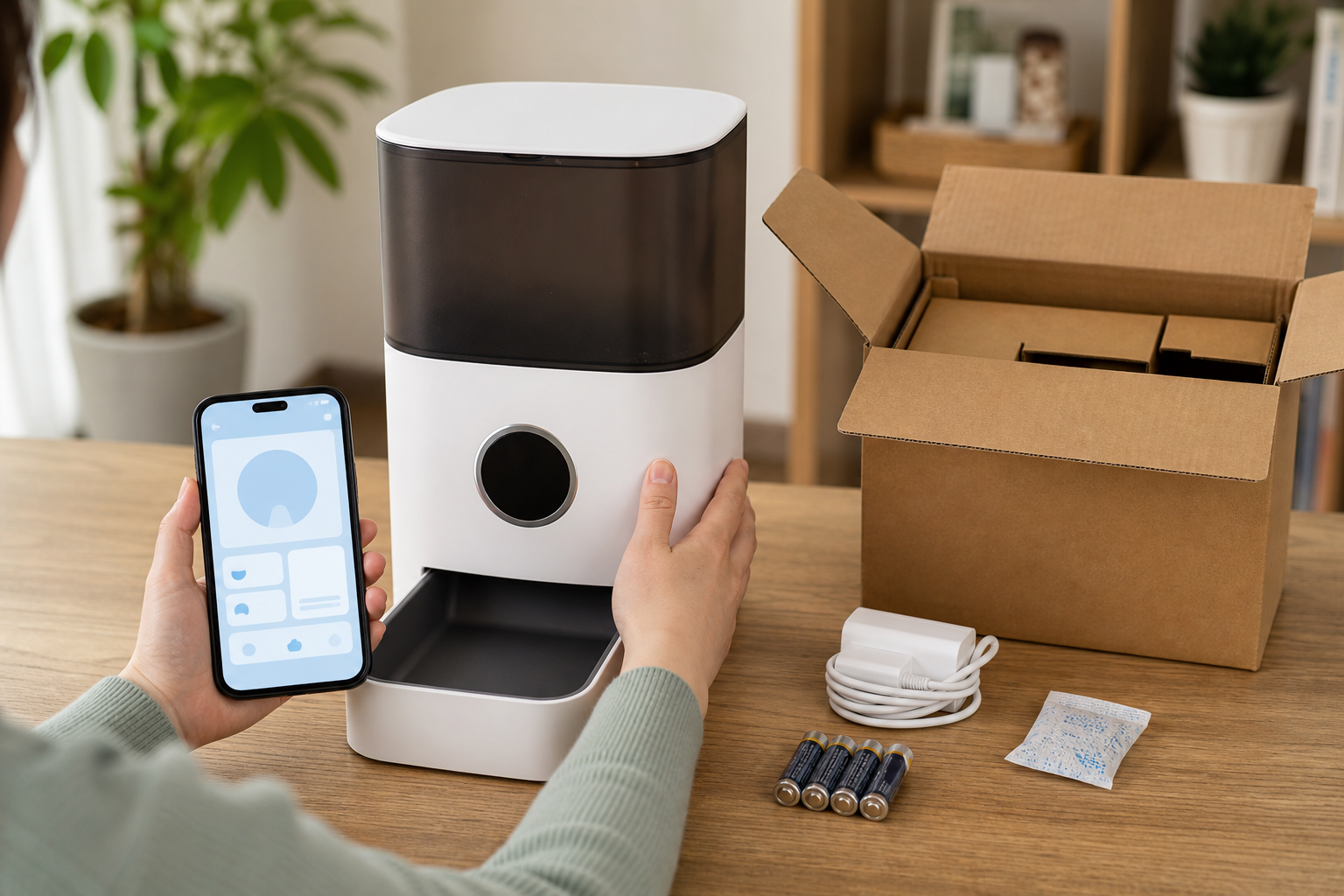
- Battery mode: check what batteries are required, whether they are included, and whether the camera or app features are disabled during backup power.
- Subscription limits: look for cloud clips, saved video, advanced detection, extra histories or per-device fees before the sale price wins.
- Cleaning and replacement parts: confirm bowl material, removable parts, desiccant refills, power adapter replacement and warranty support.
The Deal Math Can Change After the First Month
A discounted smart feeder is not just the checkout price. Add batteries, replacement desiccants, extra bowls, possible cloud storage, return shipping, and the cost of buying a second feeder if one device cannot separate pets accurately. If the product page says some services may require in-app purchases, treat that as a real part of the comparison.
Also compare the retailer’s return path before you order. PetSmart’s policy says online returns can be made in store for eligible products, but shipping, delivery fees and some categories are excluded. Petco lists a 60-day window for most returns and excludes some medication returns. Those details matter if the feeder works mechanically but your pet refuses to use it or the app feature you wanted is behind a plan.
Do Not Let the App Replace the Bowl Check
For healthy pets, a feeder log can be a helpful reminder. For pets with appetite changes, vomiting or weight concerns, it is only supporting information. Cornell’s feline vomiting guidance says cats that vomit more than once a week, or vomit with signs such as weakness, reduced appetite, blood, thirst changes, urination changes or diarrhea, should be evaluated by a veterinarian promptly.
That does not mean every smart feeder is a bad idea. It means the smart feature should make it easier to notice a pattern and share observations, not easier to ignore the pet in front of you. If your cat or dog is eating less, guarding food, begging after scheduled meals, vomiting, drinking more than usual or losing weight, call your vet and bring the app history as context.
What to Avoid
- Do not buy an AI feeder mainly for a health claim unless the product explains exactly what it measures and what it does not.
- Do not leave a pet dependent on an app-controlled feeder without a backup bowl, sitter plan or manual feeding option.
- Do not assume “camera off” means all data collection stops. Read the privacy settings and app permissions.
- Do not use a feeder that dispenses food your pet can inhale, jam, scatter or access from the storage hopper.
- Do not keep a unit that wobbles, jams, overheats, misses meals or confuses pets during the return window.
A Better Checkout Test
Before buying, write down the one job the feeder must do. If the job is “feed one cat dry kibble at the same time every day,” a simpler feeder may be enough. If the job is “tell which of two similar cats skipped breakfast,” read reviews for that exact recognition problem, check whether saved clips cost extra, and make sure you can return the product after a real home trial.
For multi-pet homes, plan the physical setup too. Separate feeding areas, microchip feeders or supervised meals may solve the actual problem better than a camera on one shared bowl. The more a deal depends on AI labels, the more you should test it against the pets you actually have.
Quick Answers
Is an AI smart feeder worth buying?
It can be worth it if you need scheduled dry-food meals, remote checks and meal history, and if the subscription, battery and return terms still make sense. It is weaker as a substitute for direct monitoring or veterinary advice.
Should I buy one for wet food?
Only if the product is built for wet food. Many camera feeders are dry-food devices, and the wrong food type can create spoilage, jams or cleaning problems.
What is the biggest hidden cost?
Saved video, advanced alerts, cloud history, batteries and replacement parts can make a low sale price less impressive. Check whether fees are charged per account or per device.
Sources
Sources last checked: September 8, 2026, 04:33 CEST, Europe/Rome.
- PETKIT, YumShare Solo 2 Automatic Feeder with Camera: https://www.petkit.com/products/yumshare-solo-2-automatic-feeder-with-camera
- The Verge, Petkit’s automatic wet food feeder tracks how much your pet eats: https://www.theverge.com/news/850992/petkit-ai-camera-yumshare-daily-feast-automatic-wet-food-feeder-eversweet-ultra-fountain
- The Verge, Petlibro smart feeder outage coverage: https://www.theverge.com/tech/979295/petlibro-outage-smart-pet-feeders
- Cornell Feline Health Center, Vomiting: https://www.vet.cornell.edu/departments-centers-and-institutes/cornell-feline-health-center/health-information/feline-health-topics/vomiting
- Chewy, Autoship and Save terms page: https://www.chewy.com/b/autoship-save-15682
- PetSmart return policy: https://www.petsmart.com/help/returns-and-refunds-H0008a.html
- Petco returns: https://www.petco.com/returns