
#cat litter box cameras
#pet tech privacy
#smart litter boxes
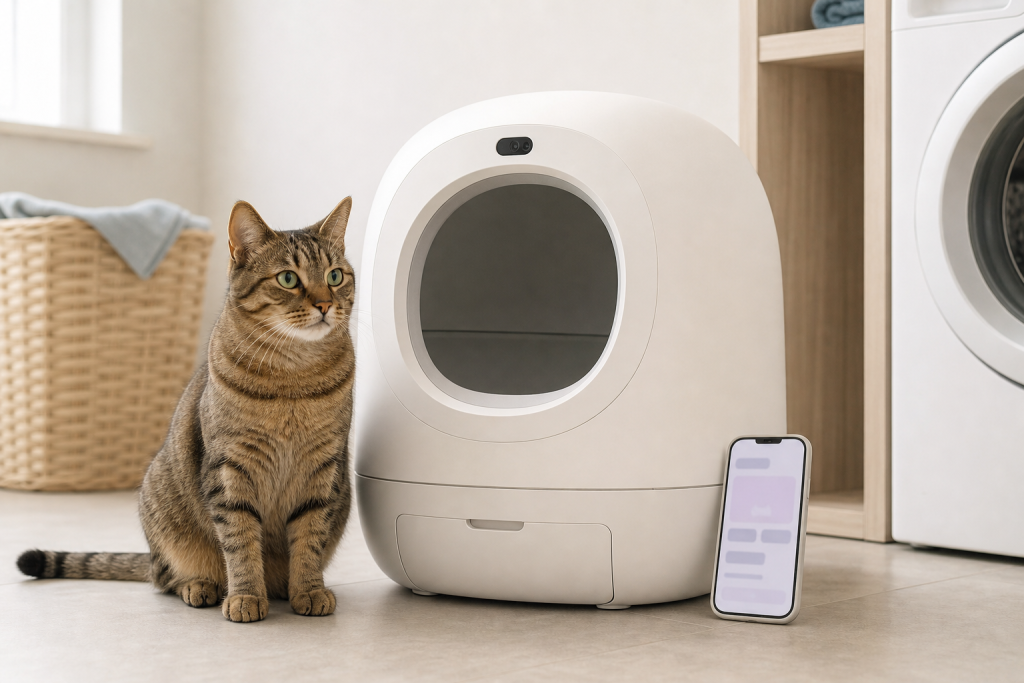
A smart litter box with a camera may also have a microphone, so the deal is not just about automatic scooping or cat recognition. Before you buy, check whether audio is recorded, how to disable the microphone, which video features require a subscription and where the device will sit in your home. A cheaper checkout price can look much less appealing if the privacy settings, app plan or return terms do not fit your household.
Camera-equipped litter boxes are getting more attention because cat owners want cleaner boxes, weight trends, visit alerts and video clips that help them understand multi-cat bathroom habits. That does not make the device a vet, and it does not make every camera feature essential. It does mean the checkout screen deserves the same privacy check you would give a pet camera, doorbell camera or smart speaker.
Why This Matters Now
Pet tech is moving from simple reminders into cameras, AI labels and subscription dashboards. Whisker, the company behind Litter-Robot, says in its legal terms that products with camera or recording features are intended for monitoring pet activity around the product, such as litter box entries, waste cycles and multi-cat identification. The same terms tell users to position camera features away from private areas and to comply with recording laws that may require consent.
That is a useful reminder for any cat owner shopping this category, even if you do not buy that exact brand. A litter box often lives in a laundry room, bathroom, bedroom corner, hallway or guest space. If the device can record video and audio, the placement decision is part of the purchase decision.

The Microphone Question to Ask First
Do not assume “litter box camera” means silent video only. Whisker’s Litter-Robot 5 Pro camera setup support page says audio is available in video events and live streams, while two-way communication is not supported at this time. The same support page says that turning off the camera disables event recordings, turns off the robot’s microphone, restricts live video access and stops camera screenshots.
That does not mean every smart litter box works the same way. It means the product page should answer four plain questions before you pay:
- Does the device have a microphone, or only a camera?
- Can audio be disabled separately, or only by turning off the whole camera feature?
- Are event clips, live view, cat identification or longer history free, trial-based or paid?
- Can the product still run its core cleaning cycle if Wi-Fi, the app or the subscription is unavailable?
If you cannot find clear answers before checkout, treat that as a cost. You may still decide the device is worth buying, but you should not discover the audio or app limits after the box is assembled and used.
Where the Deal Can Get Expensive
The sticker price is only the first number. For a camera-enabled automatic litter box, compare the whole first year:
- Base unit price after any verified retailer discount.
- Required or optional subscription cost after the trial ends.
- Proprietary liners, filters, bags, odor cartridges, litter limits or cleaning supplies.
- Return shipping, restocking limits and whether used litter products are excluded.
- Replacement parts, warranty length and support availability.
- What features disappear if you skip the app plan.
The best deal is not always the cheapest box. It is the box whose everyday features match what you actually need: safe automatic cycling, easy cleaning, cat acceptance, supportable parts and privacy settings you can live with.
Placement Is a Privacy Setting
The Federal Trade Commission tells consumers to think about security and privacy before setting up cameras for remote viewing, especially when a camera shows a private part of the home. That applies cleanly to pet cameras and it applies just as well to a litter box camera.
Before you assemble a connected litter box, decide what the camera can see when a person walks past, changes clothes, uses a bathroom, handles laundry or lets a guest into the room. If you use pet sitters, roommates, house cleaners or visiting family, decide whether they need to know a camera and microphone may be active in that area. Recording laws vary by place, so do not treat a pet-device label as permission to record people.
A Practical Checkout Checklist
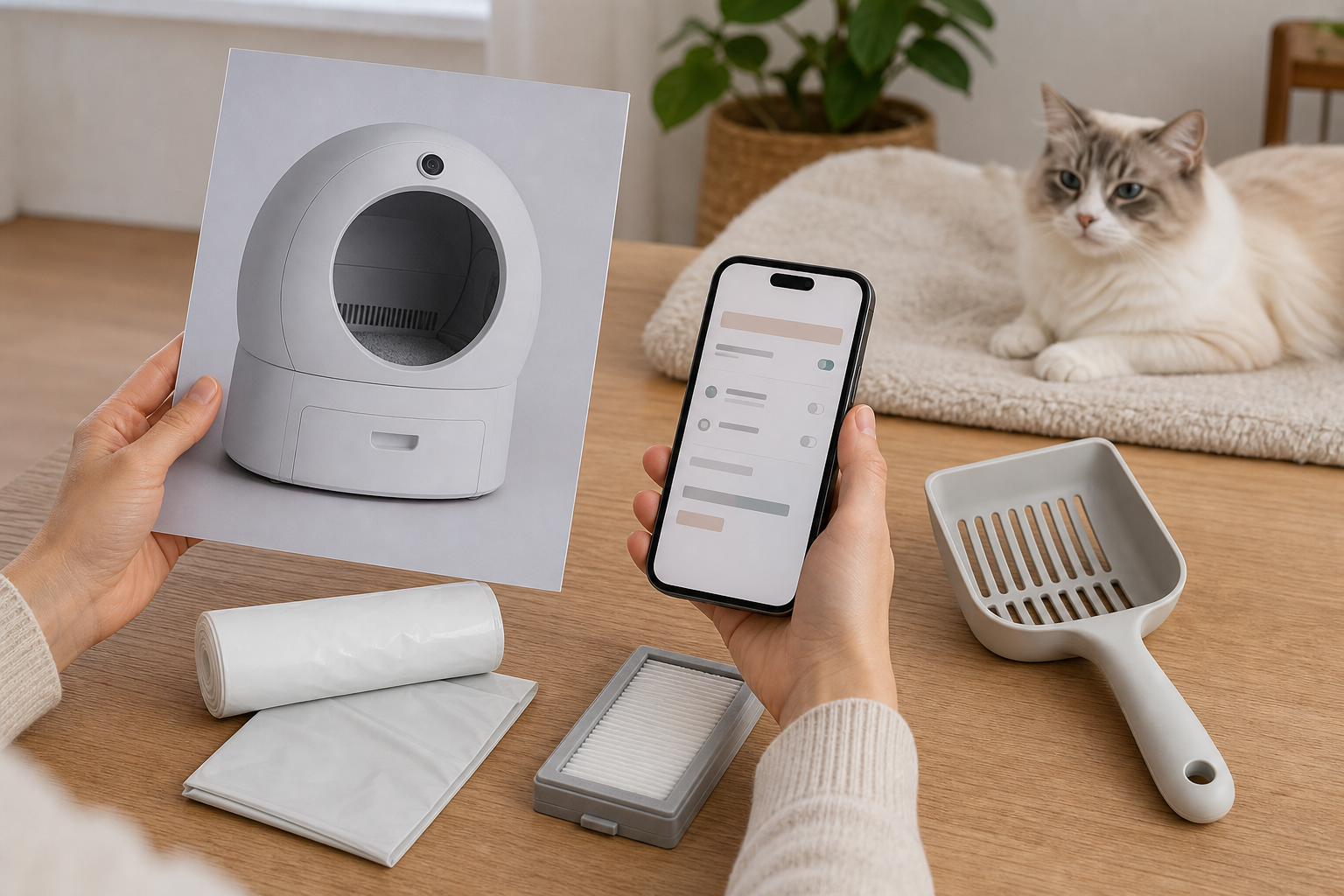
Use this check before you click buy, especially if the sale page pushes AI, recognition or health insights harder than the hardware details.
- Read the current privacy policy, camera terms and subscription page, not just the product card.
- Confirm whether video and audio are recorded, stored, processed or used to improve AI features.
- Look for a clear camera-off and microphone-off control in the app or support guide.
- Check whether the app supports multiple cats without paid add-ons or required tags.
- Measure the litter area, entry height, ramp space, drawer clearance and outlet location.
- Confirm compatible litter type, minimum cat weight, sensor limitations and kitten guidance.
- Save the receipt, packaging, accessories and return deadline before your cat tries it.
For health-related claims, stay conservative. Visit patterns, weight trends and camera clips can be useful notes to share with your veterinarian, but they should not decide whether a sick cat can wait. If your cat strains, cries, avoids the box, produces very little urine, has blood in urine or seems unwell, contact a veterinarian promptly instead of relying on an app label.
Deal and Coupon Checks
If a retailer promotes a smart litter box discount, verify the exact model. A cheaper model may lack the camera, use different sensors, exclude newer app features or require add-ons that are not in the main photo. If a bundle includes liners, odor packs or tags, price those refills separately so the bundle does not hide the recurring cost.
Do not assume a coupon applies to pet tech, automatic litter boxes or large appliances. Some coupons exclude electronics, high-ticket devices, marketplace sellers, subscriptions or sale items. Check the final cart, tax, delivery, return route and subscription renewal date before deciding that the deal is real.
What to Avoid
- Buying for a camera feature without checking whether useful recordings are free or paid.
- Putting the box in a bathroom or bedroom corner before checking the field of view.
- Assuming the microphone is off because you do not use two-way talk.
- Ignoring return rules until litter has been added and packaging is gone.
- Trusting AI health wording as a diagnosis or a reason to delay veterinary care.
- Buying a marketplace listing that does not clearly identify the seller, warranty and support path.
Quick Answers
Is a camera litter box automatically a bad idea?
No. It can be useful for multi-cat homes, mobility concerns and trend tracking. The mistake is buying it without understanding audio, video, subscription and placement limits.
Should I pay extra for cat recognition?
Only if the feature works with your cats, your setup and your budget. Check whether it needs tags, cameras, a subscription or a specific model.
Can a smart litter box replace a vet visit?
No. Treat app data as notes, not medical clearance. Ask your vet how to use trends and when a litter box change is urgent.
Sources
- Whisker, Privacy and Legal camera and recording feature terms, last checked September 24, 2026, 19:33 CEST, Europe/Rome: https://www.whisker.com/legal
- Litter-Robot by Whisker, Litter-Robot 5 Pro integrated camera setup guide, last checked September 24, 2026, 19:33 CEST, Europe/Rome: https://www.litter-robot.com/support/article/litter-robot-5-pro-integrated-camera-setup/
- Federal Trade Commission, How To Secure Your Home Security Cameras, last checked September 24, 2026, 19:33 CEST, Europe/Rome: https://consumer.ftc.gov/articles/how-secure-your-home-security-cameras
- Federal Trade Commission, Securing Your Internet-Connected Devices at Home, last checked September 24, 2026, 19:33 CEST, Europe/Rome: https://consumer.ftc.gov/articles/securing-your-internet-connected-devices-home