
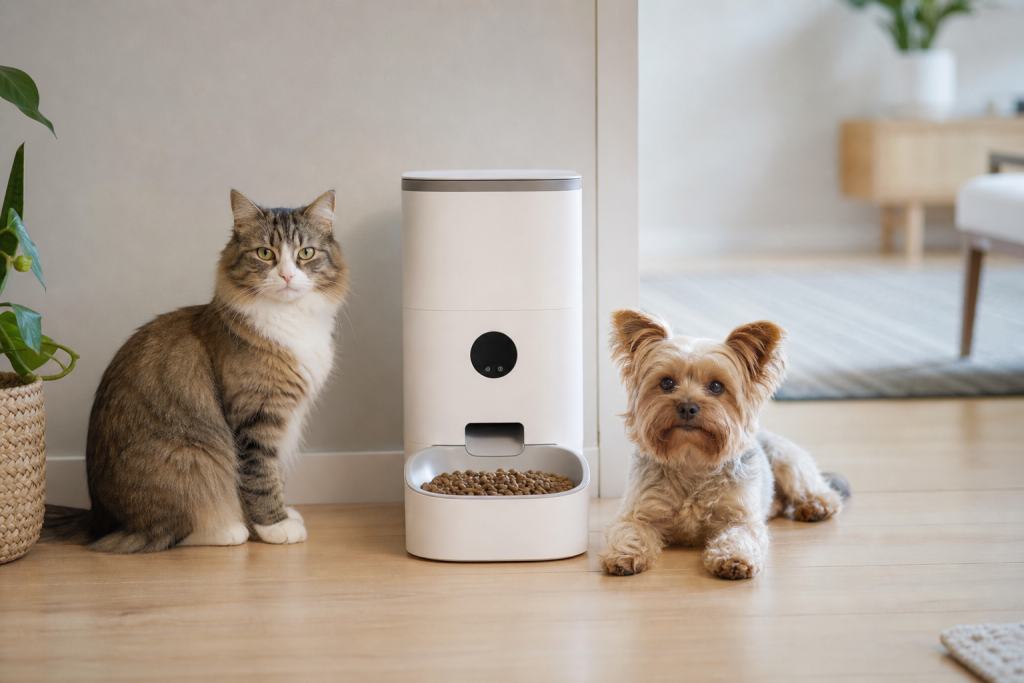
#automatic pet feeder
#pet tech
#smart feeder
#smart feeder portions
A smart feeder deal can be a bad buy if the “portion” setting is not the amount of food your dog or cat actually needs. Many feeders measure portions by volume, model-specific units or cups, while pet food labels and weight plans depend on calories. Before checkout, confirm the feeder’s minimum portion, kibble-size limits and app controls, then test the first few meals with a measuring cup or kitchen scale.
This matters more right now because smart feeders keep showing up in pet-tech sales, Prime-style deal lists and automated feeding bundles. They look like a simple way to control meals while you are at work or traveling, but the cheap model is not always the careful model. If the feeder drops more food than expected, jams on your kibble or needs an app you cannot keep using, the discount can turn into wasted food and a feeding problem.
Why the Portion Number Is the Detail to Check
The word “portion” sounds precise, but it is not universal. PetSafe says its Smart Feed automatic feeder can schedule meals from 1/8 cup to 4 cups, while Petlibro publishes a model-by-model table showing that one portion can be about 10.4 ml, 12.5 ml, 18.8 ml or 20 ml depending on the feeder. That means two feeders can both advertise portion control while dispensing very different amounts.
The bigger issue is calories. AAFCO explains that pet food labels include feeding directions and calorie information, but those directions are still a starting point. AAHA also advises owners to measure portions and calculate daily calorie needs with veterinary guidance when weight matters. A feeder that only lets you choose “1 to 50 portions” is useful only after you translate that setting into the food your pet actually eats.
The Checkout Test Before You Buy
Do not start with the sale price. Start with the smallest meal your pet may need. This is especially important for cats, toy-breed dogs, pets on a weight plan and multi-pet homes where one animal steals food from the other.
- Find the minimum dispense amount. Look for cups, milliliters or grams, not just “customizable portions.” If the listing hides the unit, check the support page or manual before buying.
- Check kibble size limits. Some feeders list an acceptable kibble diameter. Oversized, irregular, freeze-dried or mixed kibble can jam or dispense unevenly.
- Compare the feeder unit with your food label. If the food is listed as calories per cup, convert the feeder’s portion into a cup estimate, then verify it in real life.
- Plan a weigh-and-watch week. For the first several days, weigh or measure what the feeder drops and confirm your pet is eating normally. Do not assume the app report equals the bowl.
- Confirm manual controls. A feeder should still be usable if Wi-Fi fails, the app signs you out or a house sitter needs to feed your pet.
When the Deal Is Actually Useful
A smart feeder can be worth paying for when it solves a real schedule problem and has clear portion documentation. It is more useful for dry kibble with consistent size, pets that do not attack the hopper, and owners who want timed meals rather than a full bowl left out all day.
The deal is weaker if you are buying only because the app sounds advanced. Camera models, voice recordings, low-food alerts and remote feeding can be helpful, but they do not fix a poor dispensing range. If the feeder’s smallest serving is still too large for your cat, the smartest app in the world will not make it a good fit.
Coupon and Sale Checks Before Paying
Smart feeders are common in pet-tech promotions, but the sale terms matter. Check whether the discount applies only to a first autoship order, a membership price, a coupon code that excludes electronics, or a marketplace seller instead of the brand or retailer you expected.
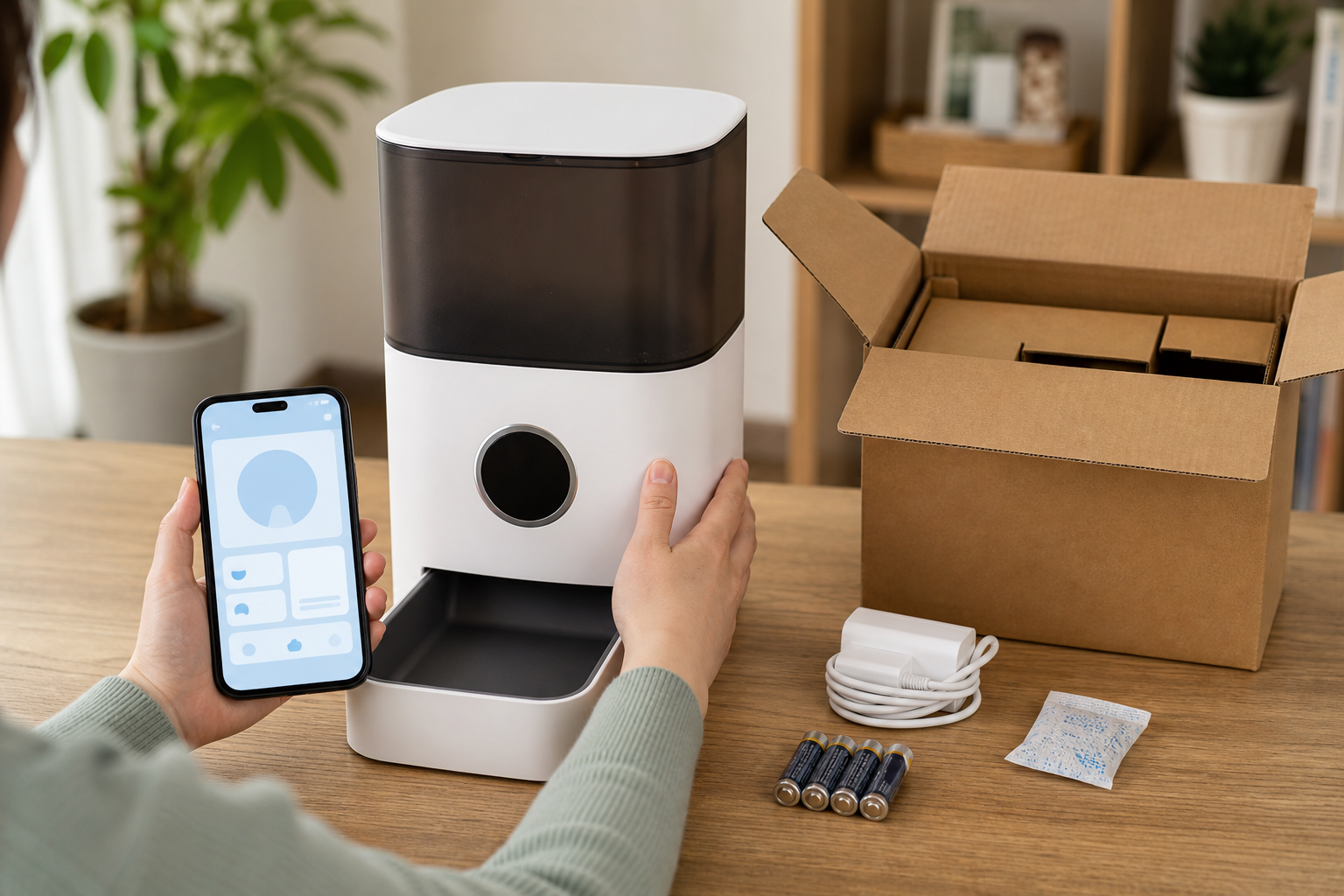
Before you pay, verify the return window after you open and test the feeder. A feeder problem often appears only after you load your own kibble, connect your own router and run several meals. Also price the replacement bowl, desiccant packs, power adapter and backup batteries if the model uses them. A cheap feeder with hard-to-find parts is not cheap for long.
What to Avoid
Avoid listings that promise perfect weight control without showing portion units. Avoid generic images that do not match the manual, especially when the same feeder appears under several brand names with different app names. Avoid buying a feeder as a substitute for veterinary feeding advice if your pet is underweight, overweight, diabetic, vomiting, eating poorly or on a prescription diet.
Do not use an automatic feeder as your only plan for a long trip. Even good feeders can clog, lose power or be knocked over. If you are away, have a person check the bowl, water and pet at least daily, and more often for pets with health concerns.
Quick Answers
Is a smart feeder better than a basic timed feeder?
It can be, but only if you need remote scheduling, alerts or meal history. A basic timed feeder may be a better deal if it has clearer portions and fewer app dependencies.
Should I measure by cups or grams?
For daily feeding accuracy, grams are usually easier to repeat than scoops or vague portions. Use your pet food’s calorie information and ask your vet what daily amount makes sense for your pet.
Can I use any kibble in a smart feeder?
No. Check the feeder’s kibble-size guidance and avoid shapes that bridge, crumble or stick. Test the feeder while you are home before relying on it.
Is a camera feeder worth the extra cost?
Only if you will use the camera and understand any cloud-storage or app limits. The camera does not matter if the feeder cannot dispense your pet’s food accurately.
Sources
Sources last checked: July 3, 2026, 04:52 Europe/Rome.
- PetSafe support, Smart Feed Automatic Dog and Cat Feeder, 2nd Generation: https://support.petsafe.net/product-support/smart-feed-automatic-dog-and-cat-feeder-2nd-generation
- PetSafe support, Smart Feed setup and portion range: https://support.petsafe.net/articles/set-up-the-smart-feed-automatic-dog-and-cat-feeder-1st-and-2nd-generation
- Petlibro support, “What Is the Amount in One Feeding Portion?”: https://petlibro.com/pages/how-much-is-in-one-feeding-portion-plaf001-002-101-102-plaf003-004-plaf005-006-103-203-plaf008-plaf107-plaf108-plaf301
- Petlibro Granary feeder product FAQ, kibble-size guidance: https://petlibro.com/products/petlibro-5g-wifi-automatic-pet-feeder
- AAFCO, Reading Labels: https://www.aafco.org/consumers/understanding-pet-food/reading-labels/
- AAHA, Is my pet overweight?: https://www.aaha.org/resources/is-my-pet-overweight/
- WSAVA Global Nutrition Guidelines: https://wsava.org/global-guidelines/global-nutrition-guidelines/