
#AI pet camera
#Google Home
#pet tech deals
#smart pet devices
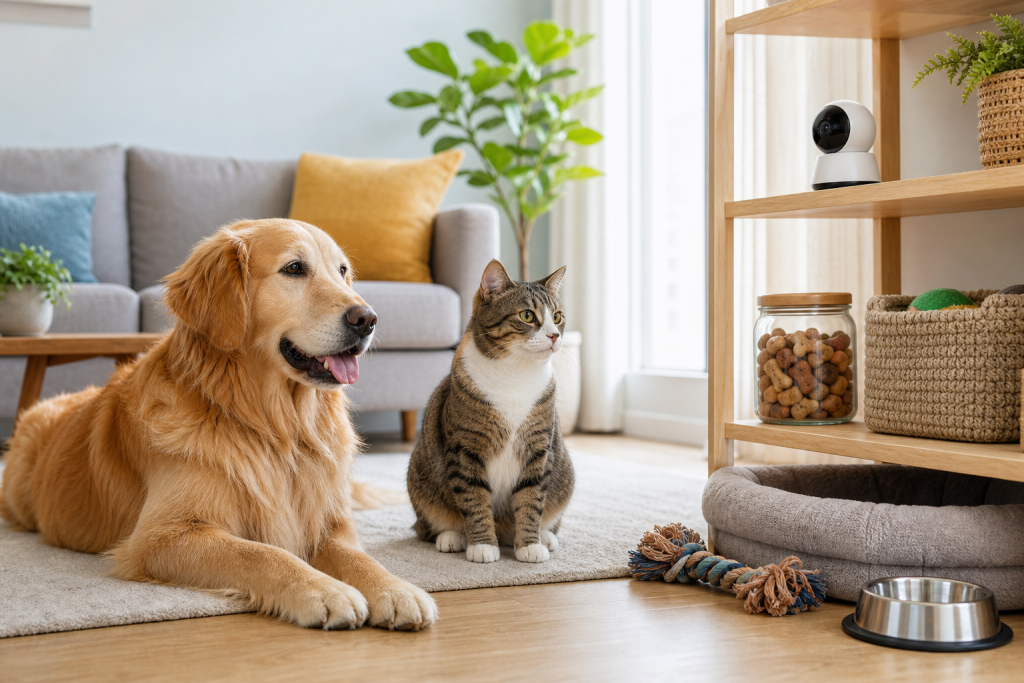
An AI pet camera deal can look smarter than it really is if you expect it to identify each cat or dog correctly and trigger care routines from that guess. The risk is not that a camera sees a pet, it is that the app may name the wrong pet, fire an automation too often or make a paid subscription feel more useful than it is. Before you buy into an AI camera or connect it to a feeder, treat pet recognition as a helpful alert, not a reliable caretaker.
The warning matters now because Google Home’s Pet Memory feature has moved pet recognition from a novelty alert into the smart-home shopping conversation. Google says indoor Nest cameras and select Gemini built-in cameras can remember pet details and send personalized updates through Google Home Premium Advanced. A fresh real-world report from The Verge, published on August 18, 2026, found that the feature repeatedly mixed up three cats and could over-trigger a feeder automation when the wrong cat was recognized.
Why This Deal Looks So Tempting
Pet cameras are already useful for owners who work away from home, travel, monitor a new kitten or keep an eye on a dog after surgery. The newer pitch is stronger: the camera does not just say “animal seen”, it may say which pet it thinks it saw, summarize activity and help create automations.
That can make a subscription bundle look easier to justify. Google lists Google Home Premium plans with event history, AI notifications and, on the Advanced plan, added Gemini camera features and 24/7 video history on supported wired cameras. Google’s own pet automation examples include using a Nest cam to trigger lights when a pet is detected, turning on pet-friendly TV content and sending feeding reminders from a sensor on a food container.
The Mistake Is Buying the AI Promise Instead of the Fallback
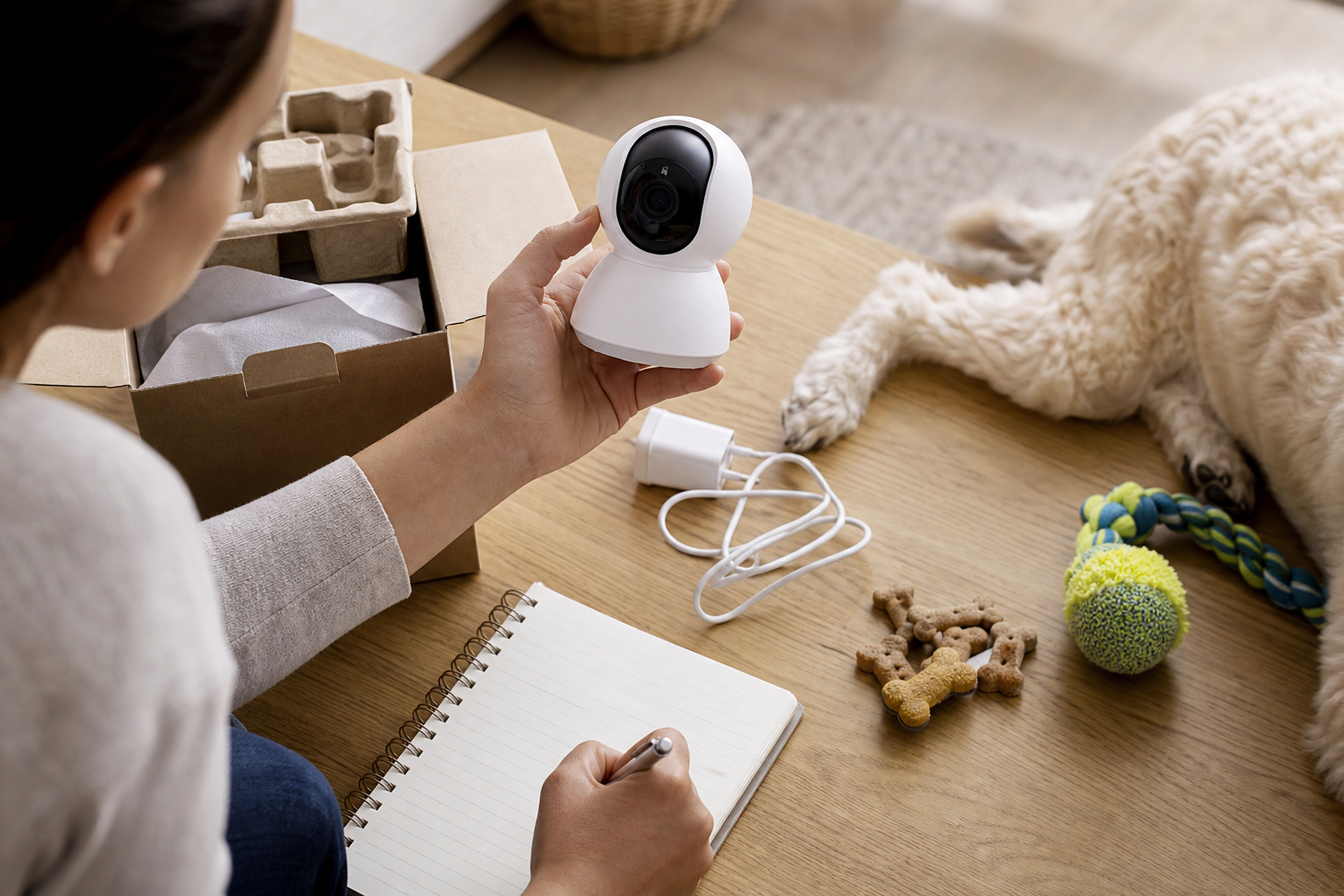
The expensive mistake is assuming named-pet recognition is the same as verified identity. A camera can be good at spotting motion and still struggle to tell similar pets apart, especially in low light, odd angles, partial views or multi-pet homes. That difference matters if the app is only sending a funny alert. It matters much more if the app is connected to feeding, doors, warming pads, lights or pet-room routines.
The Verge’s test is a useful shopper caution because the failure was practical, not theoretical. The report said Pet Memory did not appear to build a trainable individual visual profile, offered no clear correction flow for pet mix-ups and mislabeled cats often enough that a feeder automation could dispense food repeatedly. That does not mean every AI camera is useless. It does mean you should not let a discount talk you into automating care from a feature you have not tested for your own pets.
What To Check Before You Buy
- Subscription tier: Confirm which plan unlocks named pet alerts, AI notifications, video search, continuous history and automation features. Do not assume a camera purchase includes them.
- Camera compatibility: Check whether the feature works on your exact camera model, indoor or outdoor placement and country. Google says Pet Memory is for indoor Nest cameras and select Gemini built-in cameras.
- Training and correction: Look for a way to add photos, merge mistakes, delete wrong matches or correct labels. If you cannot correct bad recognition, do not build important routines around it.
- Automation limits: Before linking a feeder, check whether you can limit how often a routine runs, add a time window, require a second condition or stop repeated triggers.
- Manual controls: A feeder, camera or smart plug should still have a usable manual option when Wi-Fi, an app, a cloud service or an AI feature fails.
- Video history: For many pet problems, plain recorded footage is more useful than a confident AI summary. Verify how many days of event or 24/7 history you actually get.
The Deal And Coupon Check
A camera discount is only useful if it fits the full cost of ownership. Add the camera price, the required subscription, any feeder or hub you plan to connect, replacement parts, return shipping and the warranty term. If the main feature needs a top-tier plan, calculate the annual cost before treating a temporary hardware markdown as a bargain.
Also check the cart for exclusions. Smart cameras and pet feeders are often sold through marketplaces, bundles or third-party sellers, and a coupon may not apply to every color, model, refurbished unit or subscription plan. Avoid stacking assumptions: a hardware sale, a free trial and a recurring subscription are three separate decisions.
What To Avoid
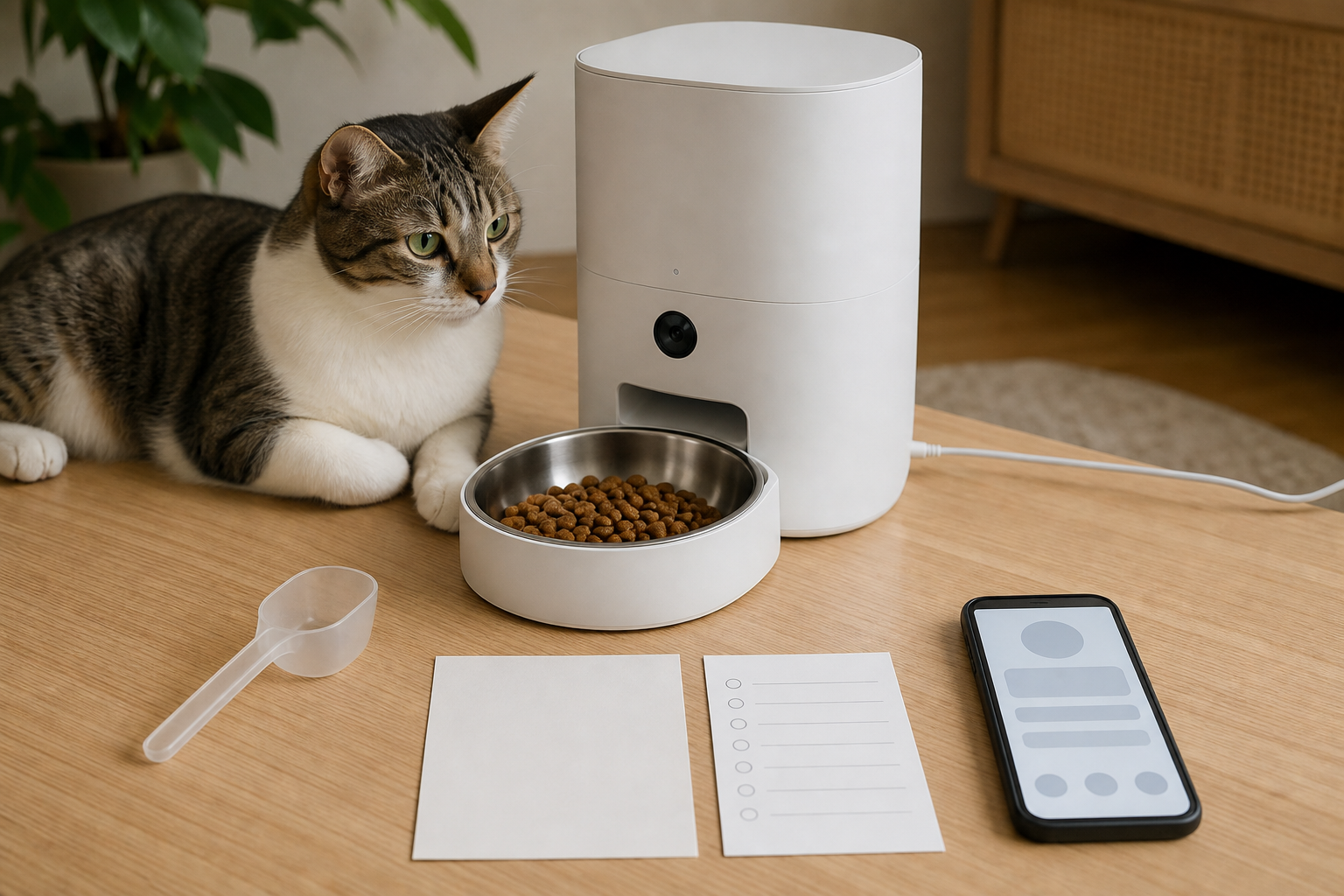
Do not use AI pet recognition as the only trigger for food portions, medication reminders, pet-door access or anything that could leave one animal overfed, underfed, locked out or unsupervised. If a pet needs measured meals for weight control, medical reasons or a multi-pet household, ask your vet how strict the feeding plan needs to be and use hardware that verifies the pet more directly, such as a microchip or RFID feeder, when appropriate.
Do not ignore privacy either. Google’s familiar face guidance says home members can access and manage the familiar face library, and its support pages tell users to check local privacy laws before saving face data for people. Pet data is different from a person’s biometric record, but cameras still record rooms, routines, voices and visitors. Place cameras where they help with pet care without turning private household areas into unnecessary video zones.
A Safer Buying Framework
If you are buying mainly to check whether your dog is calm, whether your cat came inside or whether a sitter arrived, an ordinary camera with clear video history may be enough. If you are buying for automations, start with low-stakes actions such as turning on a hallway light or sending a notification. Watch the logs for a week before letting the same camera trigger anything tied to food, heat, doors or expensive supplies.
For multi-cat homes, similar-looking pets or pets with diet limits, require proof before you trust the system. That proof should come from your own clips, not a product page. A feature that works in a demo can still fail in your hallway, at your feeder height, with your lighting and your pets’ habits.
Quick Answers
Is Google Pet Memory a reason to buy a Nest camera for pets?
It can be a useful extra if you already want compatible Google Home cameras and the subscription features, but it should not be the only reason to buy. Treat named pet alerts as unverified until they work consistently in your home.
Should an AI camera control a pet feeder?
Only after testing, and only with limits that prevent repeated feeding. For pets with diet restrictions or medical feeding needs, use a more direct identification method and ask your vet before changing the feeding setup.
What is the best deal check for AI pet cameras?
Price the subscription first, then verify camera compatibility, return terms, automation controls, clip export, warranty coverage and manual fallback controls. A cheap camera can become expensive if the feature you wanted needs a higher monthly plan.
Sources
Sources last checked: August 18, 2026, 16:32 CEST, Europe/Rome.
- The Verge, Google’s Pet Memory forgot who my cats are
- Google Home and Nest Help, What’s new in Google Home
- Google Home and Nest Help, Get started with Google Home Premium
- Google Home, Smart Home Automations for Pets
- Google Home and Nest Help, Learn about familiar face detection
- Google Store, Google Home Premium subscription