
#pet tech deals
#Petlibro outage
#smart feeder backup
#smart pet devices
A pet-tech status page is worth checking before checkout because it tells you whether the feeder, fountain, camera or litter box you are buying depends on cloud services you cannot control. A sale price can be real and still be a bad deal if the device misses meals, hides video clips or loses app controls during an outage. Before you pay for connected pet gear, check the service-status page, the offline mode and the return terms, not just the hardware discount.
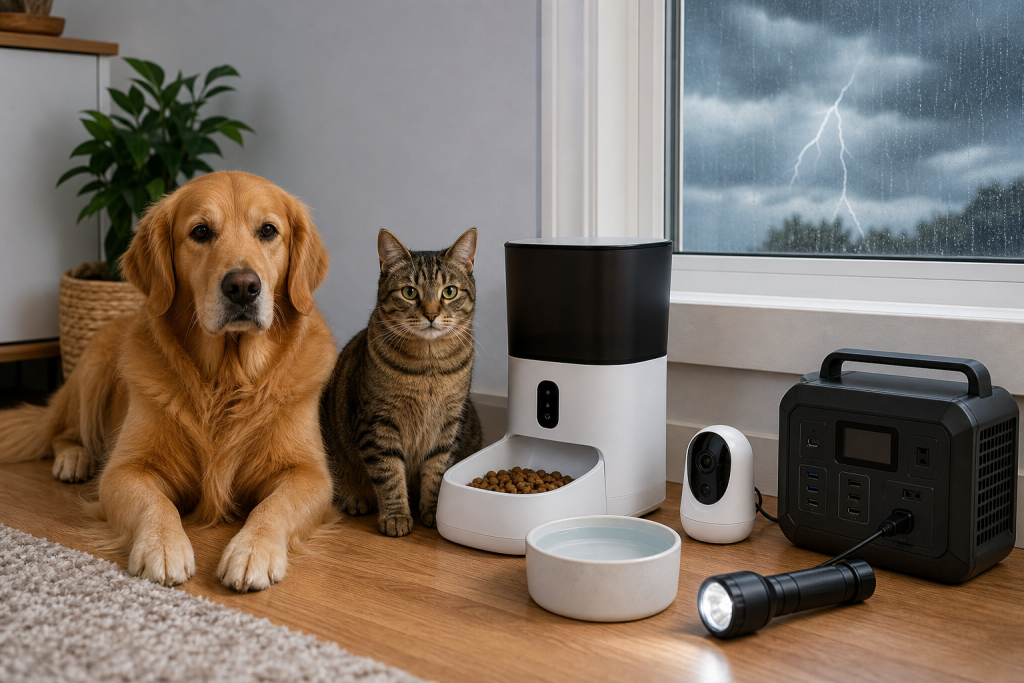
This matters now because a recent Petlibro outage put connected pet devices back in the shopping spotlight. Ars Technica and The Verge reported in August 2026 that some owners said smart feeders and other connected devices did not work as expected during the disruption, even though offline schedules were supposed to protect core feeding routines. That does not mean every smart device is unsafe, but it does mean the support trail should be part of the purchase decision.
Why The Status Page Belongs In Your Cart Check
Pet tech is no longer just a camera you open when you are curious. Many products now combine apps, Wi-Fi, cloud storage, AI summaries, scheduled feeding, hydration reminders, litter-box logs and subscription features. The more a device depends on a remote service, the more the deal depends on the company keeping that service stable, clear and supported.
A public service-status page can show whether a brand tracks outages and communicates them plainly. It is not a guarantee, and a green page does not prove the device will work in your home. Still, it gives you a better signal than a product page alone, especially if you are buying equipment that affects meals, water, litter access or home monitoring.
The Expensive Mistake Is Trusting The App Alone
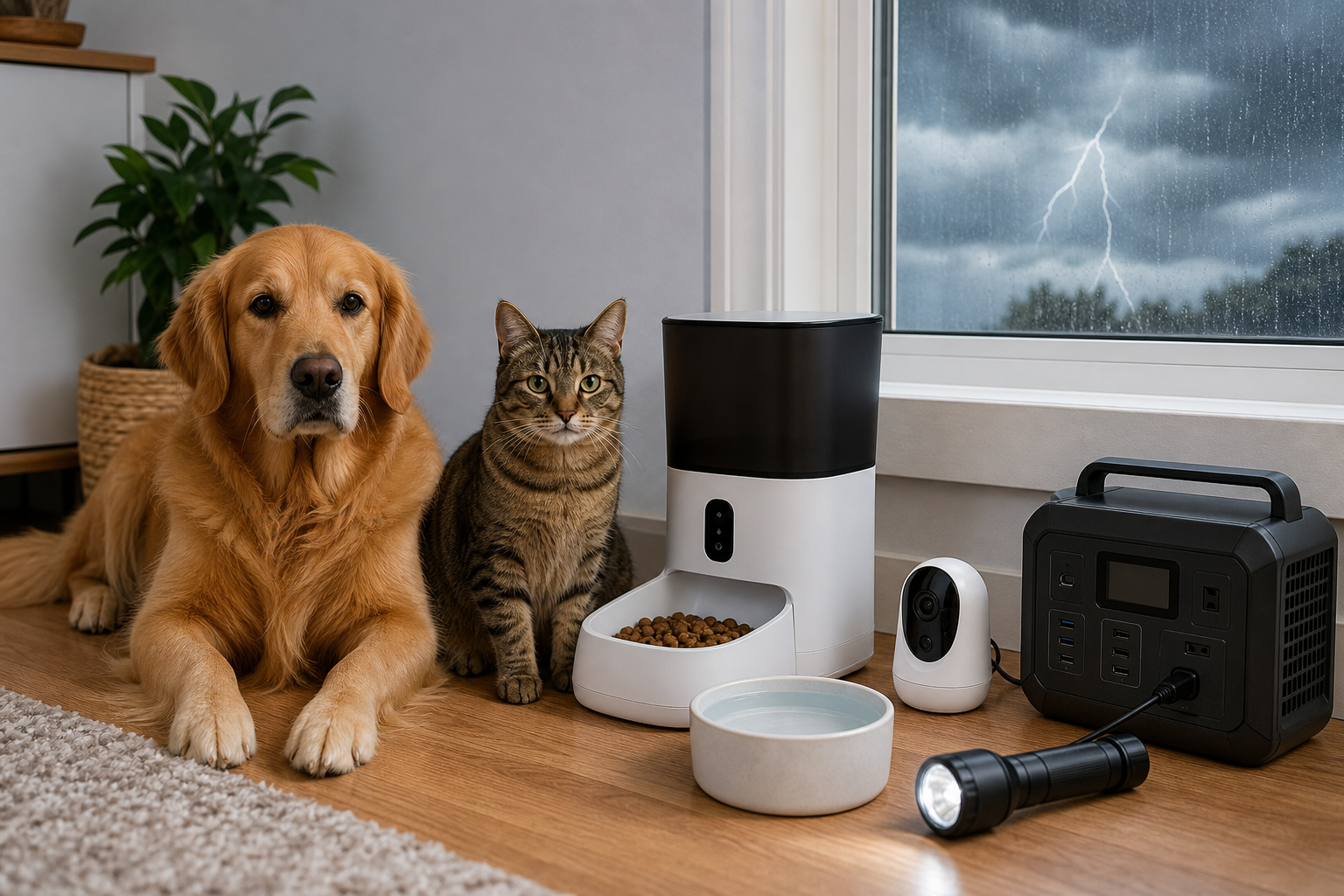
The mistake is buying a connected feeder, fountain or camera as if the app is the product. The real product is the full system: hardware, local schedule, manual button, battery behavior, Wi-Fi recovery, customer support, subscription rules, firmware updates and replacement parts. If one piece fails, the discount can disappear fast.
For feeders, the key question is whether meals are stored locally on the device and whether you can confirm that after setup. For fountains, ask what happens if notifications fail or the app cannot report pump or filter status. For cameras, check whether live view, clips, AI summaries and video history require cloud service or a paid plan. For automatic litter boxes, do not let app alerts replace basic safety checks, cleaning access and a backup litter box.
What To Check Before Buying Connected Pet Gear
- Service-status page: Look for a public status or support page before checkout. If you cannot find one, treat that as a support question to ask before buying.
- Offline behavior: Confirm which features keep working without internet. Scheduled meals, manual feeding, local buttons and basic alerts are not the same thing.
- Manual controls: A device that handles food, water or access should have a practical manual fallback that a sitter can use without your phone.
- Subscription split: Separate essential features from paid extras. Cloud video, AI summaries, activity insights and longer history may be optional, but they can change the real annual cost.
- Return requirements: Check the return window, original packaging rule, return shipping responsibility and any cleaning or condition fees before the box is opened.
- Warranty exclusions: Look for excluded wear parts such as batteries, filters, bags, rotors, pumps, tags and placemats. Those are often the parts pet owners replace first.
The Petlibro Example Shoppers Should Learn From
Petlibro is useful as a current example because its product ecosystem spans feeders, fountains, cameras and litter boxes, and its official pages make several checkout issues visible. The Scout Smart Camera page says SD cards are not supported and notes that the camera may have difficulty distinguishing similar-looking pets. Its Video Cloud AI pages describe paid cloud storage and AI features, while its subscription terms say cloud services may include auto-renewable subscriptions.
The company also publishes return and warranty terms. Those terms say direct purchases can generally be returned within 30 days, items must include original packaging and accessories, and buyers are responsible for return shipping costs in certain return situations. The same policy lists wear items and second-hand purchases among warranty exclusions. Those details matter if a discounted device does not fit your pet’s routine after setup.
Deal And Coupon Check
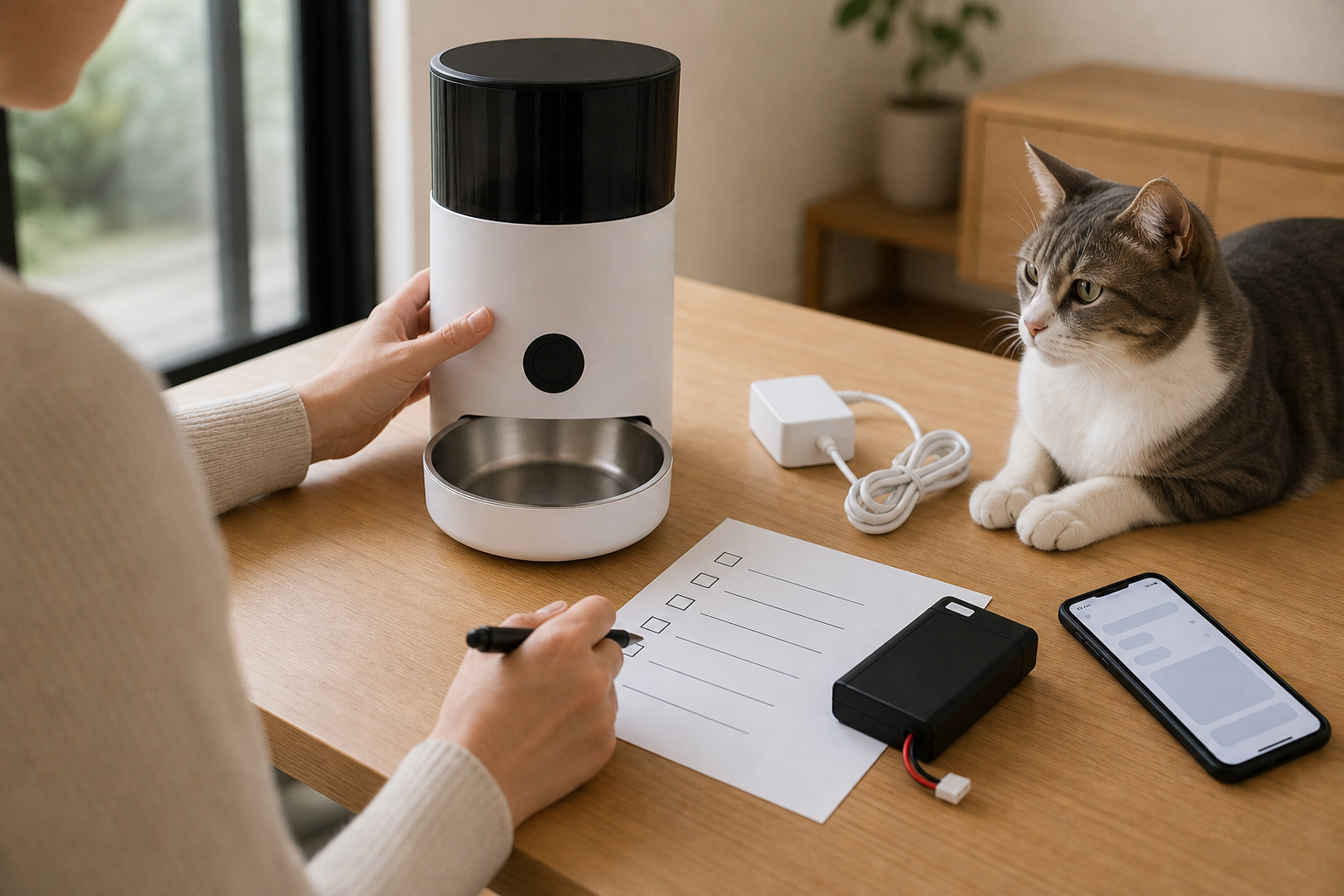
Do not judge a connected pet device by the markdown alone. Add the device price, subscription plan, extra tags, filters, batteries, bags, desiccant packs, replacement pumps, return shipping and the cost of a backup bowl or basic feeder. A coupon can still be useful, but only after you know what is essential and what is a paid convenience.
Also check whether a promo applies to the exact model, color, bundle, subscription tier or seller you are choosing. If you buy through Amazon, Chewy, Petco, PetSmart, Walmart or another retailer instead of the manufacturer’s site, the return path may follow that retailer’s policy, not the manufacturer’s direct-purchase policy. Keep screenshots of the product page, subscription terms and checkout total if the deal depends on a limited offer.
What To Avoid
Do not leave a new connected feeder as the only food source before you have watched it work through several normal cycles. Do not use a smart fountain as the only water source if your pet is home alone for long stretches. Do not rely on AI pet recognition to make high-stakes decisions for similar-looking pets, pets on measured diets or multi-pet homes. Use connected features as convenience layers, not as the only care plan.
Avoid used or marketplace listings unless you can verify account unlocks, warranty eligibility, replacement parts and return rights. Smart pet gear can be tied to an app account, region, subscription or retired service. A cheap device that cannot be registered, updated or returned is not a bargain.
Quick Answers
Does a smart feeder need Wi-Fi to feed my pet?
Some feeders store schedules locally, but you should verify that for the exact model before buying. Test the schedule at home before relying on it while you are away.
Is a pet-tech subscription always bad?
No. A subscription can be useful for cloud video, longer history or AI summaries. The problem is buying hardware without pricing the recurring plan and checking how cancellation, refunds and data access work.
What is the safest first test after setup?
Run the device while you are home. Test the manual button, app schedule, power recovery, Wi-Fi recovery and sitter access before it becomes part of your pet’s daily routine.
Sources
Sources last checked: August 22, 2026, 13:34 CEST, Europe/Rome.
- Ars Technica, pet owners say smart pet feeder outage led to pets going unfed
- The Verge, cats and dogs are missing meals after a popular smart feeder went down
- Petlibro, Scout Smart Camera product page
- Petlibro, Video Cloud AI page
- Petlibro, Subscription Service Terms
- Petlibro, Refund policy and warranty terms
- FTC Consumer Advice, getting in and out of free trials, auto-renewals and subscriptions