
#pet camera deals
#pet camera privacy
#pet tech deals
#privacy shutter
#smart pet cameras
A cheap pet camera is not a great deal if it watches more of your home than you meant to share. Before buying one for a dog or cat, check whether the camera has a real privacy shutoff, how video is stored, what features require a paid plan, and whether you can return it after setup. A physical lens cover or retracting lens is not the only privacy feature that matters, but it is one of the easiest details to verify before checkout.
Pet cameras are getting attention again because the wider indoor-camera market is moving fast. Recent coverage has highlighted budget indoor cameras with visible privacy modes, while Ring has announced a new default encryption approach for its cameras starting in September. For pet owners, the shopping lesson is simple: the camera you buy for treat checks, barking alerts or cat monitoring is still a home security camera, and its privacy settings belong in the deal math.
Why this matters now
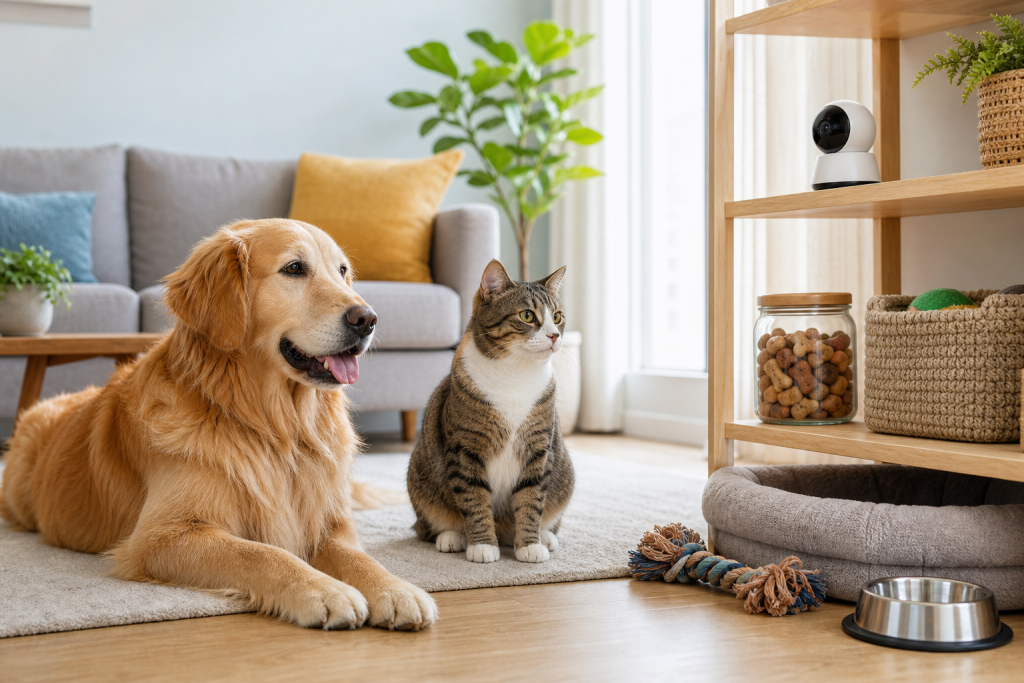
Many pet owners buy a camera for a narrow job: check whether the dog is barking, see whether the cat is eating, or make sure a sitter arrived. The device often ends up pointed at a living room, hallway, kitchen or crate area where family members, visitors and pet sitters may also appear. That makes privacy, cloud storage, account access and subscription terms part of the purchase, not an afterthought.
New indoor cameras are also competing on small hardware details. A visible lens cover, a retracting camera module or a clear privacy mode can be easier to understand than a buried app toggle. The catch is that marketing language can blur important differences. “Privacy mode” may mean the lens physically cannot see, or it may only mean software has stopped streaming. Those are not the same thing.
The privacy shutoff check to make before checkout
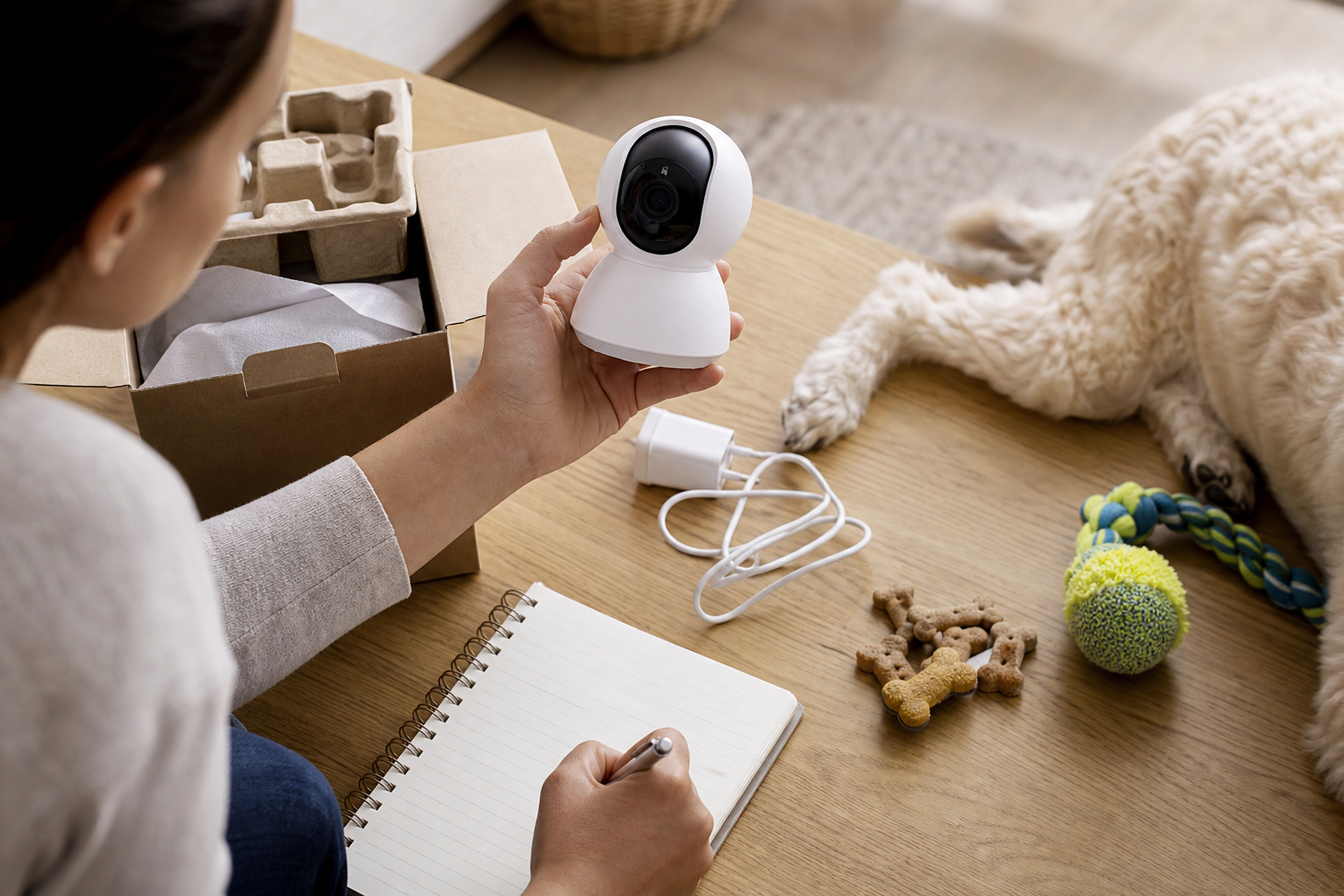
Start with the hardware. Look for the exact wording in the product listing, manual or support page. A physical shutter, lens cover or retracting lens gives you a visible sign that the camera cannot see when the cover is closed. If the product only says it has “privacy mode,” find out whether that mode moves a physical barrier, turns the camera away, disables recording in software, mutes audio, or simply stops notifications.
Then check audio. A pet camera can record more than movement. If it has a microphone, two-way talk or bark alerts, confirm whether the mic can be disabled separately from video. This matters if the camera will sit in a shared room, near a work desk, or where a pet sitter may be present.
Finally, check account controls. The FTC advises camera owners to use strong passwords and two-factor authentication where available. That is not just setup advice. If a camera does not support basic account protection, the low sale price deserves a harder look.
What the subscription can change
Many pet-camera deals look cheaper because the headline price does not include the plan that unlocks the features owners actually want. Before buying, check whether these functions require a paid subscription:
- Pet, person, package or vehicle detection.
- Bark, meow, activity or unusual-motion alerts.
- Cloud video history beyond live view.
- Clip downloads, sharing or export.
- AI summaries, search or named-pet recognition.
- Multiple cameras under one account.
If the camera supports local storage, check the exact card type and maximum size. Local storage can reduce cloud costs, but it may not replace every cloud feature. Some cameras still keep advanced alerts, rich notifications or long-term history behind a plan.
Where to place a pet camera without overbuying
A pet camera does not need to cover the whole home to be useful. Place it where the pet-related decision happens: the food station, crate, litter room, favorite nap spot or entryway used by the dog walker. A narrower angle can be better than a 360-degree view if it avoids private areas and still answers the question you bought the camera for.
Avoid bedrooms, bathrooms and guest spaces. If a sitter, cleaner or visitor may be recorded, make the camera visible and disclose it. Privacy law varies by location, especially for audio, so do not treat a pet-camera listing as permission to record every room.
Deal and coupon checks before paying
Do not compare pet-camera deals only by device price. Compare the first year of ownership. Add the subscription you expect to use, memory card cost, wall mount, treat refills if it is a dispenser, extra chargers, replacement parts and any shipping or return fees.
Also check the return window before you pair the device. Smart devices can be harder to return once opened, registered or missing packaging. Keep the receipt, box, mount pieces and QR code until you know the camera works on your Wi-Fi and the app features match the listing.
If a coupon claims a camera is “subscription-free,” verify what that phrase means. It may mean live view is free while cloud history, smart alerts or clip exports cost extra. A good deal should still be useful if you skip the plan.
What to avoid
Avoid buying a pet camera from a listing that does not clearly name the manufacturer, app, privacy controls, storage method, support policy and warranty. Avoid fake-looking “no fee forever” claims unless the product page explains which features remain free. Be cautious with marketplace listings that reuse generic photos or list several unrelated app names in the same description.
Do not use a camera as a substitute for a feeder backup, medication plan, sitter check-in or veterinary advice. A camera can show you something is wrong. It cannot feed a pet during an outage, diagnose illness, or make a delayed delivery safe.
Quick answers
Is a physical shutter worth paying more for?
It can be, especially for indoor rooms where people spend time. A visible shutter or covered lens is easier to audit than a software-only toggle, but you should still check passwords, two-factor authentication, storage and audio controls.
Can a normal indoor security camera work as a pet camera?
Yes, if you only need live view or motion alerts. Dedicated pet cameras may add treat tossing, pet-specific alerts or two-way play, but those features can bring extra subscriptions, refill costs and cleaning needs.
Should I buy a camera with local storage?
Local storage is useful if you want fewer cloud fees, but read the fine print. Some cameras need a subscription for smart detection, longer history or easy clip sharing even when a microSD card is installed.
Sources
- The Verge, Wyze indoor camera privacy coverage.
- The Verge, Ring TAKE encryption coverage.
- FTC Consumer Advice, how to secure home security cameras.
- Consumer Reports, home security camera buying guide.
- WIRED, pet camera guide.
Sources last checked: August 28, 2026, 07:32 CEST, Europe/Rome.