
#lost dog AI
#pet camera privacy
#Ring Search Party
A Ring Search Party camera deal is not worth buying just because it sounds like lost-dog insurance. The feature can help a neighborhood look for a missing dog, but it depends on compatible outdoor cameras, saved video history, privacy settings and a person choosing to share a clip. Before you buy a doorbell or outdoor camera for this feature, check the subscription, opt-out controls, placement and whether a free lost-pet photo database would solve the same problem with less hardware.
Lost-pet technology is getting more visible in 2026. Ring says Search Party is available in the U.S. for lost dogs, and its own FAQ says nearby participating outdoor Ring cameras can use AI to check saved video for possible matches. That sounds useful, but it also turns a routine camera purchase into a privacy and subscription decision.
Why this matters now
Search Party sits in the middle of three shopping trends pet owners are already seeing: AI camera features, neighborhood apps and lost-pet recovery tools. Ring says anyone can start a Search Party from the Ring or Neighbors app, even without owning a Ring device or subscription. But cameras can only participate in searching saved videos when they have saved video history, which Ring ties to a subscription.
That means the deal math is not just the camera price. A discounted camera may still need reliable WiFi, proper outdoor placement, a paid video plan, account security checks and family agreement about what the camera watches. If you mainly want help finding a lost dog, a microchip with current contact information, readable ID tag and free photo-matching tools may matter more than adding another camera.

The checkout checks before buying a camera for Search Party
Confirm the device is eligible. Ring says Search Party works with outdoor Ring cameras, not indoor cameras. If the sale item is an indoor cam, a plug-in pan-tilt camera for the living room or a refurbished bundle without the model name, do not assume it helps with Search Party.
Price the video history, not just the camera. Ring says Search Party works on saved videos and that participating cameras need saved video history with a Ring subscription. Treat the monthly or annual plan as part of the camera cost. A cheap camera can become the expensive choice if the feature you wanted depends on a plan you would not otherwise keep.
Check your field of view. A camera pointed at a wall, porch mat or private side yard may be poor at spotting a loose dog on the sidewalk. Before checkout, think about where the camera can be mounted, whether it has power, whether the WiFi signal is stable and whether the view is useful without recording more than you are comfortable with.
Review who controls the setting. Ring says account owners control Search Party settings in Control Center, while shared users can receive notifications and choose whether to share videos. If a sitter, roommate or family member also uses the account, make sure the owner understands the privacy settings before a deal box is opened.
Do not skip account security. Camera features are only as safe as the account behind them. Use a strong unique password, two-factor authentication where available, and review logged-in devices. The FTC previously charged Ring with privacy and security failures, including claims involving employee and contractor access to videos and account takeovers, so shoppers should treat security settings as part of ownership, not a nice extra.
Deal and coupon section: what to verify before paying
If a camera deal mentions lost-pet AI, community search or pet detection, pause before the coupon code wins. Verify the exact model, whether it is outdoor-rated, whether it supports the feature in your country, whether saved video history costs extra and whether returns stay free after installation.
Also check installation costs. Ring’s own shopping flow can surface professional installation as a separate cost, and wired doorbells may require compatible wiring. A bargain camera is less useful if you cannot mount it where it can actually see the street, or if the return window closes before you test the view.
Do not treat a free feature as a free system. Search Party may be free to start from the app, but a participating camera needs hardware, power, internet and, for saved video review, video history. Put those costs beside cheaper lost-pet basics: a collar ID tag, updated microchip registry record, current photos and a printed flyer plan.
Privacy checks that belong in the cart
Ring says you can turn Search Party off or opt out individual cameras in Control Center, and that video sharing is a choice rather than automatic. That is useful, but you still need to decide whether you want AI scanning saved outdoor clips for neighborhood lost-dog posts at all.
The privacy issue is bigger than your own dog. Outdoor cameras can capture neighbors, delivery workers, dog walkers, children on the sidewalk and visitors who never agreed to your smart-home setup. Recent academic work on smart-home cameras calls this a bystander privacy problem, because one household’s camera choices can affect people nearby.
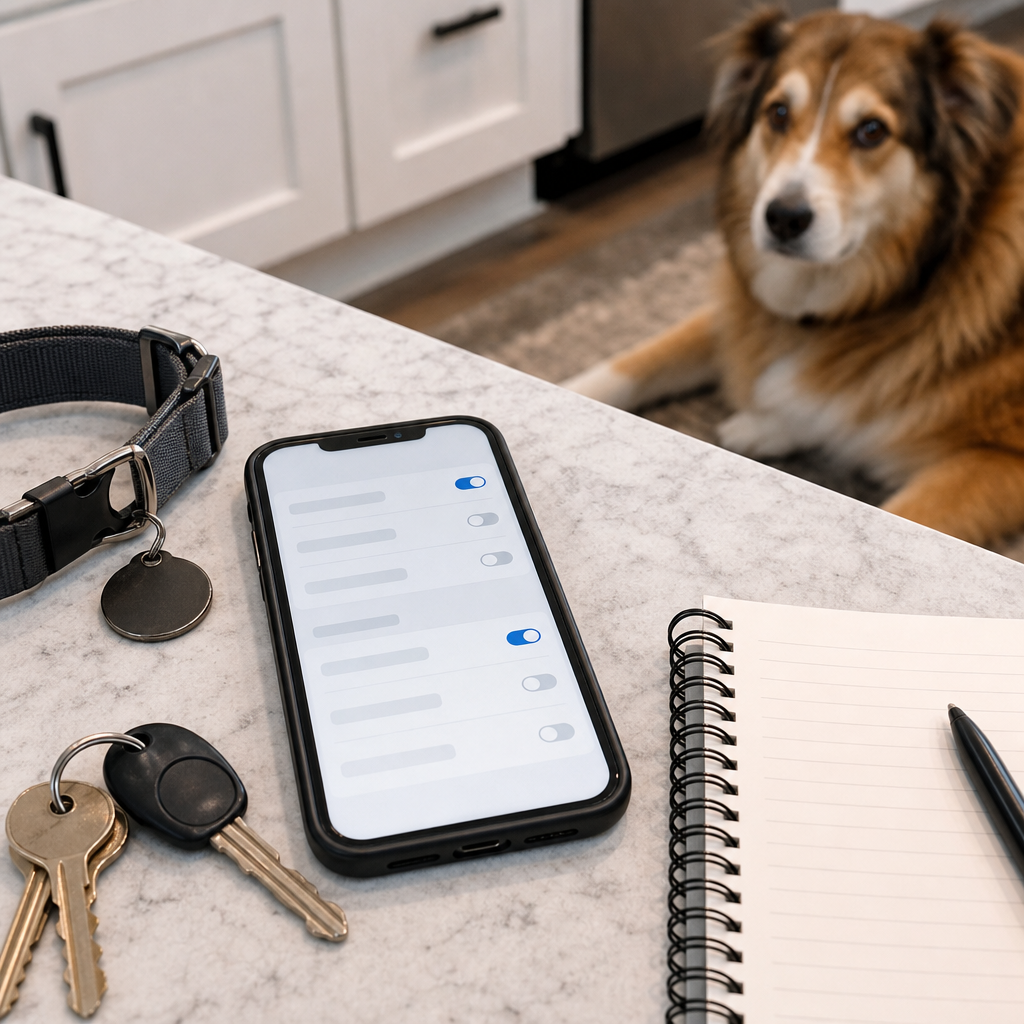
Before you enable a lost-pet camera feature, review motion zones, audio recording, shared users, linked devices, saved-video settings and notification rules. If you would not be comfortable explaining the setup to a neighbor, you probably have more settings to adjust.
Lost-pet alternatives to set up first
A camera feature should be a backup, not the whole lost-dog plan. Petco Love Lost says its free service uses photo matching for lost and found dogs and cats nationwide. That kind of tool can work alongside shelters, rescues and neighbors without requiring you to buy a new camera.
Set up the boring basics before spending on AI hardware. Keep a clear side photo and face photo of your dog. Make sure the microchip registry has your current phone and email. Use a readable ID tag. Save your local shelter and animal-control links. If your dog slips out, those steps are faster than learning a new app under stress.
What to avoid
Avoid buying an indoor camera because a listing says “pet AI” and assuming it helps Search Party. Avoid buying a camera only for a feature that might require saved video history if you do not want a subscription. Avoid pointing outdoor cameras at places you do not need to record. Avoid relying on AI matches as proof that a dog is yours. Treat any match as a lead to verify with normal lost-pet steps.
Also avoid using this kind of feature as a substitute for supervision, fencing or recall training. A camera may help after a dog is already missing. It does not stop a gate from being left open, a collar from slipping or a nervous dog from bolting during fireworks.
Quick answers
Should I buy a Ring camera just for Search Party?
Usually no. Consider it a bonus if you already want an outdoor camera and are comfortable with the privacy settings, subscription cost and camera placement.
Does Search Party work for cats?
Ring’s Search Party FAQ currently describes the feature as available in the U.S. for lost dogs. Cat owners should focus first on microchip records, ID tags, shelter reporting and lost-pet photo databases that support cats.
Is video shared automatically?
Ring says you choose whether to share a clip after a possible match. Still, the feature can scan saved video from participating outdoor cameras, so the privacy decision starts before any clip is shared.
What is the cheapest useful setup?
For many dog owners, the cheapest useful setup is not a new camera. It is current microchip information, a readable ID tag, recent photos, a free lost-pet profile and a camera only if you already wanted one for broader home security.
Sources
Sources last checked: September 14, 2026, 10:34 CEST, Europe/Rome.
- Ring, Search Party for Dogs FAQ and feature page.
- The Verge, coverage of Search Party expansion through the Neighbors app.
- Federal Trade Commission, Ring privacy and security settlement announcement.
- Petco Love, Petco Love Lost lost-and-found pet photo matching information.
- Liu, Acs and Biczok, Interdependent Privacy in Smart Homes: Hunting for Bystanders in Privacy Policies.