
#pet camera deals
#pet tech deals
#smart pet cameras
A pet camera deal is not a bargain if your home internet cannot upload the video reliably. Before you buy one for a dog, cat or pet sitter check-in, check the upload-speed requirement, whether it streams constantly or only on events, the monthly data use and which features sit behind a paid plan. A lower-resolution camera with local storage or event-only recording can be the better buy if your connection is tight.
That matters now because pet cameras keep showing up in smart-home sales, early holiday deal pages and retailer bundles. The product page often leads with 2K or 4K video, AI alerts, two-way talk and treat tossing, but the hidden cost can be the internet plan, cloud plan or router upgrade needed to make those features useful.
Why Upload Speed Is The Detail Owners Miss
Most shoppers think about download speed because that is what affects streaming movies, loading websites and app updates. A cloud pet camera works the other way when it sends video from your house to the camera company. That means upload speed, not just download speed, decides whether the live view opens quickly and whether clips save cleanly.
Google’s Nest support explains that cameras and doorbells upload video to the cloud and that homes need enough upload bandwidth for the number of cameras installed. Its examples show that some Nest cameras can use several Mbps of maximum upload bandwidth depending on model and quality setting, and monthly data use can vary heavily by recording mode, activity and quality. If you plan to use more than one pet camera, add the likely upload demand together instead of assuming one camera’s requirement covers the whole home.
For pet owners, the problem is easy to miss. A camera pointed at a crate, litter box, hallway or living-room window may see motion all day. If the app records every tail wag, passing car shadow, curtain movement or pet-sitter visit, a cheap camera can turn into a constant upload device.
The Checkout Check Before You Buy
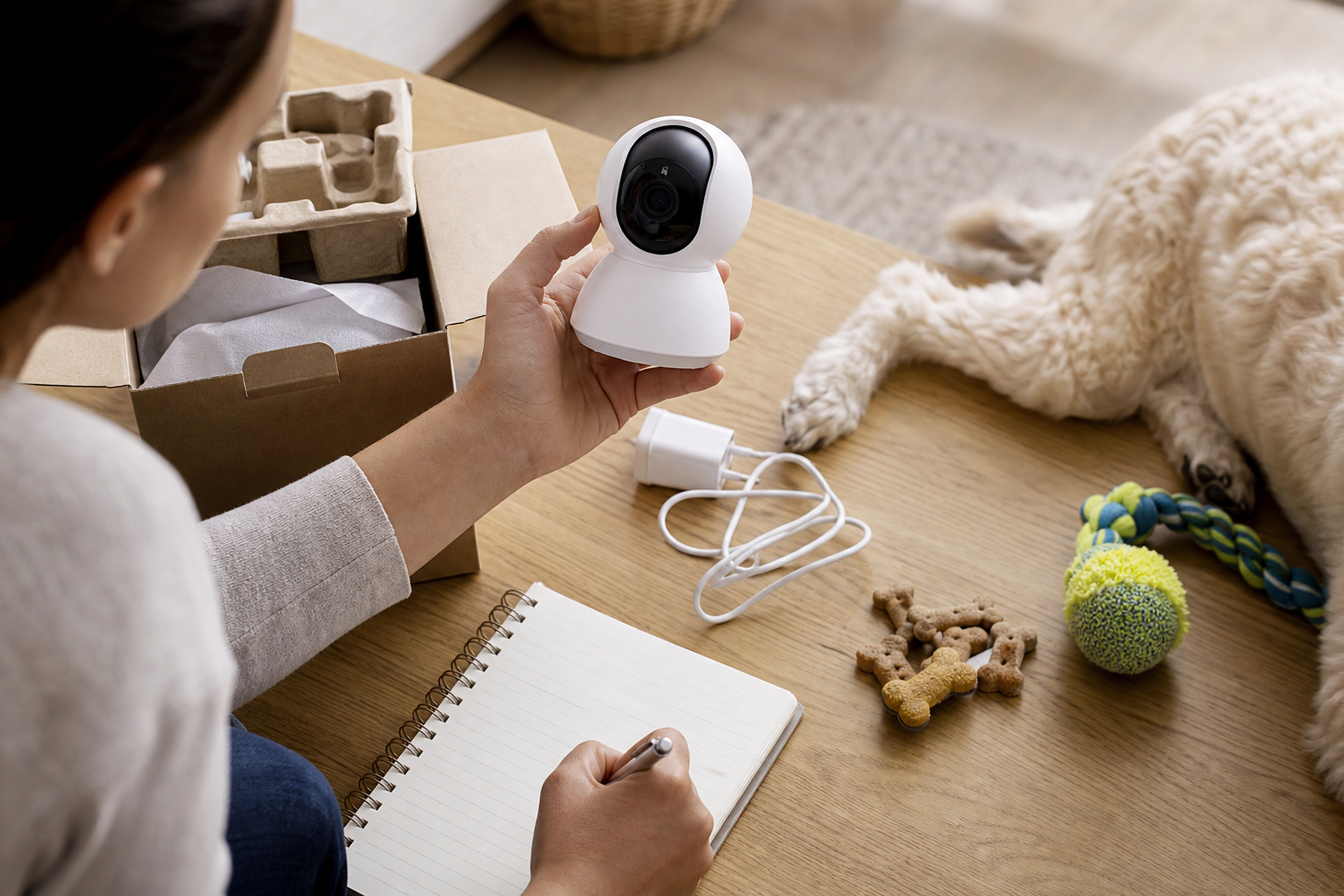
Start with the exact place where the camera will sit, not the router speed printed on your internet bill. Run a speed test on Wi-Fi from that room or corner, then look at the upload number. If the camera will sit far from the router, behind thick walls or near a metal crate, assume the real connection may be weaker than the result beside your modem.
Then check these details before paying:
- Upload speed per camera: Look for the manufacturer’s recommended upload speed, not only the minimum. If you plan to use two cameras, add the requirements together.
- Recording mode: Event-only recording usually uses less data than continuous recording, but it can miss quiet behavior if the motion zones are poor.
- Video quality controls: Check whether you can lower quality in the app. Google’s Nest help notes that higher quality uses more bandwidth and that lowering quality can help with slowdowns.
- Local storage: A microSD slot or hub can reduce dependence on cloud clips, but only if the camera still gives you the alerts and remote viewing you need.
- Subscription features: Pet detection, longer video history, AI summaries, familiar-face style alerts and clip exports may require a plan. Check the feature list, not just the device price.
- Data caps: If your internet plan has a monthly data allowance, look for overage charges, throttling or a higher tier you would need after adding cameras.
When A Cheaper Camera Is Actually Better
A cheaper 1080p camera can beat a discounted high-resolution model if your goal is simple: confirm the dog is resting, see whether the cat used the room, or let a pet sitter check in. Higher resolution can help with details such as reading a tag or seeing a small cat in a wide room, but it also raises the chance that video quality, upload speed or storage becomes the weak link.
If you only need short check-ins, prioritize reliable live view, two-way audio that works in the room, a stable app and clear return terms. If you need recorded clips because you are tracking a pet-sitter visit or checking separation-anxiety triggers, prioritize video history terms, export options and the monthly plan cost. If the camera will watch a litter box or feeding station, check privacy carefully because the footage can reveal household routines as well as pet behavior.
The Deal And Coupon Trap
Pet camera discounts can be real, but the device price is only the first line of the bill. Before using a coupon, compare the full first-year cost: camera, mount, memory card or hub, cloud plan, extra cameras, shipping, taxes and any return shipping if the Wi-Fi is not strong enough in the pet room.
Also check whether the advertised feature is included without a trial. A product page may promote smart alerts or cloud history while the checkout price reflects only the hardware. If a free trial is included, set a reminder before it renews and verify whether saved clips disappear or become inaccessible after cancellation.
Do not count a broad smart-home sale as a pet-care deal unless the camera solves the exact pet problem you have. A doorbell camera may help with package theft and lost-dog neighborhood alerts, but it is not the same as a camera positioned at a crate, food bowl or cat tree.
Privacy And Safety Checks
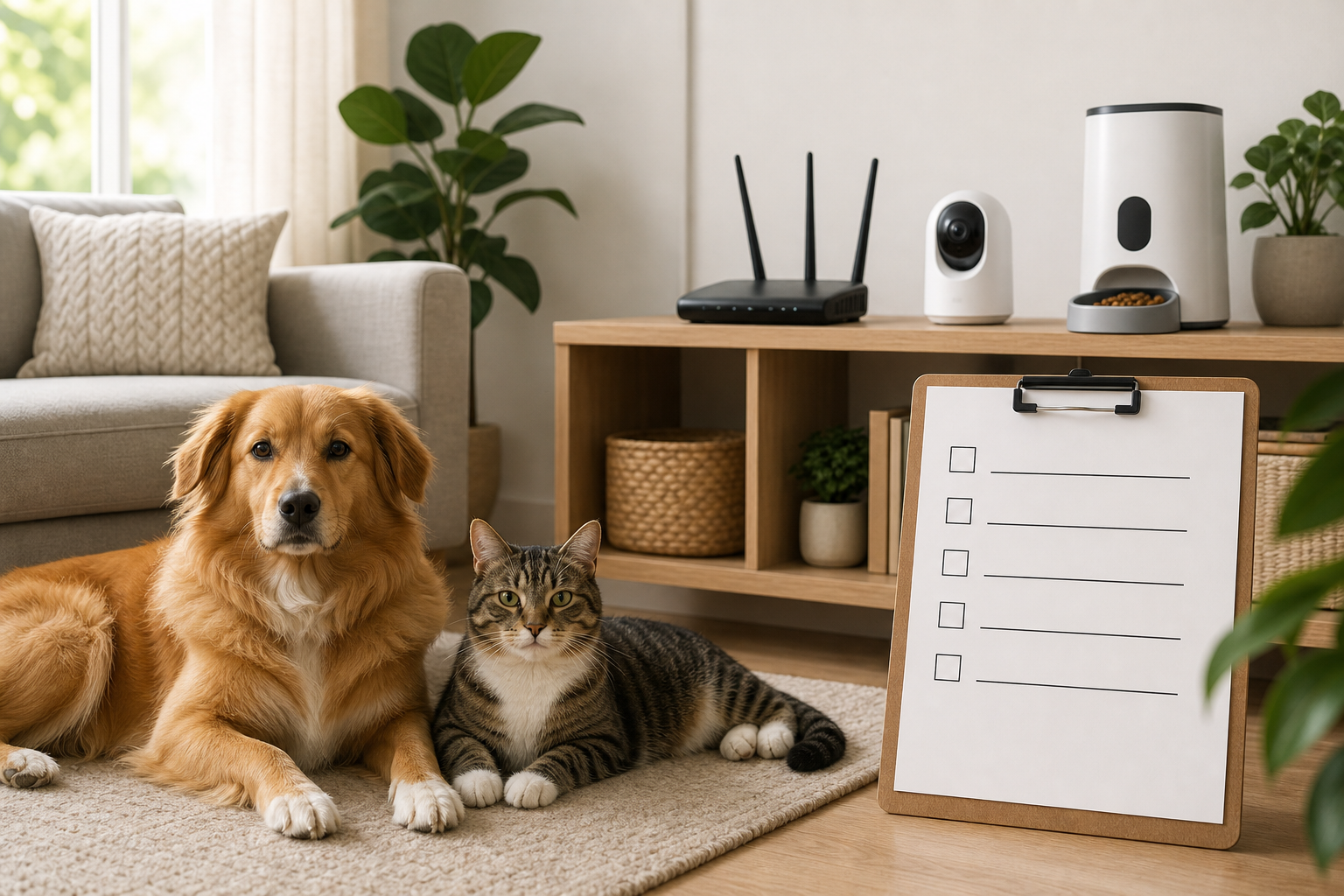
A pet camera is still an internet-connected camera inside your home. The FTC advises consumers to use security features, keep connected devices updated and change default passwords. For pet owners, that means the camera should have a strong account password, two-factor authentication when available, update support and a clear way to delete recordings or remove the device from your account before resale.
Avoid placing the camera where it records bedrooms, computer screens, children, neighbors’ windows or a pet sitter’s private conversation unless everyone who needs to know has been told. Pet monitoring does not excuse sloppy placement.
Also avoid using a camera as the only care plan for a pet with medical, anxiety or mobility needs. A camera can show you something happened; it cannot feed, medicate, walk or comfort an animal by itself. For health concerns or behavior changes, use the camera as context for your veterinarian, trainer or sitter, not as a diagnosis tool.
What To Avoid
- Buying a high-resolution camera before checking upload speed in the actual room.
- Assuming “wireless” means no power cable, no Wi-Fi requirement or no monthly plan.
- Putting a camera beside a litter box, crate or food station without checking who can access recordings.
- Buying multiple cameras from one sale without testing one device first.
- Relying on a mobile hotspot for routine pet monitoring unless the manufacturer says that setup is suitable.
- Keeping the camera after a bad first week just because the hardware was discounted. Return windows matter.
Quick Answers
Is upload speed more important than download speed for a pet camera?
Yes, for cloud recording and remote live view, upload speed is the number to check first. Download speed matters when you watch the stream, but the camera has to send the video out of your home.
Do I need 4K for a pet camera?
Usually not. For most dog and cat check-ins, reliable 1080p video, good placement and clear night vision are more useful than a high-resolution spec that strains your connection.
Can local storage replace a subscription?
Sometimes, but not always. Local storage may save clips, while paid plans may still control pet detection, longer history, rich notifications, cloud backup or easy clip sharing.
Should I buy one camera or a bundle?
Buy one first if you are unsure about Wi-Fi strength, app quality or your pet’s room layout. A bundle only saves money if every camera works where you need it.
Sources
Sources last checked September 16, 2026, 16:38 Europe/Rome.