
#Apple Home
#HomeKit Secure Video
#pet camera deals
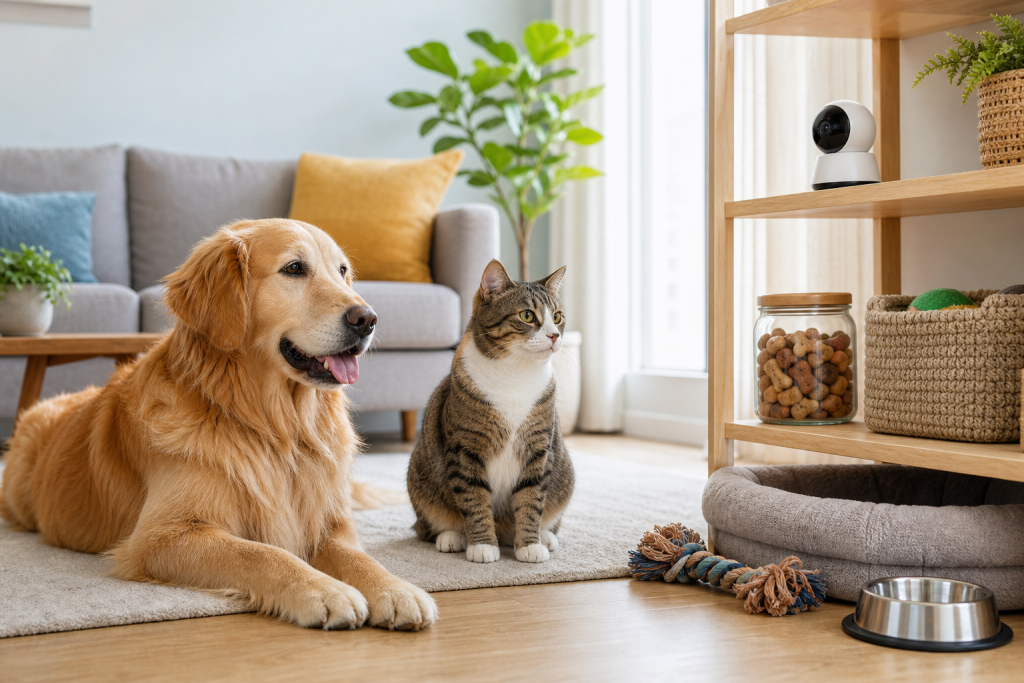
An Apple Home-compatible camera can be a useful pet monitor, but the deal is not just the camera price. If you want HomeKit Secure Video recording, remote viewing and multiple cameras in Apple Home, the iCloud+ plan and home-hub requirements matter before checkout. The mistake is buying a discounted indoor camera for your dog or cat, then discovering the useful features depend on the Apple ecosystem you already have, or still need to buy.
Why this matters now
Pet owners increasingly use indoor security cameras as pet cameras, especially for dogs with separation stress, cats that roam the house at night, and sitters who need a quick check-in tool. Apple Home is also back in the smart-home conversation because Apple Intelligence camera features and iCloud+ camera limits are getting fresh attention in September 2026.
That does not mean every HomeKit camera is a bad buy. It means the sale badge is only one line of the real cost. The camera, iCloud+ tier, compatible Apple home hub, camera placement, notification settings and return window all need to work together.
The iCloud+ detail pet owners should check first
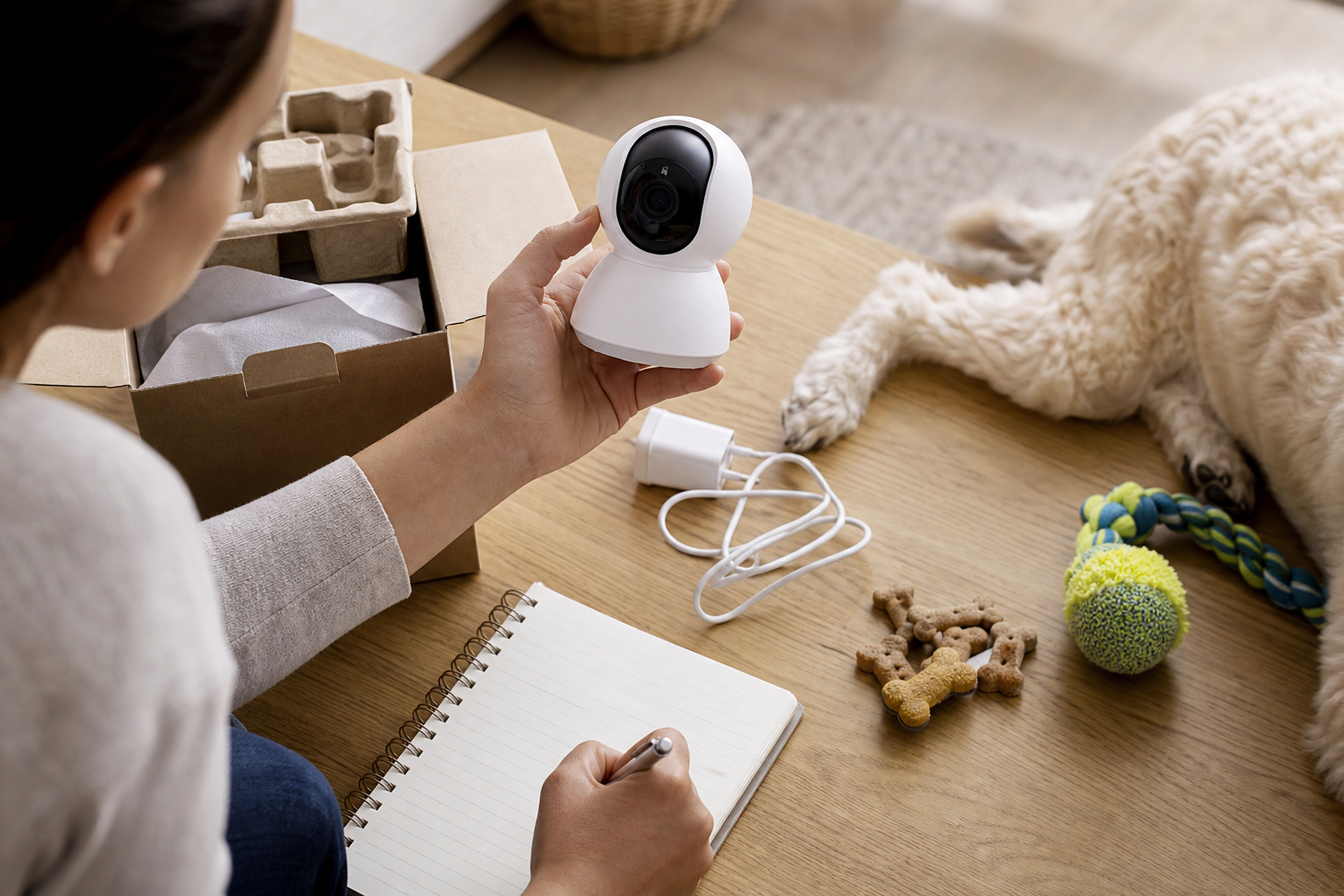
Apple says HomeKit Secure Video stores supported camera recordings in iCloud when you subscribe to iCloud+. Apple also says the number of HomeKit Secure Video cameras you can add depends on the iCloud+ plan: one camera on 50 GB, up to five cameras on 200 GB, and unlimited cameras on 2 TB and above.
For a pet owner, that limit can change the value of a camera deal quickly. One camera pointed at a crate, litter area or main room may fit the lowest camera limit. A setup with a kitchen camera, hallway camera and living-room camera may push you into a higher plan even before you compare camera brands.
Apple’s U.S. iCloud+ pricing page lists monthly prices by storage tier, including 50 GB, 200 GB, 2 TB, 6 TB and 12 TB plans. The exact price and availability can vary by country or region, so use Apple’s current page and your own Apple ID billing screen rather than a coupon article or old review.
What to verify before buying a HomeKit camera for pets
Start with compatibility. The product listing should clearly say it supports Apple Home or HomeKit Secure Video, not just that it works with iPhone. A camera app can work on iOS without supporting Apple’s Home app recording features.
Then check whether your home already has a supported Apple home hub, such as an Apple TV or HomePod model that can run the Home setup you need. If the camera deal only works after another device purchase, the cheap camera is not really the whole cart.
Next, count cameras by use case, not by rooms you wish you could watch. A pet-monitoring setup often starts with one reliable angle: food and water, a crate, the main room or a litter-box approach. Adding more cameras can help, but each extra camera can change subscription math, privacy exposure and notification noise.
Finally, read the return policy before opening the box. You need time to test night vision, audio, motion alerts, pet detection claims, Wi-Fi stability and whether the camera’s field of view actually captures your pet’s normal path.
The deal math most shoppers skip
A clean checkout comparison should include four numbers: the camera price, the iCloud+ tier you actually need, any home-hub purchase you do not already own, and replacement or mounting costs. A $40 indoor camera can still be a poor buy if it needs a higher cloud plan than you expected or cannot be returned after setup.
Do not compare only the first-month cost. Use a 12-month total for any paid plan, then ask whether you would still want the camera if the introductory price disappeared. For many owners, one well-placed camera with reliable local controls is more useful than a bundle that creates extra monthly cost and constant alerts.
If you already pay for iCloud+ for photos, backups or family sharing, the extra camera may feel almost free. That can be true, but only if your current tier has enough camera support and you are comfortable putting pet-room video inside that Apple Home setup.
Privacy and household access checks
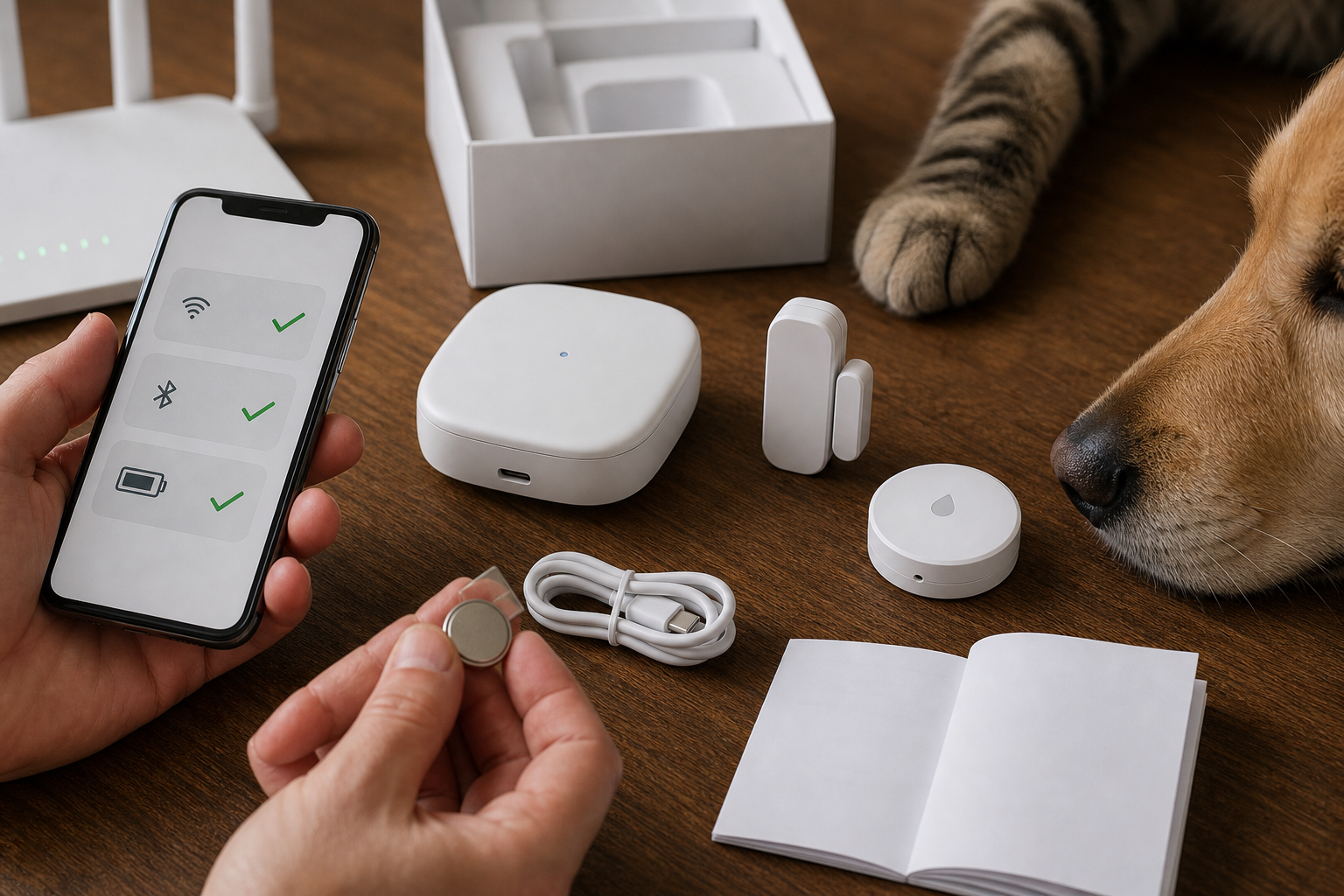
A pet camera watches more than a pet. It may capture visitors, children, sitters, roommates, work calls, medication areas and entry doors. Apple says HomeKit Secure Video uses end-to-end encryption and that video is privately analyzed by the home hub, but shoppers still need to decide where a camera belongs and who can view recordings.
Before buying, check how household members are invited, whether they can view live streams only at home or remotely, and whether they can see recordings. For pet sitters, a temporary alternative may be safer than giving broad access to the whole home setup.
Also avoid pointing the camera at neighbors’ windows, shared hallways or spaces where guests reasonably expect privacy. A pet camera should solve a pet-care problem, not turn the whole home into a recording zone.
What to avoid
Avoid listings that blur the difference between “works with iPhone” and “supports HomeKit Secure Video.” Those are not the same buying claim. Also avoid buying a multi-camera bundle before testing one camera in the room where your pet actually spends time.
Do not treat AI summaries, pet detection or motion alerts as a substitute for care. A camera can show you that something happened. It cannot feed your pet if the feeder fails, clean a litter box, replace a sitter or decide whether a pet needs a veterinarian.
Be careful with used smart cameras. A secondhand device may be tied to another account, missing mounting hardware, out of warranty or unsupported by the app version you need. If you buy used, confirm reset instructions, model support, return rights and included accessories before paying.
Quick answers
Is an Apple Home camera the same as a pet camera?
No. It is usually a home security camera that pet owners can use for monitoring. Pet-specific features depend on the camera model, the app, the placement and the Apple Home features it supports.
Can one camera be enough?
Often, yes. One reliable view of the crate, main room, feeding area or litter-box approach may beat several cameras that create subscription cost and alert fatigue.
Should I buy a camera just because I already have iCloud+?
Not automatically. Check your current iCloud+ tier, camera limit, home-hub setup, return window and privacy comfort first.
Is this a veterinary or safety device?
No. Use it as a monitoring tool only. If your pet seems sick, injured, distressed or unsafe, contact your veterinarian or local emergency service instead of relying on camera clips.
Sources
- Apple Support, Store encrypted security camera footage in iCloud with HomeKit Secure Video.
- Apple Support, iCloud+ plans and pricing.
- The Verge, Apple Home’s new security camera features cost as much as $60 a month.
- The Verge, Apple Home cameras are getting an Apple Intelligence boost.
Sources last checked: September 15, 2026, 01:34 CEST, Europe/Rome.