

#firmware updates
#pet cameras
#pet tech privacy
#smart pet tech
#Tapo camera
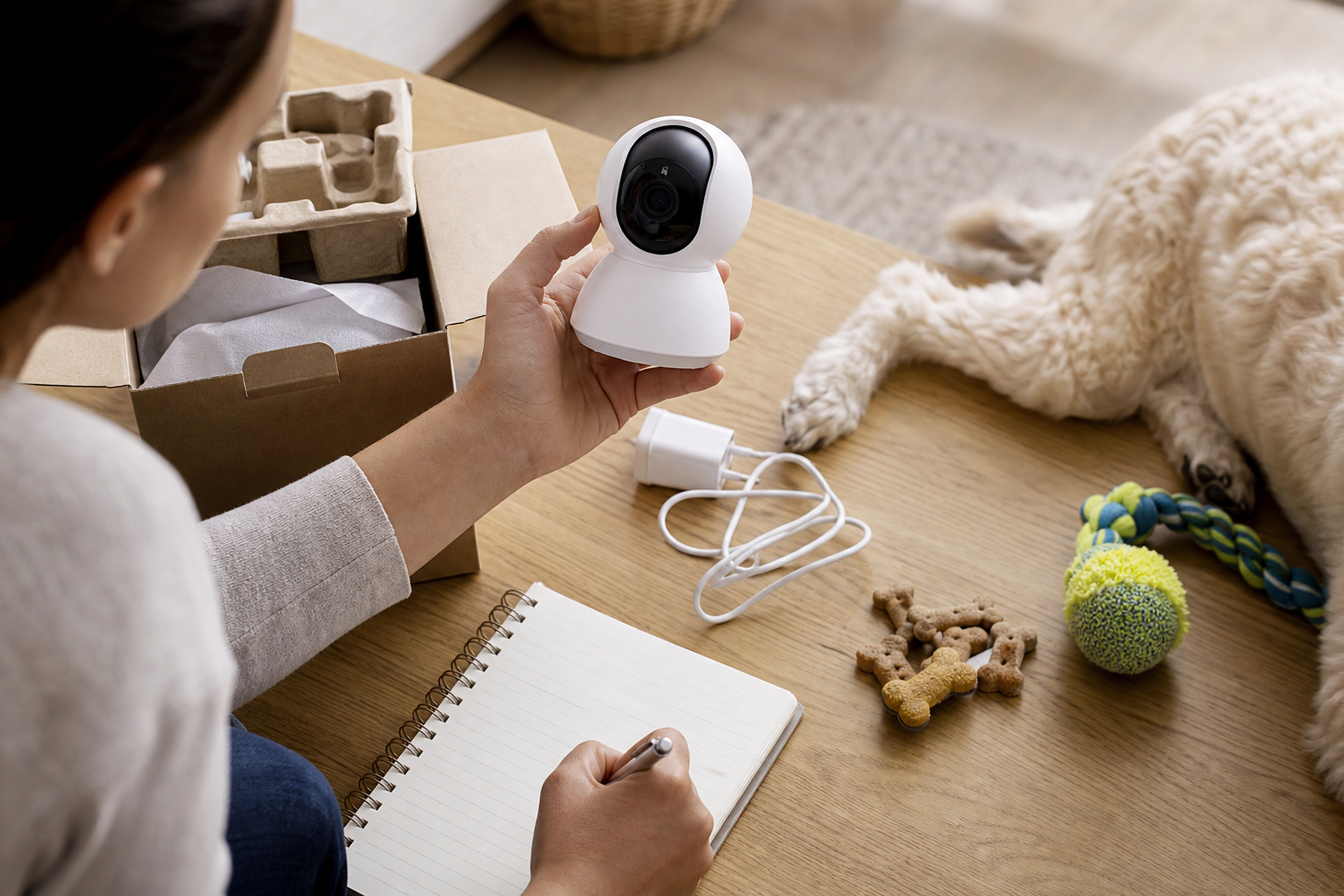
A cheap Tapo camera can be a sensible pet monitor only if the exact model is on fixed firmware and still receives support. TP-Link says security vulnerabilities in the Tapo C120 v1 and Tapo C200 v5 are fixed in specific firmware releases, and OPSWAT says one of the flaws could let an attacker with network access gain an administrative session. Before you point a bargain indoor camera at a crate, food bowl or litter area, check the model, hardware version, firmware and return window.
This matters now because pet owners often buy low-cost security cameras during fall deal events and use them as pet cameras. That can be fine, but the device is still an internet-connected camera inside your home. A discount is not worth much if the camera ships with old firmware, cannot update cleanly or pushes you into a cloud plan you did not price into the deal.
What happened with Tapo C120 and C200 cameras?
TP-Link’s August 27, 2026 security advisory lists two vulnerabilities affecting Tapo cameras. CVE-2026-15315 affects the Tapo C120 v1 and Tapo C200 v5, and TP-Link rates it high severity. The company says an attacker on the local network could exploit weak challenge validation to bypass normal authentication controls and obtain administrative session tokens.
The second issue, CVE-2026-15316, affects the Tapo C200 v5. TP-Link says oversized encrypted credential input could crash or restart the affected device, temporarily disrupting HTTPS management and monitoring. TP-Link lists the fixed firmware for the Tapo C200 v5 as V5_1.4.6 Build 260709 Rel.27675n, and the fixed firmware for the Tapo C120 v1 as 1.9.3 Build 260521.
OPSWAT, which disclosed the research, says exploitation requires network access to the camera. That is an important limit, but it does not make the issue irrelevant for pet owners. Home Wi-Fi networks often include old phones, guest devices, smart plugs, tablets and shared passwords, so a pet camera belongs in the same security conversation as any other indoor camera.
The checkout check most shoppers skip
Before buying a discounted Tapo C200, Tapo C120 or any similar indoor camera to watch a pet, make the product page prove three things:
- Exact hardware version: The firmware fix depends on hardware version, not just the marketing name. “C200” alone is not enough.
- Firmware update path: Confirm that the camera can still update through the current app and that the seller is not moving old stock with uncertain support.
- Return protection: If the camera arrives unable to update, you want a normal return route, not a final-sale clearance item.
- Storage costs: If you need cloud clips or longer event history, check the plan cost before treating the camera as a bargain.
- Placement privacy: A pet camera should not see beds, bathrooms, children’s rooms, neighbors’ windows or paperwork just because that angle also catches the dog bed.
How to judge whether the deal is still good
A low sticker price can still be useful if the camera updates promptly, records the type of clips you need and fits the room without exposing private areas. For a pet monitor, most shoppers need reliable live view, motion alerts that are not too noisy, night vision, two-way audio only if the pet handles voices calmly and either local storage or cloud clips that fit the budget.
Run the deal through this quick math before paying:
- Add any cloud-storage or event-history subscription you expect to keep for 12 months.
- Add the cost of a microSD card if local recording is part of the plan.
- Check whether the camera needs a stronger Wi-Fi signal in the room where your pet actually stays.
- Confirm whether pet detection, rich notifications or longer clips require a paid tier.
- Compare the final 12-month cost with a newer camera that lists a clearer support policy.
Do not assume “no subscription” means no future cost. It may mean local storage works for basic recording, while smarter alerts, cloud history or multiple cameras still add monthly fees. Tapo’s own Tapo Care page describes cloud-oriented features such as event storage and app review, so shoppers should treat any plan as part of the price if they expect to use it.
Used and marketplace cameras need extra caution
A used pet camera can be tempting, especially if you only need to check whether a dog is barking or a cat is using a feeder. The risk is that older hardware can arrive tied to someone else’s account, behind on firmware or outside the seller’s normal return policy.
For secondhand or marketplace listings, ask for the exact model, hardware version and a photo of the firmware screen with personal account details hidden. Avoid listings that cannot confirm reset status or update ability. If the seller describes the camera only as “Tapo pet cam” or “works great” without the hardware version, the discount is weaker than it looks.
Where to put a pet camera safely
Security bugs get attention, but everyday placement mistakes are just as practical. A camera aimed at a crate or cat tree may also capture a hallway, couch, bed or front window. If multiple people live in the home, make sure everyone understands where the camera points and who can view clips.
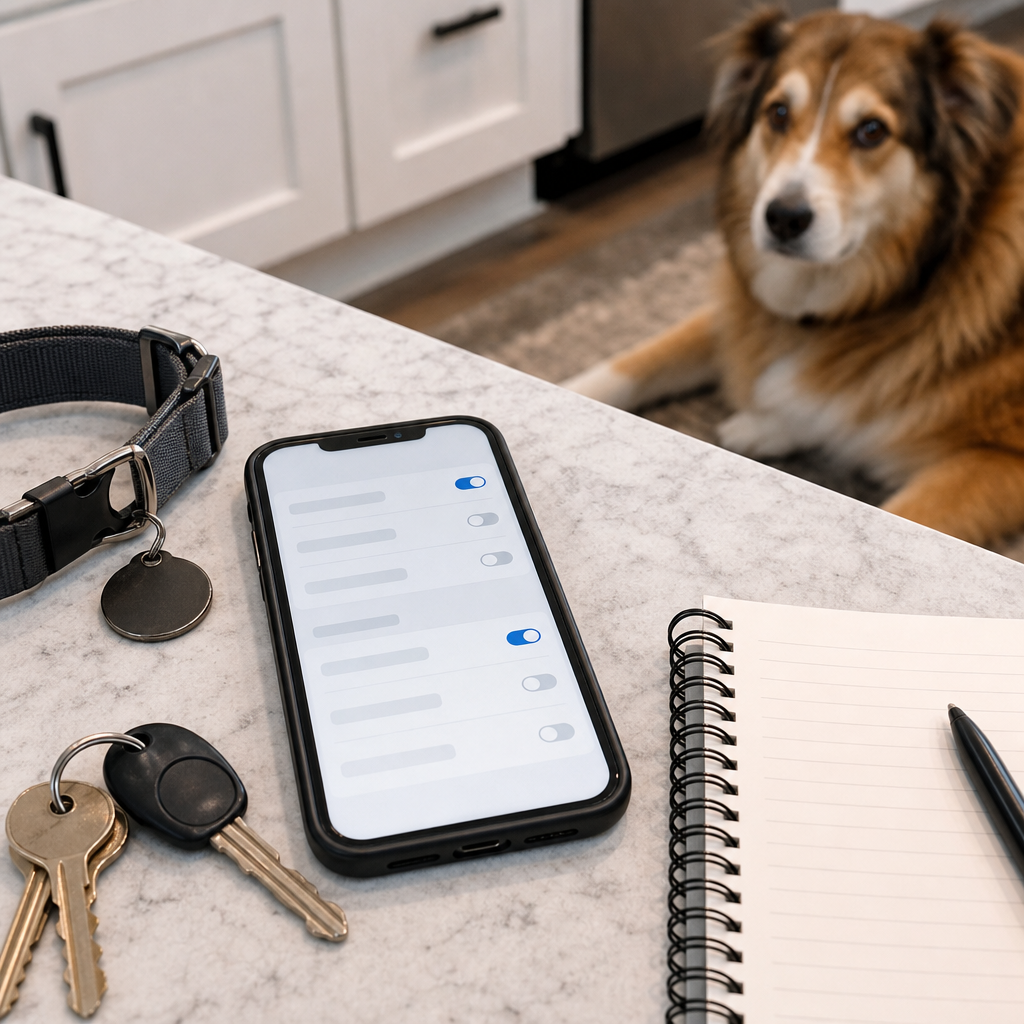
Set a strong account password, turn on multi-factor authentication if available, keep the app updated and remove old household members or sitters who no longer need access. The FTC’s consumer guidance for internet-connected devices recommends using available security features and protecting devices with strong access controls.
What to avoid
- Do not buy a clearance camera if the listing hides the hardware version.
- Do not expose a camera’s management interface to an untrusted network.
- Do not keep using an affected camera on old firmware because the live view still works.
- Do not place the camera where it records more of the home than the pet area requires.
- Do not count a cloud trial as a permanent feature when comparing deals.
Quick answers
Is every Tapo pet camera unsafe?
No. The current TP-Link advisory names specific affected products and fixed firmware versions. The practical shopping point is to verify the exact hardware version and update status before buying or reusing one.
Can someone exploit this from anywhere on the internet?
OPSWAT describes the disclosed Tapo C200 issues as requiring network access to the camera. That is different from saying every internet user can reach it, but shoppers should still avoid unnecessary exposure and keep firmware current.
Should I throw away a Tapo C200 v5?
Not automatically. Check the firmware against TP-Link’s advisory and update to the fixed version or later. If it cannot update, stop using it as an indoor pet camera until the seller or manufacturer gives you a safe remedy.
Is a pet camera with local storage better than cloud storage?
It depends on the household. Local storage can reduce monthly costs, but it still needs firmware updates and safe placement. Cloud storage can be convenient, but the subscription belongs in your deal math.
Sources
- TP-Link, Security Advisory: Multiple Vulnerabilities in Tapo C120 and C200.
- OPSWAT, Authentication Bypass and DoS Vulnerabilities in TP-Link Tapo Cameras.
- NIST National Vulnerability Database, CVE-2026-15315.
- Tapo, Tapo Care service information.
- FTC Consumer Advice, Securing Your Internet-Connected Devices at Home.
Sources last checked: September 17, 2026, 19:32 CEST, Europe/Rome.