

#cat cameras
#dog cameras
#pet cameras
#pet deals
#pet tech
#smart pet devices
A cheap pet camera can cost more than it looks if the features you actually want sit behind a subscription, depend on long-term app support, or require cloud video storage. Before you buy, check what works without a plan, how long the company supports software updates, and whether the camera has basic privacy protections. The lowest device price is not always the lowest ownership cost.
Pet cameras are no longer just novelty gadgets for anxious owners. They are part security camera, part treat dispenser, part pet monitor, and often part subscription service. That makes them useful, but it also makes checkout more complicated than buying a normal bowl, bed, or leash.
Why This Matters Now
Smart pet gear keeps expanding into everyday shopping: cameras, trackers, feeders, fountains, smart collars and connected litter boxes all promise convenience. The problem is that the hardware price is only one part of the decision. A pet camera may advertise live viewing, smart alerts, video history, pet behavior detection or an extended warranty, but those features can vary by plan, region and model.
The Federal Trade Commission also warns that connected cameras can create privacy and security risks if buyers do not check encryption, passwords, updates and remote viewing settings. In a separate smart-products review, FTC staff found that many connected-device product pages did not clearly say how long software updates would be provided. That matters for pet cameras because a device that loses secure software support may become less useful, less safe or both.
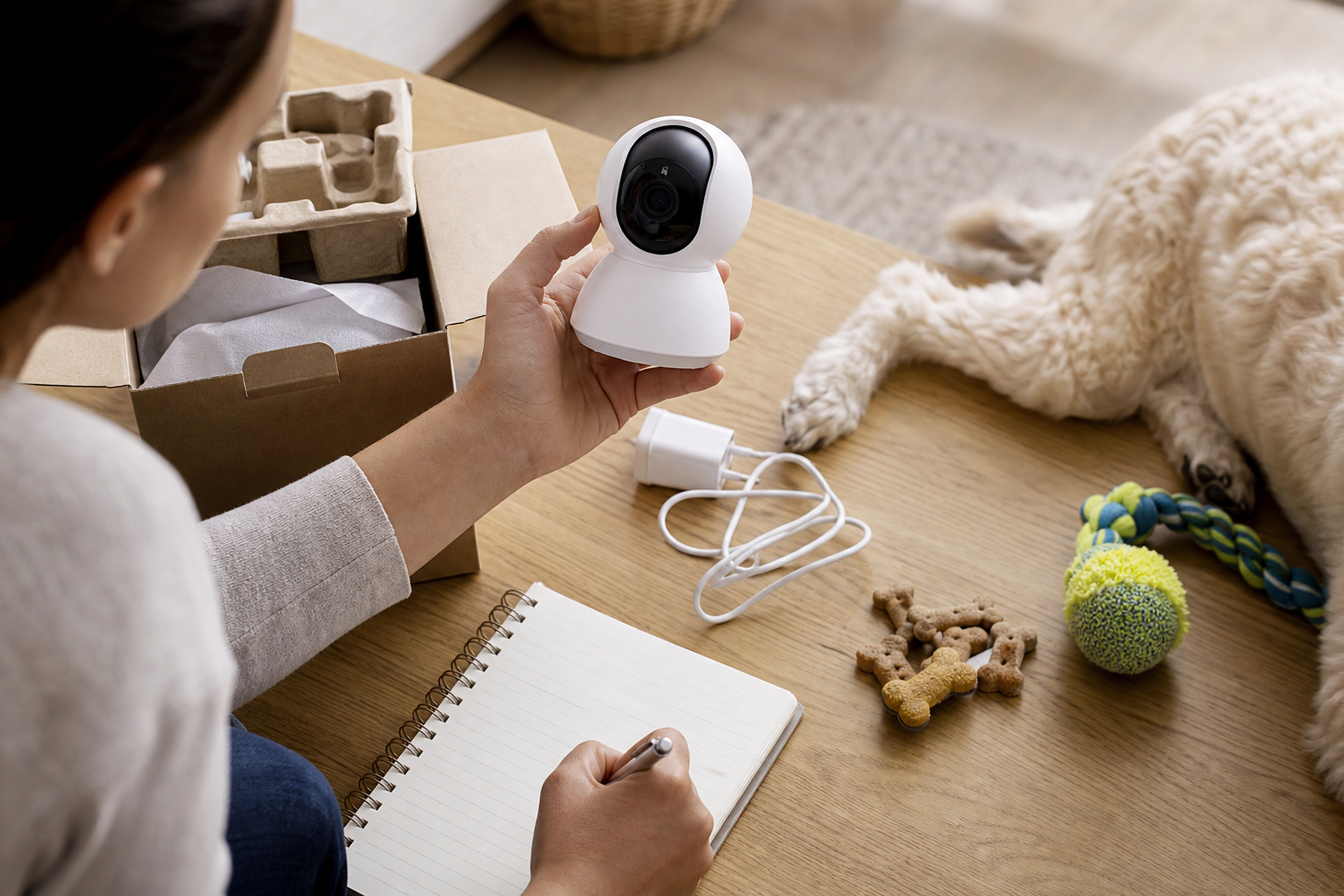
The Checkout Trap: What Works Without Paying Monthly?
The first question is not “Is this camera on sale?” It is “Which features still work after I skip the subscription?”
Look for clear answers to these questions before paying:
- Can you watch a live feed without a paid plan?
- Are motion, barking, meowing or pet/person alerts free, paid or trial-only?
- How much video history is included without cloud storage?
- Can videos be saved locally, or is cloud storage required?
- Does one subscription cover multiple cameras, or does each camera add another fee?
- Does the plan include warranty coverage, and does that warranty end if the plan ends?
- Can you cancel before renewal from the same account where you bought the device?
Official support pages show why this matters. Petcube describes Petcube Care as an optional membership that adds extended video history, smart alerts, video downloads, multi-camera support on some plans and warranty benefits. Furbo’s subscription help page says the subscription fee can be charged together with the upfront camera payment, and that prices may change with promotional offers. Those are not reasons to avoid either brand. They are reminders to read the plan terms before treating a camera discount as the whole deal.
How to Judge a Pet Camera Deal
A real deal should still make sense after you price the first year of ownership. Add the camera price, required subscription, shipping, return costs, replacement power cables or mounts, and any treat-compatible accessories. If the deal requires a minimum subscription period, include that period in the total.
For a simple way to compare devices, create three totals:
- Hardware-only total: camera, taxes and shipping.
- First-year total: hardware plus the subscription level needed for the features you want.
- Two-year total: hardware plus renewals, especially if the warranty or video history depends on the plan.
If a cheaper pet camera needs a paid plan for the alerts you care about, while a slightly higher-priced model includes those functions locally or with a better free tier, the cheaper device may not be cheaper for your home.

Privacy Checks Before You Put a Camera Near Your Pet
A pet camera is still a camera inside your home. The FTC recommends researching security features before buying, including whether account information, livestreams and stored video are encrypted. It also advises owners to use strong unique passwords, keep apps and device software updated, turn on two-factor authentication when available, and think carefully before enabling remote viewing.
Before setup, decide where the camera should not point. A camera aimed at a crate, food station or living-room pet bed may be useful. A camera that also sees bedrooms, desks, documents or children may collect more private information than you intended. If you use a pet sitter, dog walker or family login, check whether the app lets you limit permissions instead of sharing full account access.
Software Support Can Be a Hidden Cost
Connected pet devices rely on apps, cloud services and firmware. If a manufacturer stops supporting those pieces, a device can lose features or become harder to secure. FTC staff reported in 2024 that nearly 89% of surveyed smart-product pages failed to disclose how long products would receive software updates, and the review included categories such as security cameras.
That does not mean every pet camera is risky. It means buyers should search the manufacturer’s support pages for update policy, app compatibility, warranty length and end-of-support language. If you cannot find a clear policy, consider that uncertainty part of the price.
What to Avoid
- Do not buy only because the camera is heavily discounted. Check whether the useful features are subscription-only.
- Do not put an indoor camera in a private area just because it is for a pet.
- Do not reuse your email password or a simple camera password.
- Do not assume a trial feature remains free after checkout.
- Do not buy a device that depends on an app if the app has poor recent reviews, unclear support or no visible update history.
- Do not treat smart alerts as a substitute for veterinary care, training or a safe home setup.
Quick Answers
Is a pet camera worth buying?
It can be worth it if you need live check-ins, separation-anxiety monitoring, pet-sitter visibility or basic home awareness. It is less compelling if the features you want require an expensive plan and you only need occasional viewing.
Should I buy a treat-tossing camera?
Only if your pet is comfortable with the noise, motion and treats used by that device. Check treat size, cleaning instructions and whether replacement parts are easy to buy.
Are cloud video plans bad?
No. Cloud video can be useful, especially when you need clips after an event. The key is to know what is stored, how long it is stored, what it costs after a trial, and whether you can delete or download clips easily.
What is the safest first setup step?
Change default credentials, turn on two-factor authentication if offered, update the app and firmware, and place the camera where it captures your pet without exposing more of your home than necessary.
Sources
Last checked: May 29, 2026, 19:31 Europe/Rome.
- Federal Trade Commission, How To Secure Your Home Security Cameras
- Federal Trade Commission, Securing Your Internet-Connected Devices at Home
- Federal Trade Commission, Smart Products Surveyed Fail to Provide Consumers with Information on Software Updates
- Petcube Support, What is Petcube Care Membership
- Furbo Help Center, Subscribe & SAVE Plans and Pricing