
#cat microchip
#dog microchip
#lost pet
#microchip registration
#pet microchip
#pet tech
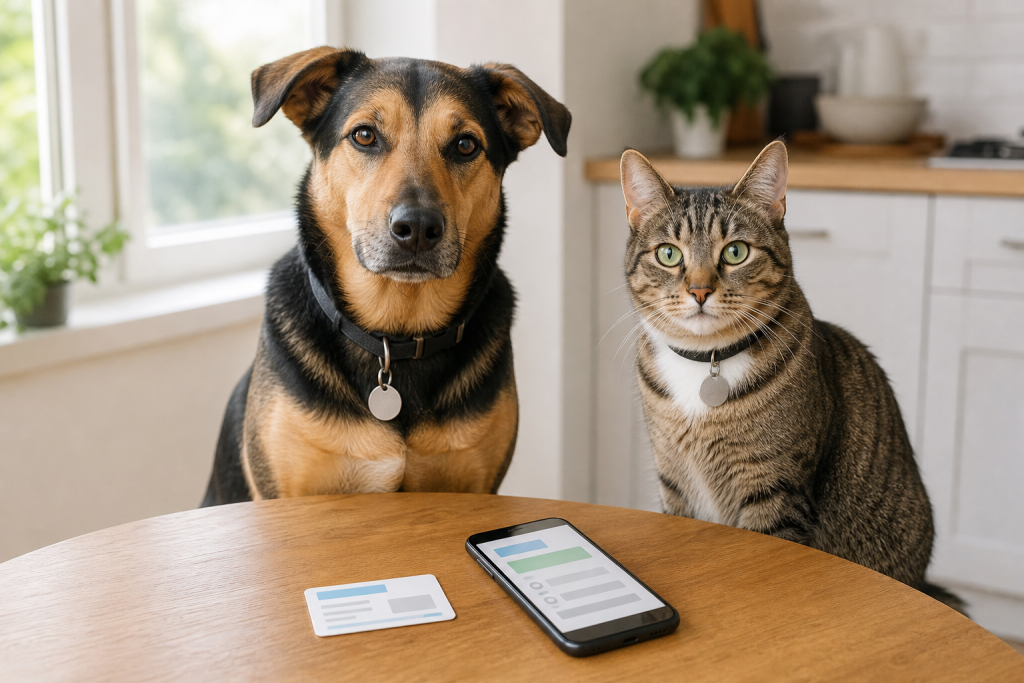
A pet microchip deal can look finished once you pay for the chip, but the protection can fail if the registration record is missing, outdated or tied to the wrong person. The chip itself is only an ID number, not a GPS tracker, so a shelter or vet needs a working registry contact to reach you. Before paying for a clinic package, adoption add-on or registry upgrade, confirm where the chip is registered and whether your phone, email and backup contact are current.
Why this matters now
Pet tech shopping has moved far beyond collars and cameras, but microchips remain one of the most important low-tech digital safety purchases for dogs and cats. Summer travel, moving season, fireworks, thunderstorms and open doors all raise the chance that a pet gets separated from an owner. That makes microchip paperwork worth checking before you spend money on another tracker, tag or registry upsell.
The American Animal Hospital Association says its Universal Pet Microchip Lookup Tool helps identify which registry has information for a scanned chip, but it does not show owner information and it is not where owners update their records. AAHA also notes that some chips may be implanted but not registered to a specific pet, and that owners may need to contact the registry directly.
The checkout mistake owners make
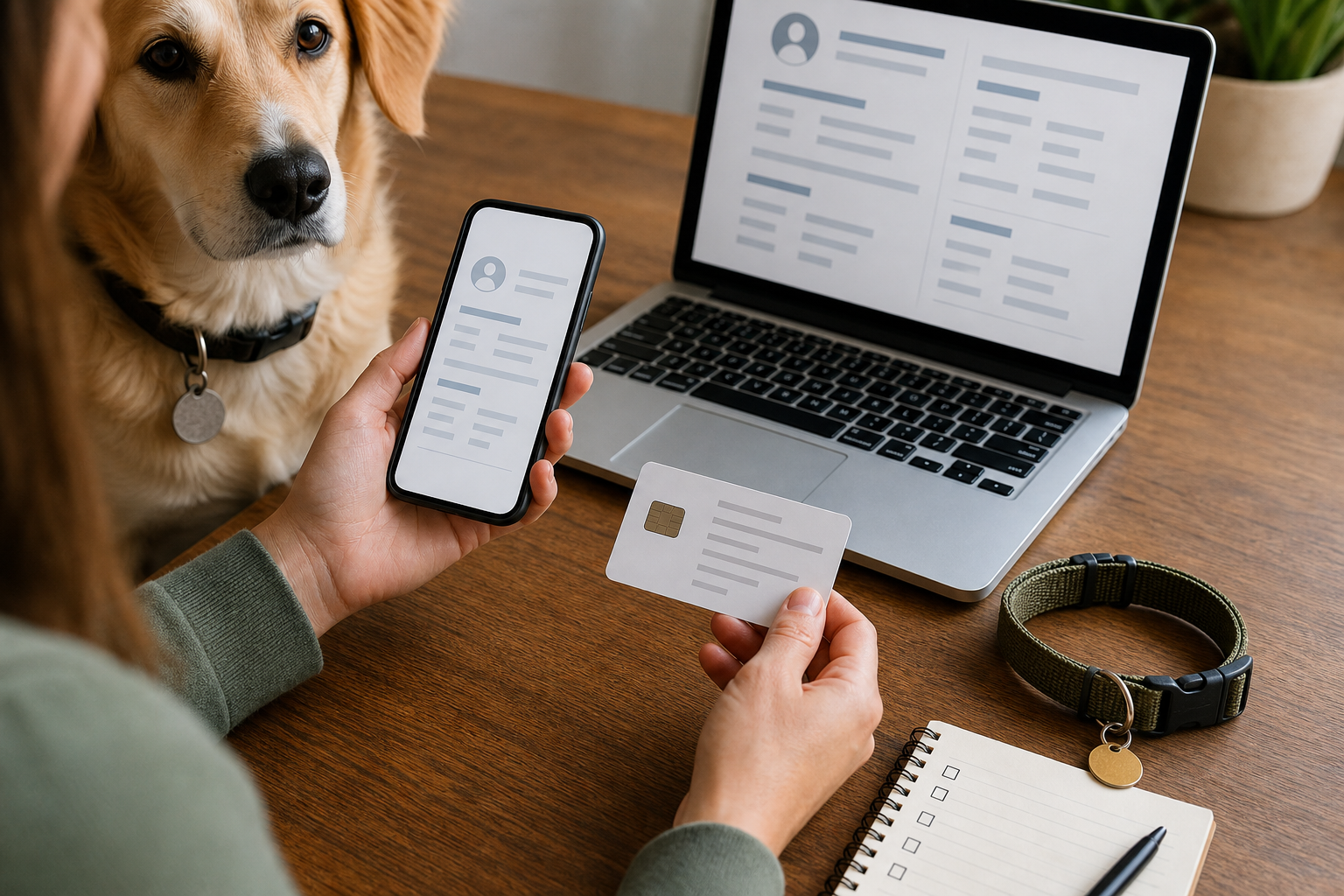
The common mistake is treating “microchipped” and “registered to me” as the same thing. They are not the same purchase outcome. A breeder, shelter, rescue, clinic or previous owner may have implanted the chip, but the registry record still has to lead a finder back to your current contact details.
Before you pay, ask for the microchip number in writing and ask which registry will hold the record. If the seller says registration is included, ask whether it is already transferred to you, whether you need to activate an account, and whether future updates cost anything. If you are adopting or buying a pet that already has a chip, ask whether the transfer is complete before you leave with the pet.
What to verify before buying or upgrading
- Microchip number: save the full 9-, 10- or 15-digit number somewhere you can find quickly.
- Registry name: check which company manages the record, not just which clinic implanted the chip.
- Your contact details: use a mobile number, email and address that will still work if you travel or move.
- Backup contact: add a trusted alternate person when the registry allows it.
- Update rules: check whether contact updates are free, a one-time fee or tied to a paid service.
- Scanner check: ask your vet at a routine visit whether the chip still scans and where it is located.
- Collar ID: keep an external tag on your dog or cat when appropriate, because a visible phone number can reunite a pet faster than a database lookup.
When a registry deal is not really a deal
Some microchip services sell lifetime enrollment, premium recovery support, alert networks, collar tags or annual memberships. Those extras may be useful for some owners, but the basic shopping question is simpler: will a shelter, vet or finder know which registry to contact, and will that registry have current contact information?
Do not pay for a premium upgrade just because the checkout screen makes the free or basic path look incomplete. Read what is included. A paid plan may add help lines, printed tags or lost-pet alerts, while basic registration may still be enough to link the chip number to you. The deal is weak if you leave without the chip number, the registry login, transfer confirmation or a clear update policy.
Microchip versus GPS tracker
A microchip is not a tracking device. The AVMA explains that pet microchips contain identification numbers and cannot track an animal’s location. A GPS collar or smart tracker may help while the battery is charged and the subscription is active, but it can fall off, lose signal or expire. A microchip is different: it is a permanent ID that can help after a pet is found and scanned.
For many owners, the practical setup is a microchip, current registry details, a collar tag and, for higher-risk dogs, a GPS tracker if the recurring cost makes sense. Do not buy a tracker as a substitute for registration, and do not assume a chip will show your pet on a map.
What to avoid
- Leaving the clinic or adoption event without the chip number.
- Assuming your vet is the registry. AAHA says microchips are registered with individual microchip company registries.
- Using an old landline, dead email address or previous home address.
- Skipping transfer paperwork after adoption, rescue placement or rehoming.
- Ignoring a chip from a registry that no longer appears to be active. AAHA has warned that owners of certain chips may need to re-register with another organization rather than replace the chip.
- Paying for annual extras without checking whether basic registration and contact updates already cover what you need.
Quick answers
Does a pet microchip prove ownership?
A microchip record can help identify a contact, but it is not the only proof of ownership. Keep adoption papers, purchase records, vet records and registration details together.
Can I update the chip with any registry?
You need to work through the registry that manages your pet’s chip record, or a participating registry that accepts your chip. AAHA’s lookup tool can help identify where to start, but it does not update owner records.
Should cats be microchipped too?
Yes, cats can benefit from microchips, especially indoor cats that may escape without a collar. Ask your veterinarian about timing and whether your cat’s existing chip still scans during routine care.
Is a cheap microchip clinic worth it?
It can be, if the package includes a scannable chip, clear paperwork, a registry path and an update policy you understand. A low price is less useful if you still have to solve registration later.
Sources
Last checked: 2026-05-31 10:31 Europe/Rome.