
#bird feeder camera
#pet tech
#Prime Day pet deals
#smart bird feeder
A smart bird feeder is only a good deal if the camera, AI bird ID, cloud storage and app support still make sense after the sale price fades. Before checkout, check whether bird recognition is included or subscription-based, how long video clips are stored, whether your yard has reliable Wi-Fi, and how easy the feeder is to clean. The discount matters less than the recurring costs and maintenance you are accepting.
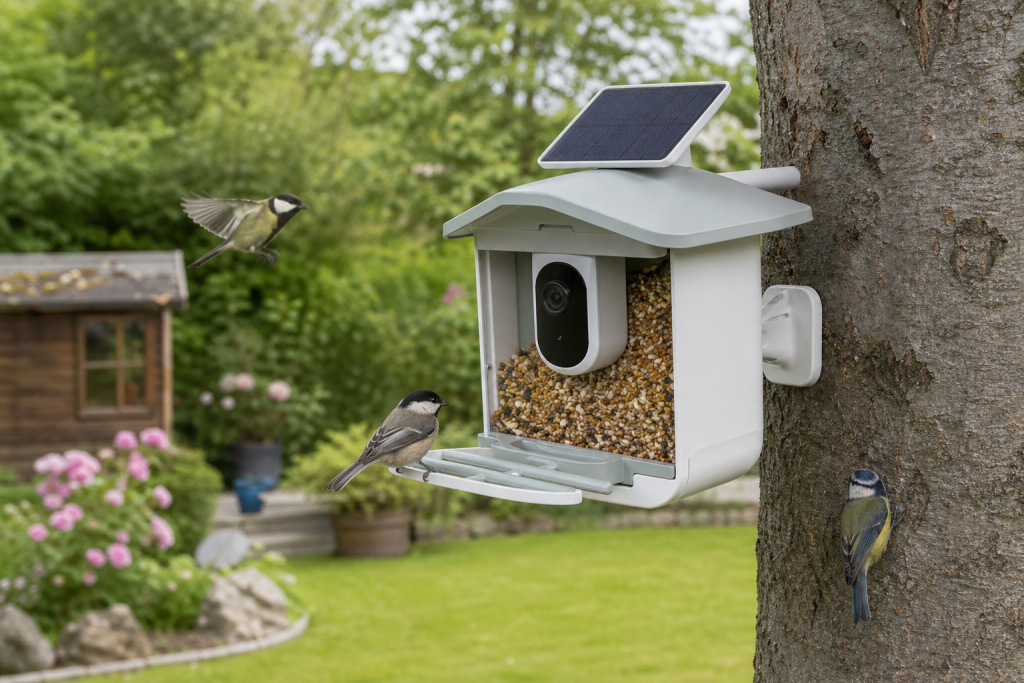
Smart bird feeder cameras are showing up in early Prime Day coverage this week, and the timing makes sense: they sit at the intersection of backyard birding, smart-home gadgets and giftable pet-adjacent tech. But the cheapest camera feeder can become frustrating if the AI feature is locked behind a plan, the solar panel sits in shade, or the feeder design makes regular cleaning a chore.
Why this deal looks tempting right now
Amazon says Prime Day 2026 runs from June 23 through June 26, and early deal coverage has already called out smart bird feeders among discounted tech and outdoor products. That does not mean every bird feeder camera is a buy. It means shoppers should treat the sale badge as the start of the check, not the end of it.
The product category is genuinely useful for the right buyer. A camera feeder can show close-up visits, send motion alerts and help identify birds that stop by your yard. The catch is that these features depend on a mix of hardware, software, cloud storage, local conditions and ongoing cleaning. A plain feeder can fail because it gets dirty; a smart feeder can fail because it gets dirty and because the app, subscription or Wi-Fi setup disappoints you.
The AI bird ID detail to check first
Do not assume “AI bird recognition” means the same thing on every listing. Some models include recognition for the life of the device. Others may require a subscription or a one-time upgrade, and some bundles differ by retailer. Birdfy’s own help pages, for example, distinguish between models with lifetime AI recognition and models where AI requires a subscription.
Before you buy, open the manufacturer’s current support page and look for plain answers to these questions:
- Is bird identification included, trial-based or subscription-based?
- If it is included, is it tied to this exact model or only to a higher-priced bundle?
- Are cloud clips included, and how long are they retained?
- Can you use live view and motion alerts without paying extra?
- Can clips be downloaded before they expire?
A discount on the feeder body is less impressive if the feature that made you want the product costs extra every month.
Cloud storage, Wi-Fi and solar power can change the real cost
Cloud storage is another place where a smart feeder deal can be misleading. A support page may say clips are stored for a set retention period, but older clips may be deleted unless you download or save them. That is fine if you only want daily alerts, but it is frustrating if you expect a long video archive.
Wi-Fi range matters too. A feeder mounted at the far edge of a garden may be outside the reliable range of your router, especially through exterior walls. If the listing does not explain local storage, offline behavior or Wi-Fi requirements clearly, assume the app features may be weaker in real use than they look in the product photos.
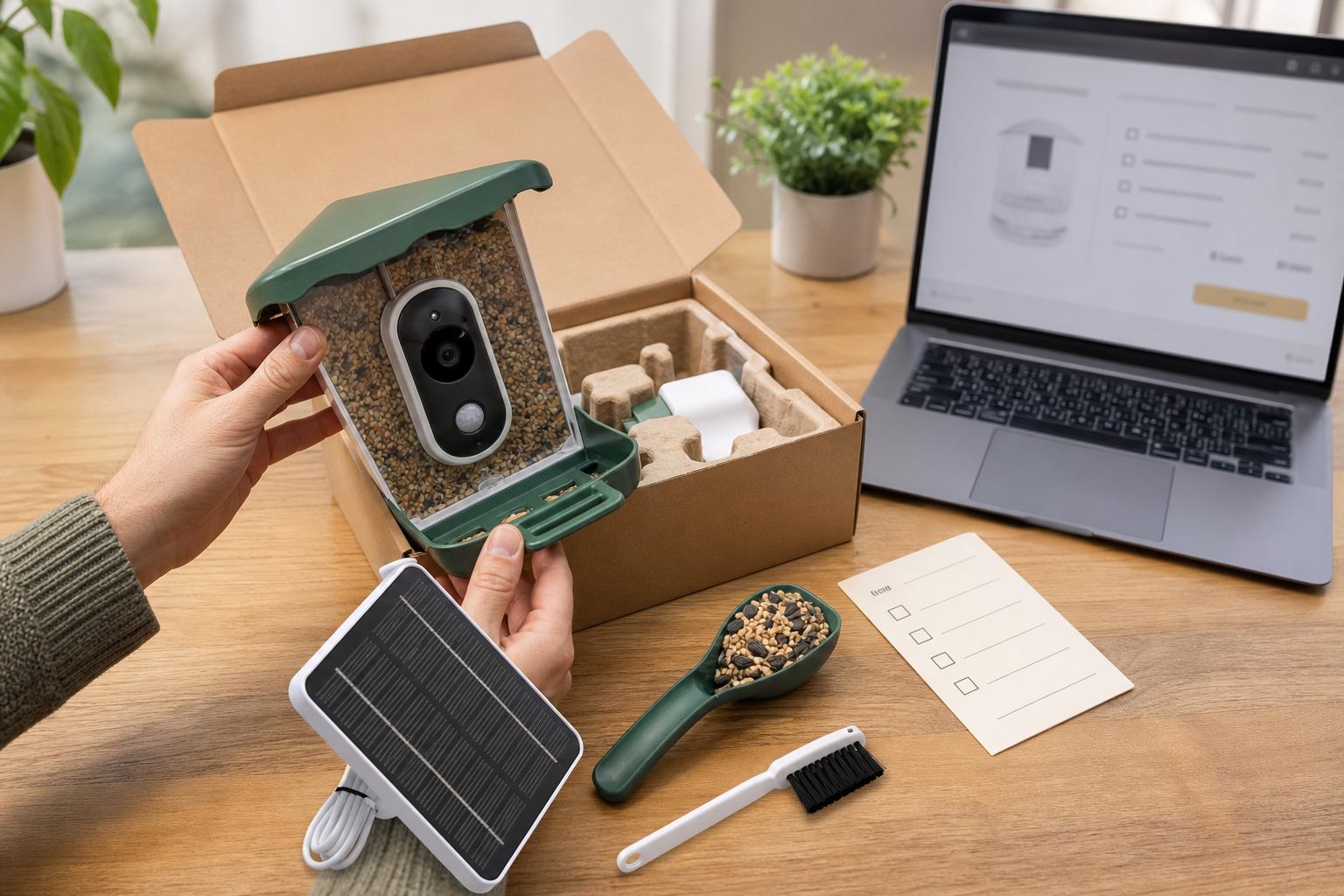
Solar panels are useful, but they are not magic. Shade, winter light, tree cover, camera activity and cold weather can all affect battery life. Check whether the solar panel is built in or separate, whether the cable is protected, and whether you can recharge the unit indoors without taking apart the whole feeder.
The cleaning test many buyers skip
A bird feeder is still a feeding station, even when it has a camera. Cornell Lab’s All About Birds guidance says feeders should be taken apart and cleaned with a hot dishwasher cycle or hand-washed with soap and boiling water or a dilute bleach solution, then rinsed and dried before refilling. U.S. Fish and Wildlife Service guidance also points bird feeder users toward regular cleaning to reduce disease risk.
That means the best smart feeder deal is not just the sharpest camera. It is the model you can actually empty, scrub, rinse, dry and refill without fighting tiny seams or trapped seed. Look for removable seed bins, accessible perches, drainage, replacement parts and clear cleaning instructions. If the camera module sits where seed dust and moisture collect, maintenance becomes part of the price.
What to verify before paying
Run this quick checkout check before buying a smart bird feeder camera:
- Exact model: match the retailer listing to the manufacturer’s support page, not just the brand name.
- AI terms: confirm whether bird ID is free, paid, trial-based or included only in a specific bundle.
- Video storage: check retention, download options and whether cloud features require an account.
- App support: look for update history, support commitments and whether the product still works if cloud features change.
- Wi-Fi needs: confirm network band, range expectations and what happens when the connection drops.
- Power setup: check battery access, solar placement, charging cable durability and replacement availability.
- Cleaning: choose a feeder that can be taken apart, dried and refilled without trapping wet seed.
- Returns: read the retailer’s return window before outdoor installation, especially if assembly or weather exposure could affect returns.
Deal and coupon checks
For Prime Day-style deals, compare the final cart price against the exact bundle you want. A cheaper listing may omit the solar panel, pole mount, lifetime AI feature or extra storage tier. Also check the seller name, shipping date and return terms before assuming a marketplace listing has the same support as the brand’s own store.
Do not count an advertised percentage off as proof of value. Look at the current price, what is included, the app costs and the accessories you would buy anyway. If the deal nudges you into a higher-priced bundle only to avoid a subscription, compare the total one-year and three-year cost against a simpler camera-free feeder.
What to avoid
Avoid any smart feeder listing that hides the subscription terms, uses vague phrases like “AI supported” without explaining the cost, or shows a beautiful app interface without linking to support details. Be cautious with very cheap lookalike models that do not identify the app, warranty, replacement parts or clip-storage policy.
Also avoid treating the camera as a substitute for responsible feeder care. If you notice sick birds, spoiled seed, mold or heavy droppings, the right response may be to clean the feeder thoroughly or take it down temporarily, not to keep recording visits.
FAQ
Is a smart bird feeder worth buying?
It can be worth it if you will use the clips and alerts, your feeder location has reliable Wi-Fi, and the AI or cloud features fit your budget. If you only want to feed birds, a non-camera feeder is cheaper and simpler.
Do smart bird feeders always need a subscription?
No. Some models include basic features or lifetime AI recognition, while others charge for bird ID, longer cloud storage or advanced notifications. Check the exact model’s current support page before checkout.
Can a smart bird feeder work without strong Wi-Fi?
Live view, alerts and cloud clips usually depend on reliable Wi-Fi. Some products may offer local storage, but you should verify that before buying.
What is the most overlooked maintenance cost?
Cleaning time. Wet seed, droppings and tight feeder parts can turn a clever gadget into a chore. Pick a model that opens easily and has cleaning instructions you will actually follow.
Sources
Sources last checked June 21, 2026, 13:12 Europe/Rome.
- Amazon, Prime Day 2026
- The Wall Street Journal Buy Side, early Prime Day 2026 deals
- Birdfy Help Center, Cloud Service
- Birdfy Help Center, Birdfy Feeder FAQ
- Cornell Lab of Ornithology, All About Birds, How to Clean Your Bird Feeder
- U.S. Fish and Wildlife Service, To Feed or Not to Feed Wild Birds
- Federal Trade Commission, smart product software update disclosure