
#pet camera privacy
#smart display pet monitor
#smart home pets
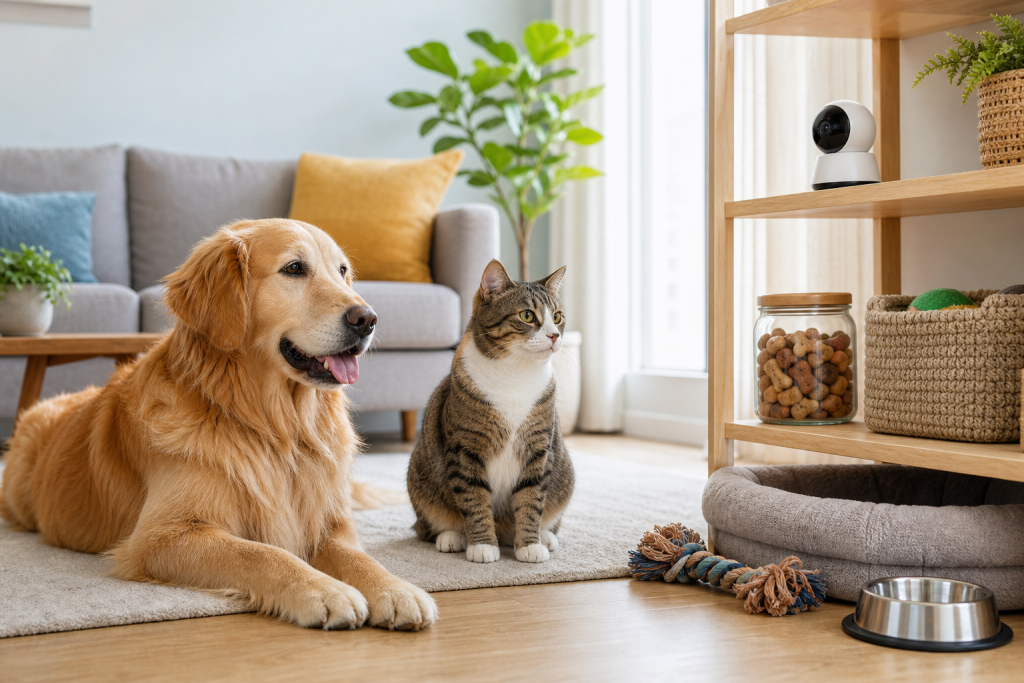
A smart display can work as a basic pet monitor, but the deal is weaker if you expect pet-specific alerts, reliable recordings or privacy controls without checking the app first. The key mistake is buying the screen because it has a camera, then discovering that animal detection, video history, remote viewing, alerts or household access rules do not match how you actually watch your dog or cat. Before checkout, treat the display like a camera subscription decision, not just a countertop gadget.
This matters now because smart displays and home cameras are increasingly marketed as do-everything household devices. Pet owners see a sale price and assume the same device can cover video calls, recipes, music, security and a quick check on the dog or cat. That can be true for some homes, but the pet-monitoring details are usually buried in feature pages, app permissions and cloud-storage terms.
Why the pet-monitor promise gets confusing
A dedicated pet camera is usually sold around pet features: a wide room view, two-way talk, treat tossing, bark alerts, animal detection or subscription video history. A smart display is different. It may have a camera, microphone and speaker, but its main job is still a shared household screen.
Amazon says Home Monitoring can let an Echo Show camera be viewed remotely from the Alexa app or connected devices on the same Amazon account. Google says animal detection on newer Nest cameras and doorbells can send activity or animal notifications, but it also warns that camera events are not perfect and that pets can be missed or misidentified. Those are useful features, but they are not the same as a guarantee that the device will catch every jump, chew session, litter-box visit or anxious bark.
The checkout checks that matter most
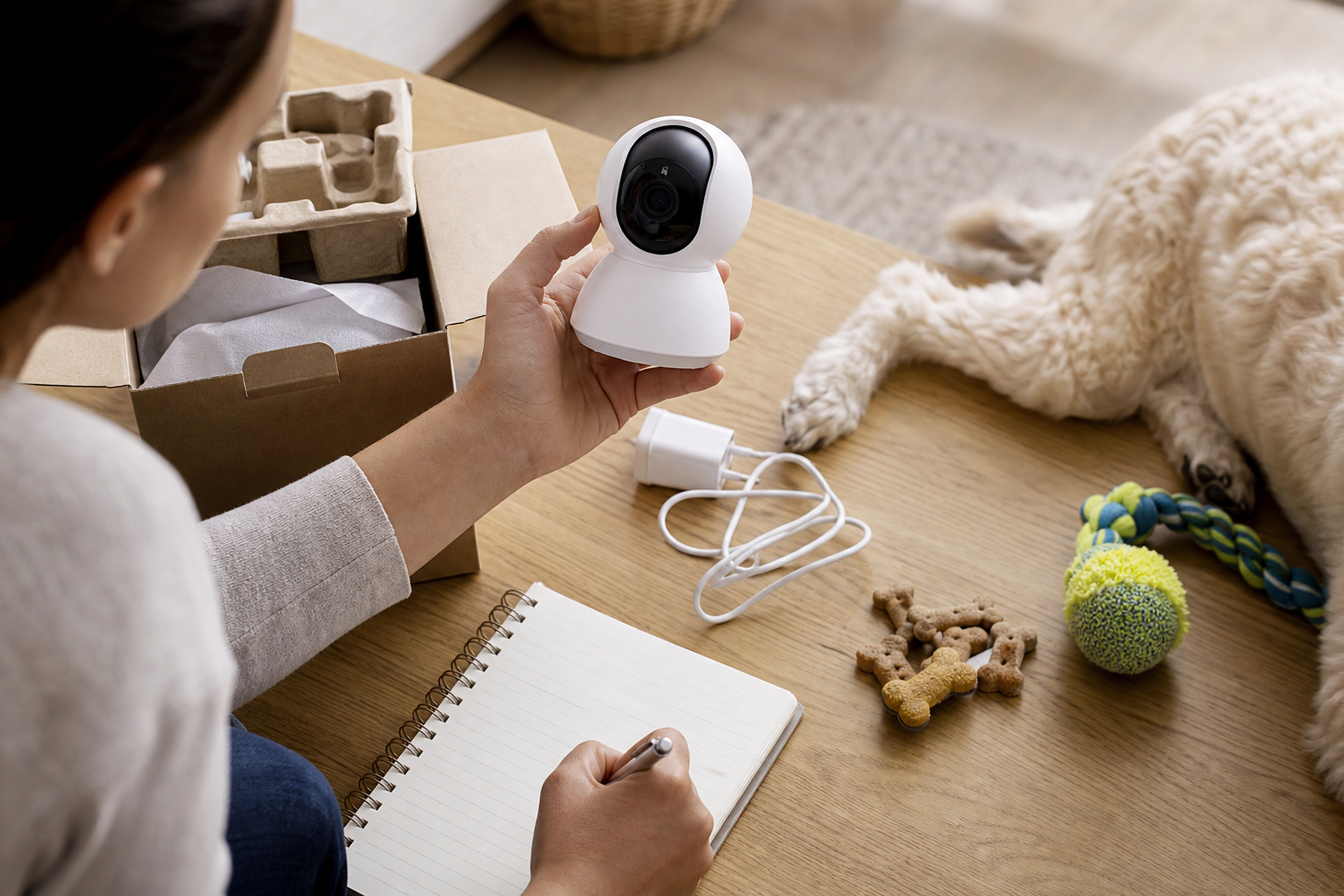
Start with the exact feature you are buying the device for. If you want a quick live view while you are out, confirm that remote viewing works on your phone and account type. If you want alerts, check whether the device detects motion, people, animals, sound or only general activity. If you want to know what happened earlier, look for video history rules before you buy.
Then check whether the camera can physically see your pet’s normal area. A screen on a kitchen counter may be aimed at people, not the floor. A pet bed, crate, litter box or favorite window perch may sit below the camera’s useful angle. A bargain display is not a bargain if you need to buy a stand, move furniture or add a second camera to cover the room.
Finally, read the privacy and household-sharing settings. A smart display is often used by more than one person. If a roommate, sitter or family member can access the camera feed, that may be useful during a trip, or it may be too much access for a bedroom, office or nursery. The FTC’s camera guidance specifically tells consumers to consider privacy before setting up remote viewing, especially where private spaces may be visible.
Where a deal can become a monthly bill
The sale price only tells you what the hardware costs today. The long-term cost depends on which features remain free and which sit behind a plan. Video history, smarter event descriptions, person or animal recognition, extra household features and advanced alerts can vary by brand, model and region.
Do not assume a subscription is bad. A paid plan can be worth it if it gives you the event history, alerts and security support you will actually use. The problem is buying a display because it is cheap, then realizing the useful pet-monitoring feature is part of a broader smart-home plan you would not otherwise pay for.
Before paying, ask three cart questions:
- Can I use live view without starting a trial I might forget to cancel?
- Will I still get the alert type I need if I do not subscribe?
- Does the device save clips, or only show live video?
Privacy settings are part of the purchase
A camera that watches pets also watches the home. The FTC recommends researching camera security before buying, keeping camera and app software updated, using strong passwords and two-factor authentication when available, and checking the security features of the device. Those steps apply whether the device is sold as a pet camera, baby monitor, doorbell, indoor camera or smart display.
Look for a physical camera cover or clear camera-off control. Check whether the device gives an indicator when someone is viewing the feed. Amazon’s Home Monitoring help page, for example, describes settings such as a chime when the camera feed is accessed and a video delay that can blur the first seconds of the feed. Those details are easy to miss on a product tile, but they matter in a shared home.
Also check update support. A smart display can be physically fine years from now but less useful if the app, camera feature or security updates stop. For pet owners, that matters because a monitor often becomes part of a daily routine. If the seller does not clearly explain app support, return terms and warranty handling, be careful with marketplace deals from unfamiliar sellers.
When a dedicated pet camera is the better buy
A smart display makes sense if you already wanted one for the kitchen, office or family room and pet monitoring is a secondary use. It can also work if you only need occasional live view and you are comfortable with the privacy settings.
A dedicated pet camera is usually better if the pet feature is the reason for the purchase. Choose that route if you need a wider floor-level angle, more flexible placement, pet-specific motion zones, two-way audio from the pet’s room, clip history, or a camera that can be aimed at a crate, bed or litter area without turning a shared household screen into a surveillance device.
If your main concern is separation anxiety, illness, injury or a sudden change in behavior, do not let a gadget replace professional judgment. Camera clips can help you notice patterns and share examples with your vet, but they do not diagnose what is wrong or prove that a pet is safe.
Deal and coupon checks before you pay
Smart displays often look cheaper during seasonal retail events because older models, bundles and refurbished units get discounted. That is where the checkout can get messy. Verify the exact generation, camera resolution, privacy shutter or camera-off controls, app compatibility, return window and whether the listing is new, refurbished or renewed.
If a coupon or sale badge appears, compare the total cart instead of the headline price. Add the stand, mount, extension cord, subscription plan, extra camera and return shipping risk if those apply. A cheaper display can lose to a dedicated camera if you must add a second device to cover the pet’s actual room.
For marketplace listings, avoid vague phrases like “works with pets” unless the seller explains the feature. Look for the manufacturer’s current support page, not just screenshots in a listing. If the deal depends on a trial, note the renewal date before checkout.
What to avoid
- Do not buy a smart display for animal alerts until you know whether the exact device supports them.
- Do not place a camera where it captures private areas just because it has a pet-monitoring use.
- Do not assume two-way audio will calm a pet. Some pets ignore it, and some may become more alert.
- Do not use a display or camera as proof that a sick, injured or distressed pet can wait. Ask your vet when behavior changes concern you.
- Do not count a coupon as savings until you have checked the subscription, accessories and return terms.
Quick answers
Can a smart display replace a pet camera?
Sometimes, but only for basic live viewing. If you need pet-specific alerts, flexible placement, reliable clip history or privacy controls built around monitoring, compare it with a dedicated pet camera before buying.
Are animal alerts always accurate?
No. Google says animal detection can miss animals or misidentify other events. Treat alerts as helpful signals, not certainty.
Is a no-subscription setup always better?
Not automatically. No-subscription hardware can be cheaper long term, but only if it still gives you the live view, storage and alerts you actually need.
What is the first setting to check after setup?
Check who can access the camera feed, whether the device shows or sounds when live view is active, and whether automatic updates are enabled.
Sources
Sources last checked: September 27, 2026, 10:34 CEST, Europe/Rome.
- Amazon Alexa Help, Home Monitoring: https://digprjsurvey.amazon.com/csad/help/node/G3ZTXBS783ML96QB
- Google Nest Help, Learn about animal detection: https://support.google.com/googlehome/answer/11444456
- Google Nest Help, Learn about Gemini for Home camera features: https://support.google.com/googlehome/answer/15542305
- Federal Trade Commission, How To Secure Your Home Security Cameras: https://consumer.ftc.gov/articles/how-secure-your-home-security-cameras
- Federal Trade Commission, Securing Your Internet-Connected Devices at Home: https://consumer.ftc.gov/articles/securing-your-internet-connected-devices-home