
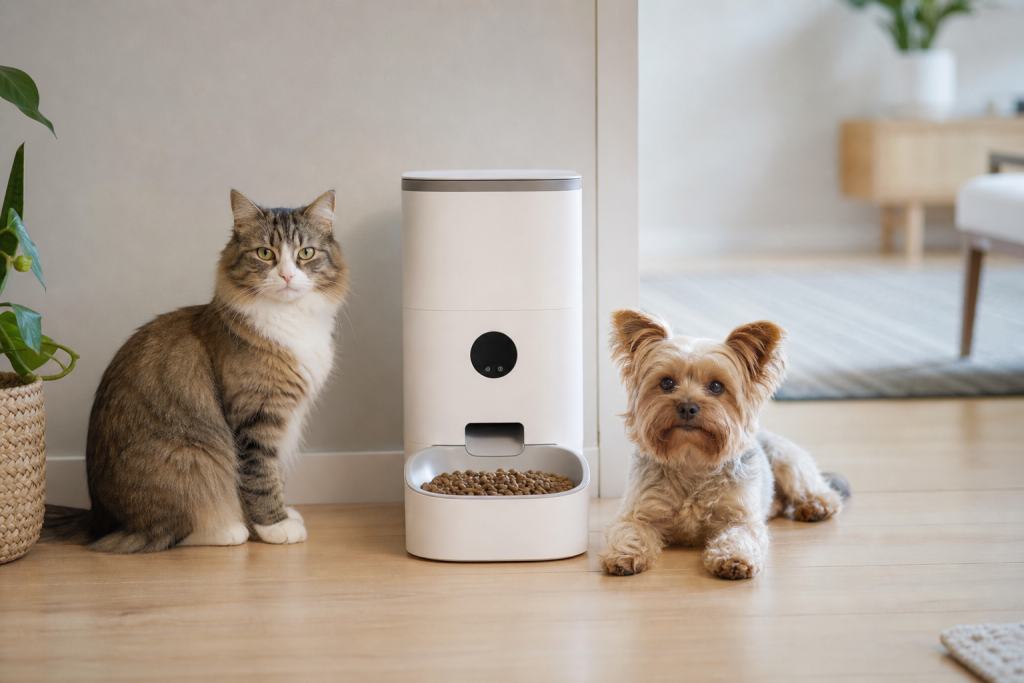
#automatic pet feeder
#pet tech deals
#smart feeder
#smart feeder outage
#smart pet devices
A smart feeder outage matters because the real deal is not the discount, it is whether your dog or cat still gets fed when the app is unreliable. Petlibro said on August 12, 2026 that some app access, device controls, online status, device binding and app data were affected while service was being restored in stages. If you are shopping for any app-controlled feeder now, treat offline schedules, manual controls, battery behavior and return terms as must-check features before you pay.
Why this matters now
Smart feeders are popular because they promise routine meals, remote control and alerts when you are at work, asleep or traveling. That convenience has a weak point: many features depend on an app account, a stable home network and the manufacturer’s cloud service.
The current Petlibro service update is a useful reminder because it is not just a theoretical privacy or gadget problem. Petlibro’s status page said recovery was in progress and listed affected functions including app access, device controls, device online status and device binding. The company also told customers not to unbind, reset or remove devices during recovery, and said existing settings and schedules stored locally should continue to operate as programmed.
The Verge reported that some owners said cats and dogs missed scheduled meals during the disruption, while Petlibro said much of the service had been restored and that the app was being brought back online in stages. That gap is exactly what shoppers should plan for. A manufacturer’s offline promise is important, but your buying decision should also account for setup, food jams, power loss, battery mode and how easy it is to confirm that food actually dropped.
The checkout mistake: buying the app, not the feeder
A sale price can make a smart feeder look like a simple upgrade over a gravity feeder or a basic timer feeder. Before checkout, separate the feeder’s core job from the app’s extra features.
- Feeding schedule: Can the device run stored schedules without internet after setup?
- Manual feed button: Does it work without the app, and does battery mode disable it?
- Battery backup: Does the feeder keep dispensing during a power outage, or only keep the clock alive?
- Food size and jam alerts: Does your pet’s kibble fit the manufacturer’s stated size range?
- Time zone behavior: What happens if you set the feeder up in one place and travel elsewhere?
- Subscription features: Which features are included, and which require a recurring plan?
- Return window: Can you test the feeder long enough to find Wi-Fi, portion and cleaning problems?
Petlibro’s own Granary Smart Feeder support page says existing schedules can continue when the feeder is offline but powered on, while the app is unavailable. It also says that when the feeder is powered only by batteries, Wi-Fi, the play button and reset button are disabled to extend working time, but meal schedules are carried out normally. Those details are the kind of fine print shoppers should look for on any brand, not just one current outage.
Deal and coupon checks before you pay
Smart feeders are often promoted through sitewide sales, bundles, Autoship-style offers, app coupons or retailer rewards. A discount can still be useful, but it should not hide a weak return policy or a recurring software cost.
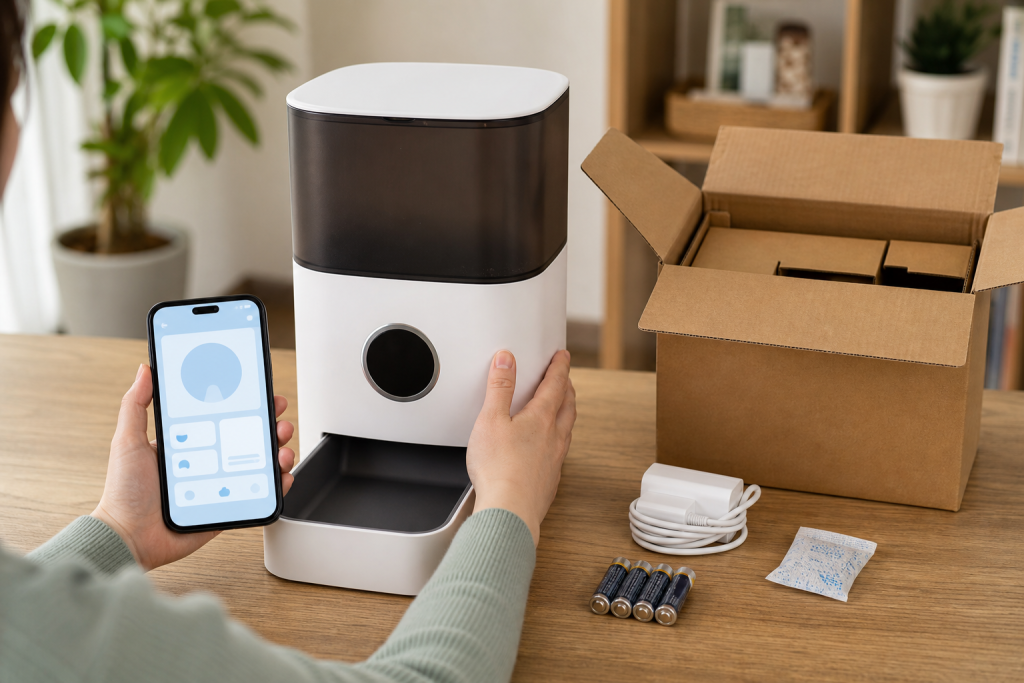
At checkout, verify the final cart price after shipping and tax, whether the seller is the brand or an authorized retailer, and whether replacement bowls, desiccant bags, adapters, batteries or filters are easy to buy later. If the device has camera, feeding-history or wellness-tracking features, check whether those features are free, trial-based or paid.
Petlibro’s support material says a Pet Care subscription is optional for essential feeder setup, while its subscription terms describe monthly or annual paid software plans. Chewy’s Autoship page and PetSmart’s promotional terms show why shoppers should read conditions carefully: recurring-order discounts can have caps, eligible-product limits, future-order rules or account requirements. Do not assume a smart-feeder coupon applies to every color, bundle, replacement part or future subscription.
What to avoid during an outage
If you already own a smart feeder and the app is unstable, avoid repeated resets unless the manufacturer specifically tells you to do that for your device and outage state. Petlibro’s current status page says not to unbind, reset or remove a device while recovery is in progress. Resetting can turn a working local schedule into a setup problem if the app service is still having trouble.
Also avoid leaving a pet dependent on a newly purchased smart feeder before you have watched it run through several meals. Test it with the exact kibble, portion size, bowl setup and power mode you plan to use. If you will be away, have a person check the bowl or use a backup feeding plan, especially for cats or dogs that need tightly timed meals.
Privacy and security are part of the deal
A feeder with a camera, microphone or cloud account is also an internet-connected device in your home. The FTC advises consumers to secure home Wi-Fi and router settings, while the FCC’s U.S. Cyber Trust Mark program is designed to help shoppers identify connected products that meet cybersecurity criteria. Those labels and settings do not guarantee perfect service uptime, but they are relevant when a feeder depends on accounts, apps and remote access.
Before buying, check whether the app supports strong passwords, account recovery, firmware updates, clear privacy terms and a way to remove your data before resale or return. If the feeder needs 2.4 GHz Wi-Fi only, confirm your router can provide that network before opening the box.
Best buyer checklist for app-controlled feeders
- Pick a feeder that can dispense scheduled meals without the cloud after setup.
- Confirm exactly what battery backup does and does not power.
- Make sure manual dispensing is possible without hunting through an app.
- Check supported kibble size, cleaning access and replacement-part availability.
- Read subscription terms before valuing camera, health or feeding-history features.
- Buy from a seller with a return window long enough for real meal testing.
- Keep a backup bowl, scoop and human check-in plan for travel days.
Quick answers
Should I avoid every smart feeder because of one outage?
No. A smart feeder can still be useful, especially for predictable dry-food portions. The safer takeaway is to buy one that has a credible offline schedule, clear manual controls and a backup plan that does not depend entirely on the app.
Is a feeder subscription required?
It depends on the brand and feature. Essential scheduled feeding may be free while camera clips, wellness data, cloud video or advanced insights may sit behind a paid plan. Check the current product page and subscription terms before treating a coupon as the full cost.
What should I do if my current feeder app is down?
Check the manufacturer’s official status or support page first. If the company says not to reset or unbind during recovery, follow that guidance. Then confirm food actually dispensed, use manual feeding if needed, and contact your vet if missed meals could affect a pet with a medical or diet-specific need.
Sources
Sources last checked: August 13, 2026, 01:32 Europe/Rome.
- Petlibro Service Status: App & Device Updates
- The Verge: Petlibro outage report
- Petlibro Granary Smart Feeder pre-sale support
- Petlibro Space Smart Feeder offline troubleshooting
- Petlibro Subscription Service Terms
- FTC: How To Secure Your Home Wi-Fi Network
- FCC: U.S. Cyber Trust Mark
- Chewy Autoship & Save
- PetSmart Promotional Terms