
#pet privacy
#pet tech deals
#smart pet cameras
#smart pet devices
A smart pet device deal can fail if the person caring for your dog or cat cannot actually use the app when you are away. Before buying a camera, feeder, fountain, door, tracker or litter-box monitor, check how guest access works, whether permissions can be limited, and how easily you can remove someone later. The cheapest device is not a bargain if it forces you to share your main password or leaves a sitter with more control than they need.
This matters more in summer travel season because many pet owners are setting up cameras, feeders and monitors before a boarding stay, road trip or pet-sitter visit. App-connected pet gear can be genuinely useful, but the checkout page often talks about convenience while the support page explains the part that affects daily use: who can log in, what they can see, and what they can change.
Why Shared App Access Is the Detail to Check First
Smart pet devices are not all built around the same account model. Some products support named users or device sharing. Others may expect multiple people to use the same login. That difference affects privacy, troubleshooting and basic care.
Furbo’s help center, for example, says a Furbo can be linked to one email account and password, recommends a family group account for multiple users, and notes a limit of two users connected at the same time. Petcube’s support page describes more granular sharing, including family and friend access, scheduled sharing and permissions for treats and audio on supported devices. Petlibro’s feeder sharing instructions use a User ID inside the app and a device-sharing flow.
The buying lesson is simple: do not assume “works with an app” means “works well for a sitter.” If the product will be used by a partner, roommate, family member, dog walker or cat sitter, the account-sharing setup belongs on your pre-checkout list.
The App-Sharing Checks to Make Before You Pay
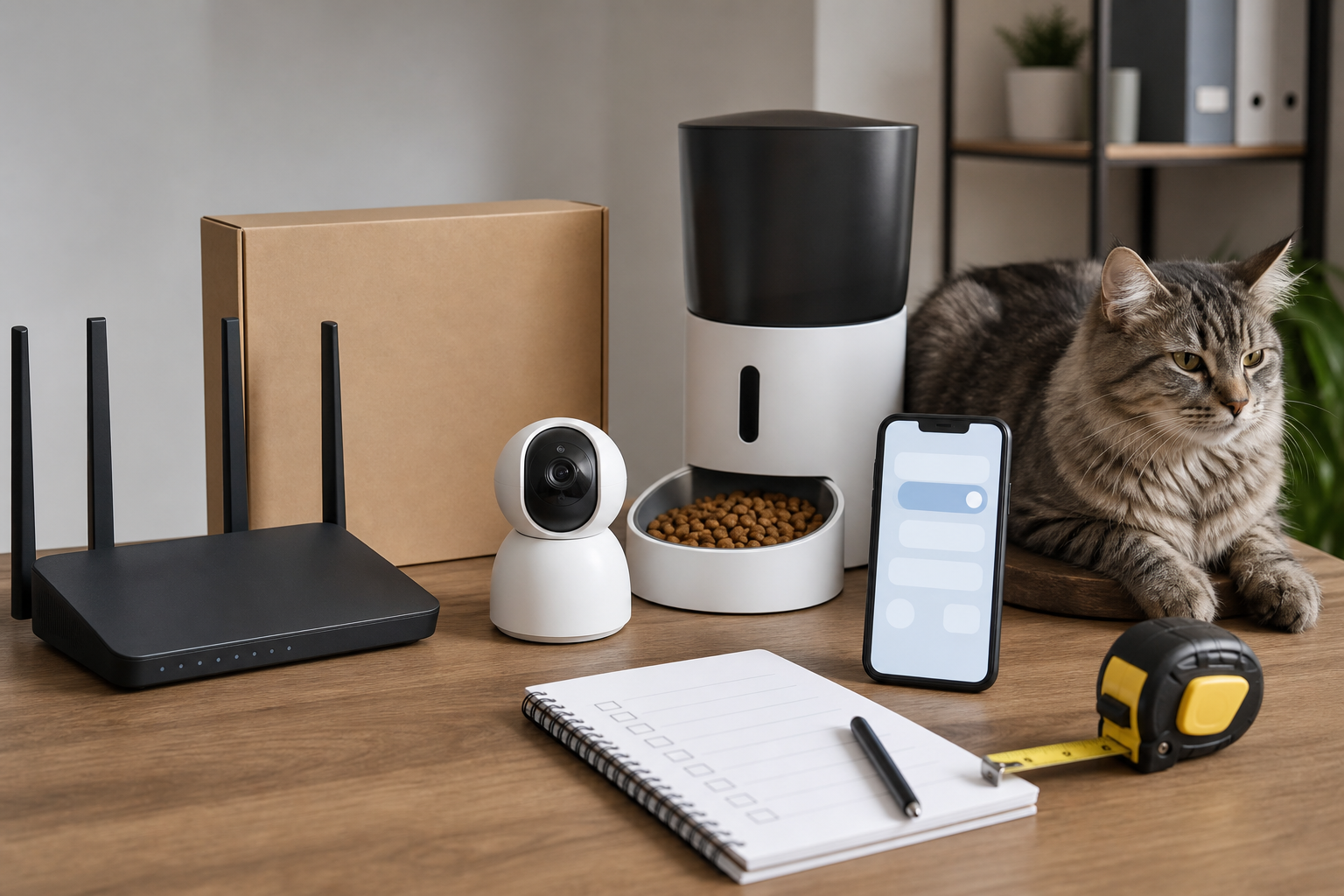
Start with the support page, not just the product page. Search the brand’s help center for “share access,” “family,” “guest,” “device sharing,” “permissions,” “remove user” and “two-factor authentication.” If you cannot find a clear answer before purchase, treat that as part of the cost.
For pet cameras, ask whether another person can view live video without receiving full administrator control. If clips are stored in the cloud, check whether shared users can see recordings. For treat-tossing cameras, check whether the guest can dispense treats and whether that can be turned off.
For smart feeders, check whether the sitter can run a manual feed, change the schedule, or only view status. A device that lets anyone with access change portions may create problems if two people try to “help” at the same time.
For smart doors and locks near pets, check whether guest access can expire automatically. For GPS trackers, check whether location sharing can be temporary and whether the person helping you needs their own account or app install. For automatic litter boxes and fountains, check whether the second user can silence alerts, reset maintenance counters or change cleaning cycles.
The Hidden Cost Is Not Always a Subscription
Pet-tech buyers often focus on monthly fees, but app access can create a different hidden cost: extra setup time, shared passwords, lost control after a trip, or a return that starts because the device does not fit the household workflow.
If a device requires one shared account, you may need a password manager entry, a separate email address, and a plan for changing the password after temporary help ends. If the device supports named users, check whether each person needs a separate account, whether the app works on their phone, and whether the owner can remove access without resetting the whole product.
Also check notification behavior. A good deal can become annoying if every person gets every bark, motion, low-food, pump or litter alert. Look for per-user notification controls where the brand offers them.
Deal and Coupon Checks at Checkout
Do not judge a smart pet device only by the discount on the hardware. Before applying a coupon, verify the return window, restocking rules, warranty length, replacement-part availability and whether the same product is sold by an authorized seller.
For cameras and feeders, compare the sale price with the cost of any cloud storage, AI alerts, desiccant bags, filters, batteries, collar tags, trays or replacement bowls you will actually need. For a device that will be used while you travel, confirm delivery timing before you count on it for a specific sitter visit.
If a retailer or brand advertises a promo code, read the exclusions. Pet-tech brands often have bundles, marketplace listings and accessories that do not all qualify the same way. Do not invent savings in your head before the final cart shows the real total.
Privacy and Safety Questions Owners Should Not Skip
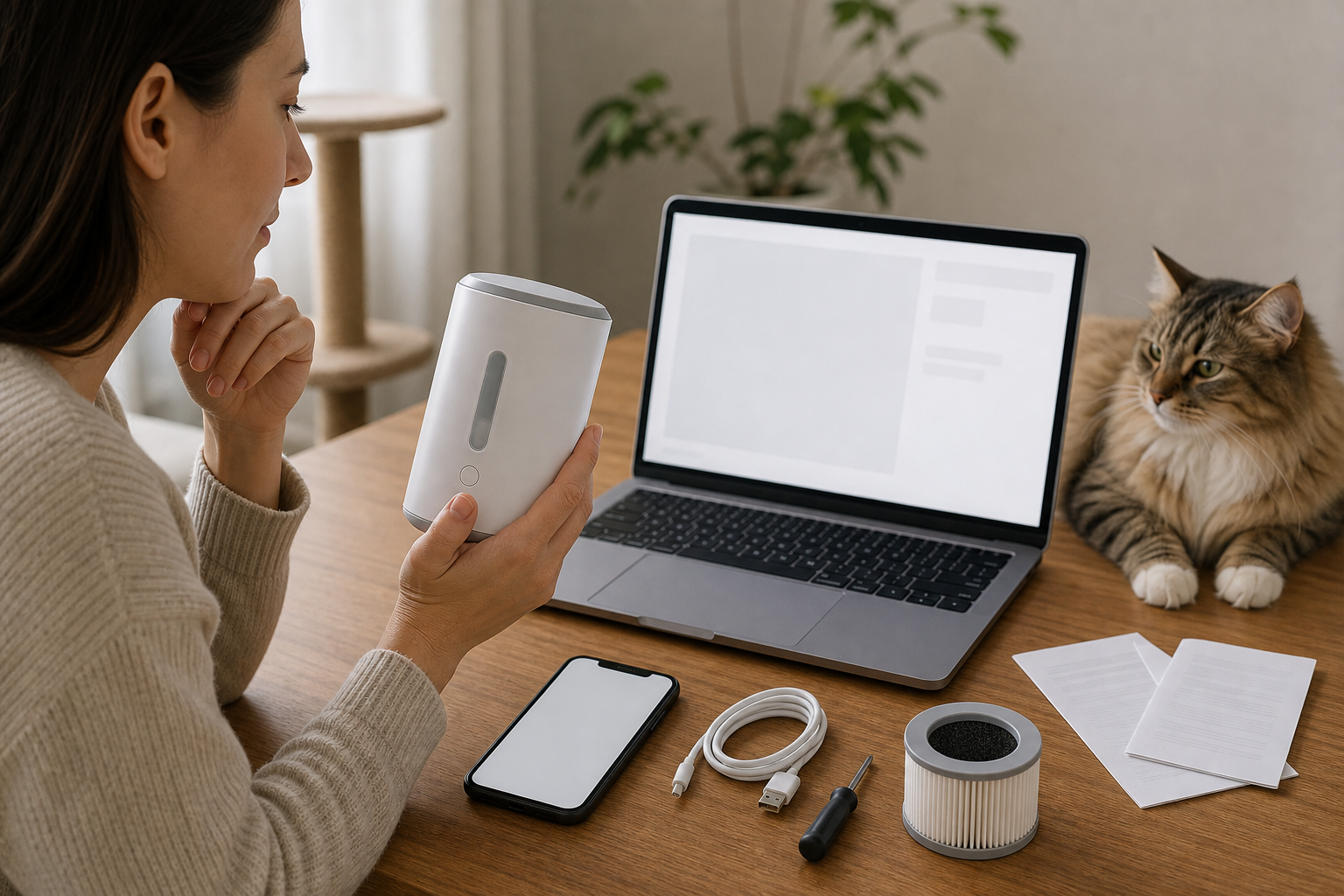
The Federal Trade Commission advises owners of internet-connected home devices to change default usernames and passwords, use two-factor authentication where available, keep device firmware and apps updated, and disable features they do not use. For IP cameras, including pet cameras, the FTC also recommends checking access logs for unusual activity where the device provides that option.
That guidance is practical for pet shopping. A pet camera may show more than your dog. A feeder camera may capture a kitchen, a child’s voice, a key hook or a medication area. A smart door or tracker can reveal routines. The more people who can access the app, the more important it is to understand permissions before the device comes home.
For temporary caregivers, avoid sharing your main email password or your primary Wi-Fi password if there is a better option. The FTC also recommends securing home Wi-Fi with WPA2 or WPA3 encryption, changing router defaults and using a guest network where appropriate. If a guest network blocks the device from working, test that before you leave, not after the sitter arrives.
What to Avoid
Avoid app-connected pet gear with vague support language, no visible return policy, no clear reset process, or no explanation of who can control video, audio, treats, feeding and alerts. Avoid used smart pet devices unless you can confirm the previous owner can be removed and the product can be factory reset.
Be careful with off-brand listings that copy the same product photos under different names. If the app name, support site, warranty provider and replacement parts are unclear, a low price can turn into an unsupported device very quickly.
Do not use any smart feeder, camera or monitor as a substitute for direct pet care. If your pet needs medication, special feeding, medical monitoring, temperature control or urgent attention, ask your veterinarian or a qualified pet-care provider how technology should fit into the plan.
Quick Answers
Should I share my smart pet device password with a sitter?
Only if the brand does not offer a safer guest or device-sharing option and you are comfortable changing access afterward. A named user or limited guest mode is usually cleaner than handing out the main account password.
Is a pet camera with family sharing automatically safer?
No. It depends on the permissions. Check whether shared users can view recordings, talk through the camera, toss treats, change settings or invite other users.
Can a smart feeder deal be worth it without app sharing?
Yes, if one owner manages every setting and the device has reliable manual controls. It is less attractive if sitters, family members or roommates need to help with feeding.
What should I test before leaving pets with a smart device?
Test the sitter’s access, manual controls, notifications, Wi-Fi connection, power backup, reset process and how to remove access after the visit.
Sources
Sources last checked: July 27, 2026, 01:34 Europe/Rome.
- Furbo Help Center, Can My Family Members and I Connect to Furbo At the Same Time?
- Petcube Support, Sharing access to your Petcube Bites
- Petlibro Help, How do I share my device access with someone else?
- Federal Trade Commission, Securing Your Internet-Connected Devices at Home
- Federal Trade Commission, How To Secure Your Home Wi-Fi Network