
#pet deals
#pet tech
#smart feeders
#smart pet gadgets
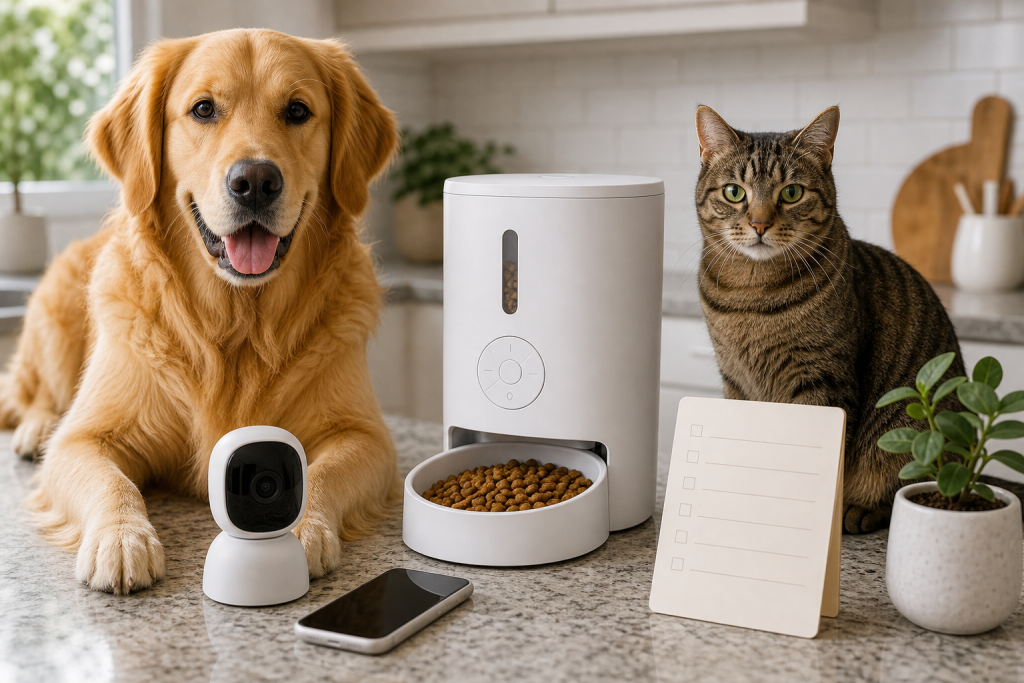
A smart pet gadget is only a good deal if the person using it can actually notice the alert and control the device when it matters. Tiny status lights, vague app notifications and app-only buttons can turn a discounted feeder, camera or fountain into a confusing purchase for owners, pet sitters or family members. Before checkout, test the alert path the same way the device will be used at home: from across the room, on the phone, and without perfect attention.
That matters more in August because pet owners are still buying tech for late-summer travel, back-to-school schedules and storm-season backup plans. Smart feeders, pet cameras and app-connected accessories promise convenience, but the practical question is not whether the product is clever. It is whether a missed low-food warning, privacy prompt or error light could leave you guessing after the return window closes.
Why The Alert Is The Real Feature
Pet tech listings often lead with cameras, AI labels, remote feeding, voice control or sleek design. Those features can be useful, but many daily failures are much simpler: the hopper is low, Wi-Fi is disconnected, a door is not latched, a filter needs changing, a battery is low or the app needs attention.
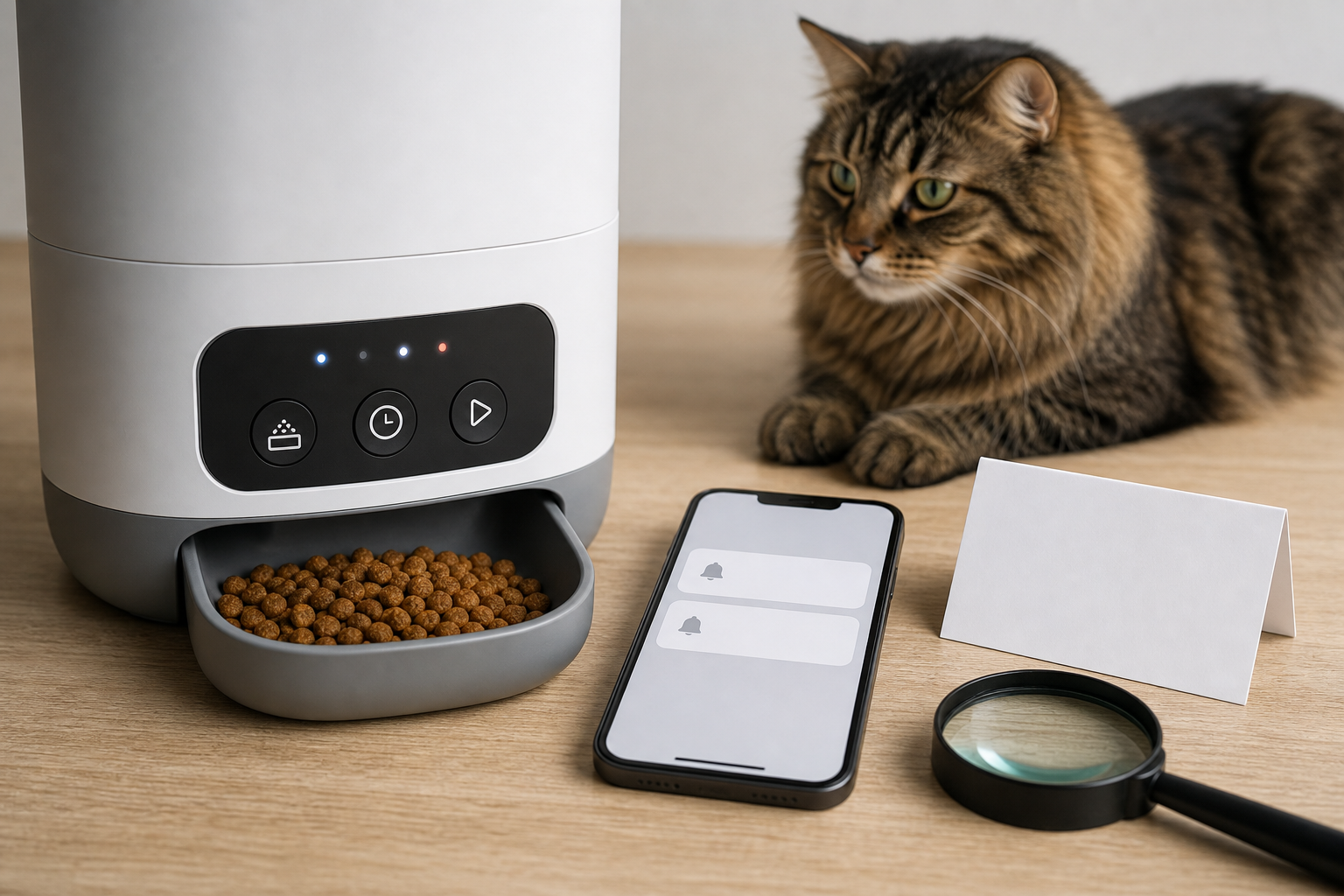
If the only warning is a small colored light on the device, ask whether everyone in the household can see and understand it. If the only warning is a phone notification, ask whether the phone will be charged, nearby, signed in and allowed to send alerts. If the app message is vague, ask whether a pet sitter would know what to do without calling you.
The Checkout Test Most Owners Skip
Before buying a smart pet feeder, camera, fountain or litter accessory, look for the warning system in the manual or support page, not just the sales copy. A useful device should make important states easy to notice and easy to act on.
- Local controls: Check whether the device has a physical feed, pause, reset or power button that works without opening the app.
- Readable alerts: Look for plain-language app notices, not only colored dots or icons that require a manual every time.
- More than one signal: A good setup may combine an app alert with a visible light, sound, haptic alert or on-device message.
- Accessible phone use: If the app controls a feeding or cleaning schedule, make sure the buttons are large enough to tap and the text can be enlarged on the phone.
- Shared household use: Confirm whether another trusted person can receive alerts or operate the device without sharing your main password.
- Return-window testing: Do not wait two months to discover that low-food alerts are too quiet, too vague or easy to miss.
This is not just a convenience issue for older owners or people with vision, hearing or dexterity limits. It also affects busy households, pet sitters, kids helping with chores and anyone who checks a device in dim light or while leaving for work.
What Current Smart Pet Products Show
Manufacturer pages show how varied these designs can be. Xiaomi’s Smart Pet Food Feeder 2, for example, describes a large LED screen, app alerts, a manual dispensing button and backup-battery behavior. Petlibro’s smart feeder pages highlight app-powered camera and monitoring features, along with accessories, policies and subscription-related links elsewhere on the site.
Those are examples of the kinds of details shoppers should verify, not endorsements or rankings. The same product family can include models with different screens, batteries, app features, cameras, bowls, desiccant parts and support terms. A sale badge on one model does not prove that the alert system is usable for your home.
Deal And Coupon Checks Before You Pay
A discount on a smart pet gadget can be real and still be the wrong buy. Before entering a promo code or clicking an app-only offer, check the total cost after shipping, taxes, replacement filters, desiccant packs, batteries, cloud storage, subscriptions and return shipping.
Also check whether the deal applies to the exact model with the controls you want. A cheaper feeder without a screen, manual button or clearer local alert may cost less at checkout but create more work later. If a retailer offers a bundle, confirm that the bundle includes the accessories you will need in the first month, not just a device body and a trial feature.
Do not assume a coupon can be stacked, reused or applied after purchase unless the retailer says so at checkout. Screenshots of the cart, model number, return terms and warranty page are worth keeping until you know the device works in your routine.
Privacy And Software Support Still Matter
Accessibility is not separate from privacy or support. A pet camera or feeder that depends on an app can expose household routines, video, audio, pet names and location-adjacent data. The FTC has warned that many smart-device makers do not clearly tell shoppers how long they will provide software updates, which matters for security and long-term function.
Before buying, check whether the company publishes a privacy policy, update policy, warranty terms and account-deletion process. If the product uses a camera or microphone, decide whether the feature is necessary for your pet-care task. A simple timer feeder may be a better value than a camera feeder if you do not need video, cloud history or AI alerts.
What To Avoid
Avoid buying a smart pet device as a care substitute. It can support a feeding or monitoring routine, but it cannot judge your pet’s health, fix anxiety, replace a sitter or guarantee safety during travel or severe weather.
Be cautious with listings that use big promises but hide basic details: no clear manual, no support page, no return policy, no replacement parts, no app compatibility list and no explanation of what each alert means. Also avoid buying for someone else without checking their phone comfort, home Wi-Fi, eyesight, hearing and willingness to maintain another app.
Quick Answers
Is a smart pet feeder worth buying for an older pet owner?
It can be, but only if the controls and alerts are easy for that owner to use. Favor clear local buttons, simple schedules, readable app text and a return policy that allows real at-home testing.
Are app alerts enough?
Not always. App alerts can fail if notifications are muted, the phone is off, the app logs out or the message is unclear. A local light, sound or display can help, but only if the meaning is easy to understand.
Should I buy the model with the most AI features?
Not automatically. Buy the model that solves the actual pet-care task with the fewest fragile dependencies. Extra camera, cloud or AI features can add cost, privacy exposure and subscription checks.
What should I test during the return window?
Test normal feeding or monitoring, low-food warnings, app notifications, manual buttons, another household member’s access, cleaning steps, replacement parts and what happens when Wi-Fi is briefly unavailable.
Sources
Sources last checked: August 5, 2026, 22:38 Europe/Rome.
- Federal Trade Commission, smart-device software update disclosure report
- FTC press release on smart product update disclosures
- W3C Web Accessibility Initiative, mobile accessibility guidance
- W3C, target size guidance for easier controls
- W3C, status message accessibility guidance
- Xiaomi Smart Pet Food Feeder 2 product information
- Petlibro Granary Smart Camera Feeder product page