
#AI pet cameras
#Google Home Premium
#pet camera privacy
#Ring Search Party
#smart pet tech
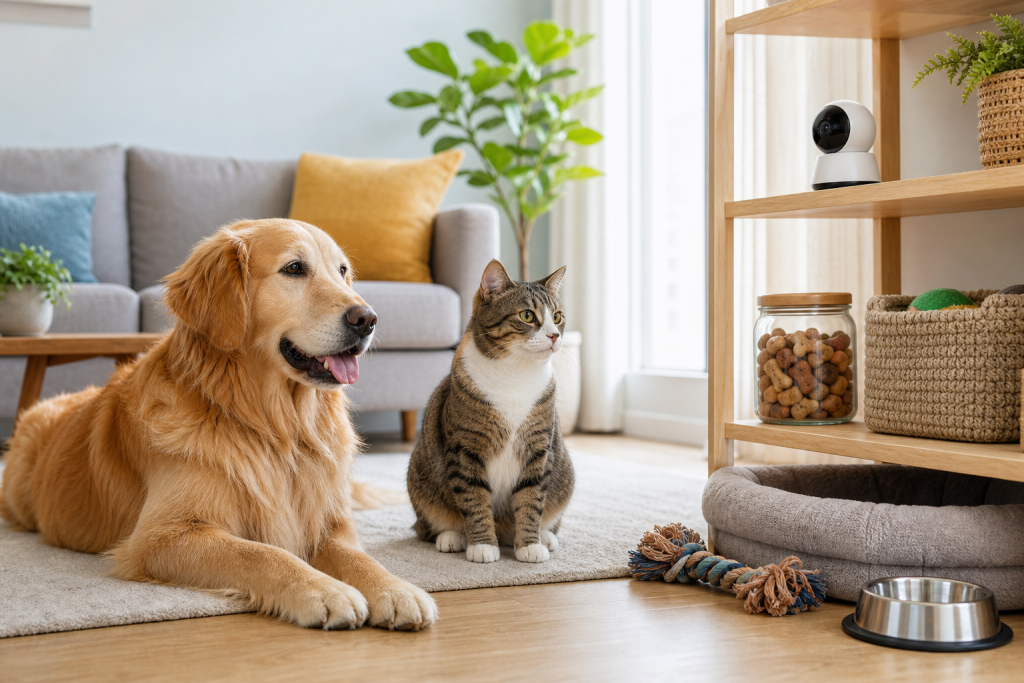
AI pet camera features are getting more personal, but the real checkout question is not whether the camera can name your dog or cat. It is whether the feature needs a paid plan, stores or analyzes more home video than you expected, and gives you enough control over sharing, alerts and privacy settings. Before buying a camera for pet recognition, compare the subscription, return window and security controls with the same care you would give the hardware price.
Why this matters now
Pet cameras are no longer just livestream boxes for checking whether the dog is on the couch. Google’s June 2, 2026 Google Home release notes added a Gemini for Home Early Access feature called Pet Memory, which lets indoor Nest cameras and select Gemini built-in cameras remember a pet’s name and type for more personalized camera updates. Google says the feature requires the Advanced plan of Google Home Premium.
Ring has also leaned into pet recognition. Its Search Party for Dogs feature uses AI-powered computer vision on nearby participating outdoor Ring cameras when someone reports a missing dog in the Ring app. Ring says camera owners can decide case by case whether to share a possible match with the searching pet owner.
Those features can be useful, especially if you travel, work long shifts or worry about an escape-prone dog. They also turn a pet camera purchase into a privacy and subscription decision. A low hardware price is not automatically a good deal if the feature you want is locked behind a plan, the camera points at a private room, or the app makes sharing settings hard to understand.
The hidden cost is usually the plan, not the camera
When a product page says a camera has AI alerts, pet detection, video history or smart search, check exactly which features work without a subscription. Google’s Home Premium help pages describe Standard and Advanced plans, and the Advanced plan is the one tied to several Gemini-powered camera capabilities. Ring’s subscription pages describe paid plans for features such as video event history and coverage across devices.
That matters for pet owners because the most attractive features are often the ones you notice after setup: searchable clips, longer video history, smarter alerts, rich event descriptions or multi-camera coverage. A camera that looks cheaper than a pet-specific device may cost more over two or three years if you need a paid plan to make the pet feature useful.
Before checkout, write down the feature you actually want in plain English. Examples: “I need to see whether my cat uses the kitchen at night,” “I want alerts if my dog is near the front door,” or “I want a missing-dog neighborhood feature.” Then confirm whether that exact feature works on your camera model, in your country, with your account type and without upgrading later.
Privacy checks before you name your pet in the app
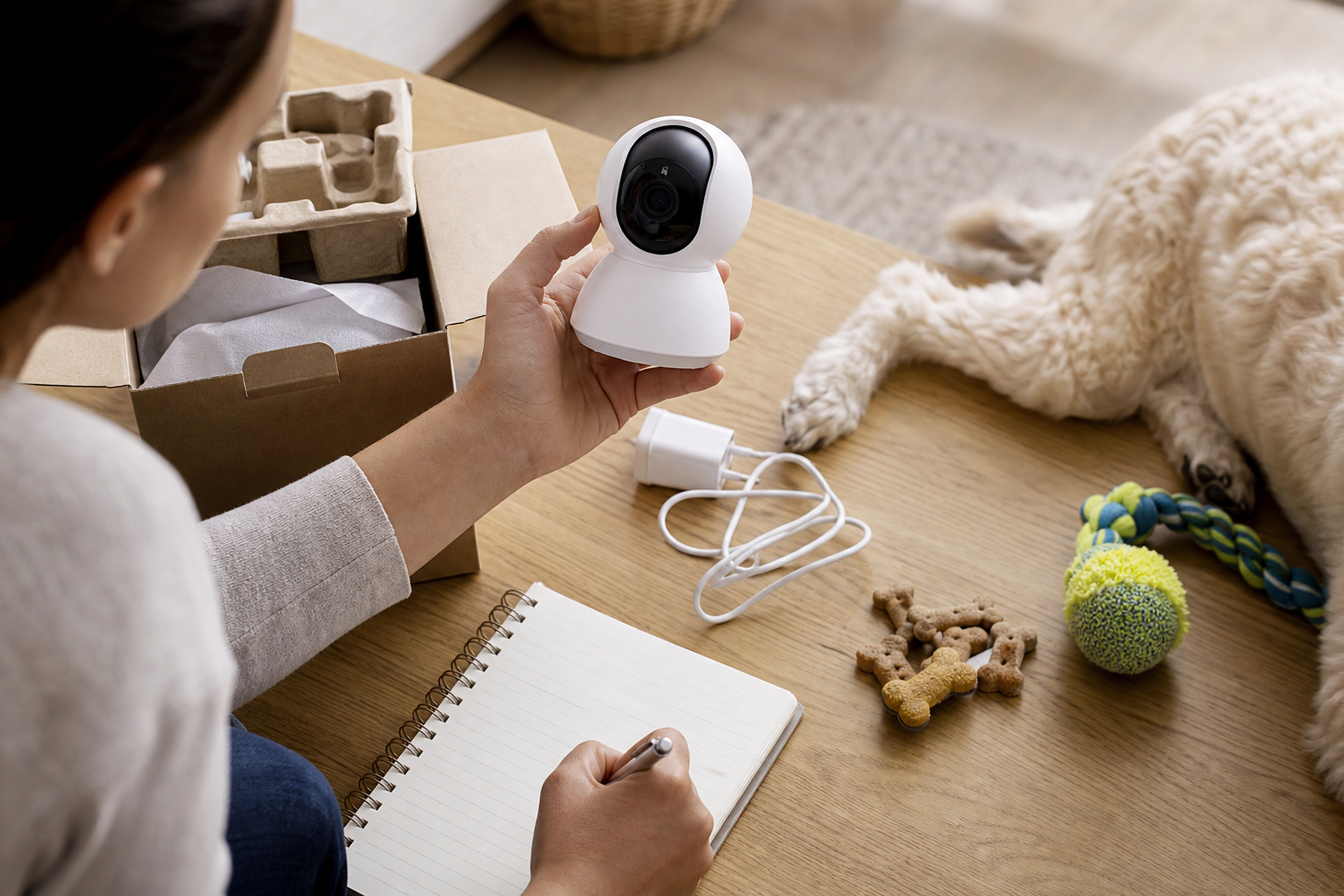
A pet camera often sees more than your pet. It may record a living room, hallway, nursery door, home office, yard or neighbor-facing area. The Federal Trade Commission tells shoppers to research camera security before buying, look for encryption, keep software updated, use strong unique passwords and turn on available security features.
For AI pet recognition, add a second layer of questions. Can you delete saved pet details? Can you turn off AI recognition while keeping the camera? Can you limit the camera to activity zones that avoid bedrooms, desks or neighbor windows? Can household members see the same history, and can guests or shared users change settings?
Ring’s Search Party example raises a different question: sharing. The feature is designed around possible dog matches from nearby outdoor cameras, and Ring says the camera owner chooses whether to share footage. That control is important, but shoppers should still understand how the feature is enabled, what kind of clips may be scanned, and whether the app makes opt-in or opt-out choices clear for their account.
Pet safety does not come from AI labels alone
Do not buy an AI pet camera as if it replaces a microchip, collar ID, safe fencing, crate training, sitter visits or a veterinarian’s advice. A camera can miss events, mislabel activity, lose Wi-Fi, run out of battery or fail to record if the subscription, storage or internet connection is not working.
For dogs, a camera can help you notice patterns such as repeated pacing near a door or barking at a window, but it cannot tell you why the behavior is happening. For cats, a camera may show litter-box trips, feeding-area visits or late-night movement, but it cannot diagnose a urinary, digestive or mobility problem. If your pet seems unwell, painful, unusually anxious or at risk of escape, use the footage as context for a veterinarian or qualified professional, not as a diagnosis.
Buying checklist for AI pet cameras
- Model compatibility: Confirm the exact camera generation supports the pet feature. Do not assume an older camera gets every new AI update.
- Plan requirement: Check whether pet memory, smarter alerts, video history, AI descriptions or search need a paid subscription.
- Account limits: Look for country, language, early-access, child-account or family-sharing restrictions.
- Placement: Avoid bedrooms, bathrooms, computer screens and neighbor-facing views unless the privacy tradeoff is intentional.
- Security basics: Use two-factor authentication where available, a unique password, current app updates and router security.
- Power and Wi-Fi: Battery cameras, weak Wi-Fi and outdoor placement can make pet alerts less reliable than the product page suggests.
- Data controls: Find the settings for deleting history, changing shared users, turning off AI features and limiting zones before the return window closes.
- Return policy: Keep packaging until you know the feature works in your home, with your pet and your subscription choice.
Deal and coupon checks before paying
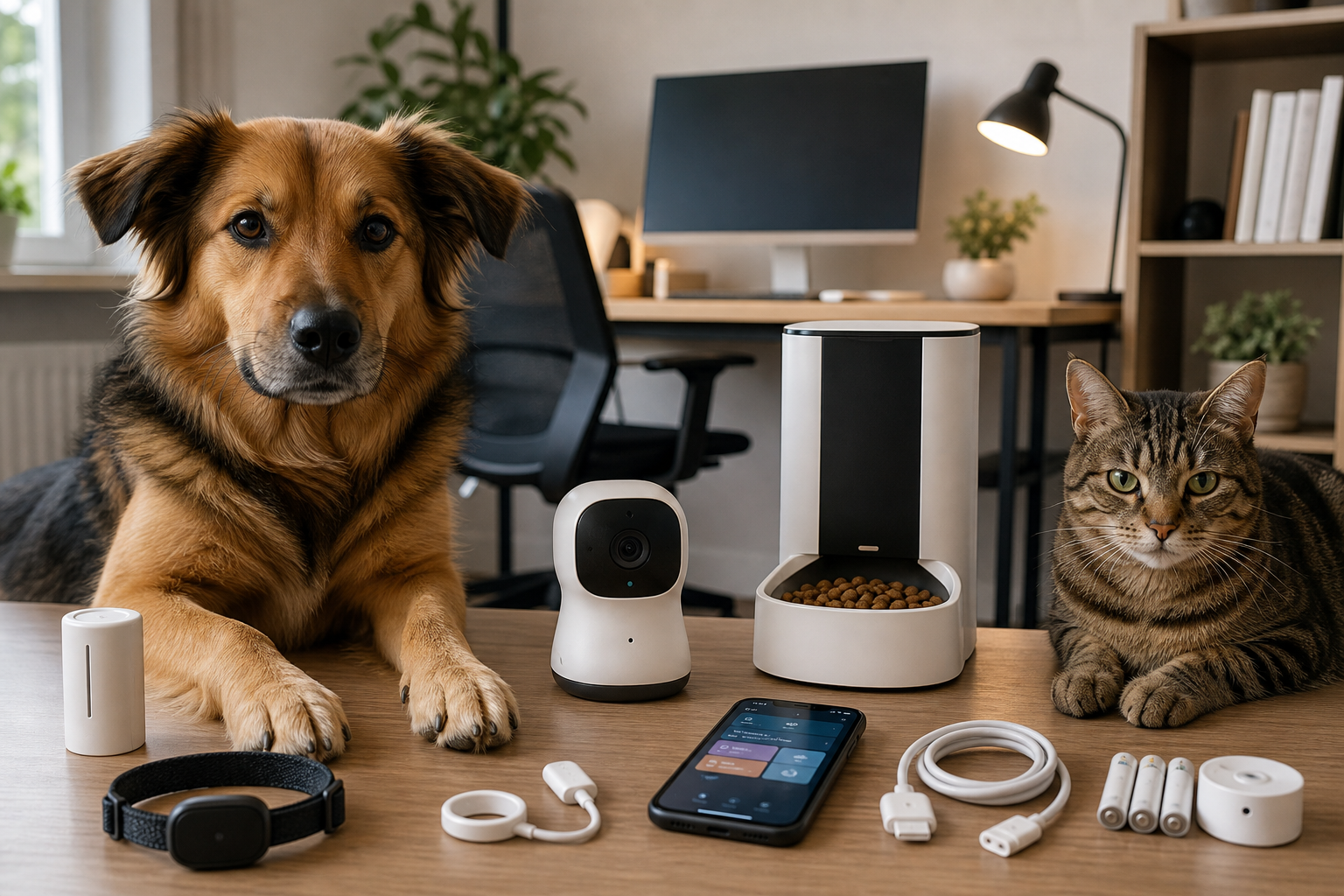
Pet camera discounts can be misleading when the sale badge only applies to the hardware. A real deal should still make sense after you add any cloud storage, AI, event history or multi-camera plan you expect to use.
Check whether the coupon excludes electronics, marketplace sellers, refurbished units, bundles or subscription add-ons. If you buy from a pet retailer instead of the camera maker, compare the return rules with the manufacturer’s warranty and app support. Chewy’s return policy is generous for many pet purchases, but electronics and smart-home features still need a practical home test. Petco, PetSmart, Amazon and manufacturer stores can each handle opened electronics, subscriptions and warranty claims differently.
Also watch for bundle math. A two-camera bundle may be useful if one camera watches the pet room and another watches the exit door. It is not a bargain if the second camera creates a higher subscription tier or records an area you would rather keep private.
What to avoid
Avoid no-name cameras that hide the app publisher, privacy policy, update history or subscription terms. Avoid listings that use vague phrases such as “AI pet guardian” without explaining what the device detects, where processing happens and which features require cloud service. Avoid buying purely for a lost-pet feature if your main risk is an unsecured gate, a loose harness or missing microchip registration.
Be careful with cameras marketed as pet health monitors unless the claim is narrow and well explained. A camera can be a useful observation tool, but it should not be treated as a medical device unless the seller can support that claim with clear regulatory and clinical information.
Quick answers
Is AI pet recognition worth paying for?
It can be worth it if you already need video history and smarter alerts, and if the privacy controls fit your home. It is harder to justify when the only benefit is a more personalized notification.
Should I name my pet in a camera app?
Only after you understand where that information is stored, how to delete it and who in your household can access it. A pet’s name is not highly sensitive by itself, but it becomes part of a broader home-video profile.
Can a pet camera replace a GPS tracker or microchip?
No. A camera may provide clues, but a microchip, updated registration, collar ID and, for some dogs, a GPS tracker serve different purposes.
What is the first setting to check after setup?
Check sharing and privacy settings first, then activity zones, alert frequency, video history, two-factor authentication and subscription status.
Sources
- Google Nest Help, “What’s new in Google Home,” June 2, 2026 release notes for Gemini for Home, Pet Memory and Ask Home.
- Google Nest Help, “Get started with Google Home Premium” and Google Home Premium feature information.
- Amazon About Amazon, “Ring’s Search Party for Dogs now available nationwide in the U.S.,” February 2, 2026.
- Ring, Search Party information and Ring subscription plan information.
- Federal Trade Commission Consumer Advice, “How To Secure Your Home Security Cameras” and “Securing Your Internet-Connected Devices at Home.”
- Chewy return policy, Petco return policy and PetSmart coupon policy for checkout context.
Sources last checked June 8, 2026, 01:32 Europe/Rome.