

#cat treats
#dog treats
#pet camera
#pet tech
#treat dispenser
A treat-tossing pet camera can backfire when the deal price hides the details that make the snack feature work: treat size, Wi-Fi compatibility, app fees, placement and how many calories your dog or cat gets while you are away. Before you buy one, check whether your usual treats fit the dispenser, which alerts need a paid plan, and whether the return window is long enough to test it in your actual home.
That matters more in June 2026 because pet tech is getting more attention ahead of summer travel and Prime Day-style deal cycles. Recent pet-tech coverage has put smart collars, feeders, cameras and GPS wearables back in front of shoppers, but a camera with a treat launcher is still a kitchen-counter appliance, a subscription product and a food dispenser at the same time.
Why This Deal Looks Better Than It Is
The headline price usually sells the camera. The daily experience depends on smaller details: whether it works on your home network, whether the dispenser jams with the treats you already buy, whether the app stores video only with a paid plan, and whether your pet reacts calmly to a snack flying across the room.
Official product pages show why the fine print matters. Furbo lists 2.4 GHz Wi-Fi, a broadband upload recommendation and small round treats for best toss results. Petcube says its Bites 2 uses inserts for different treat sizes, while Bites 2 Lite is limited to 2.4 GHz Wi-Fi and its Care bundle can add a monthly cost for video history and alert features.
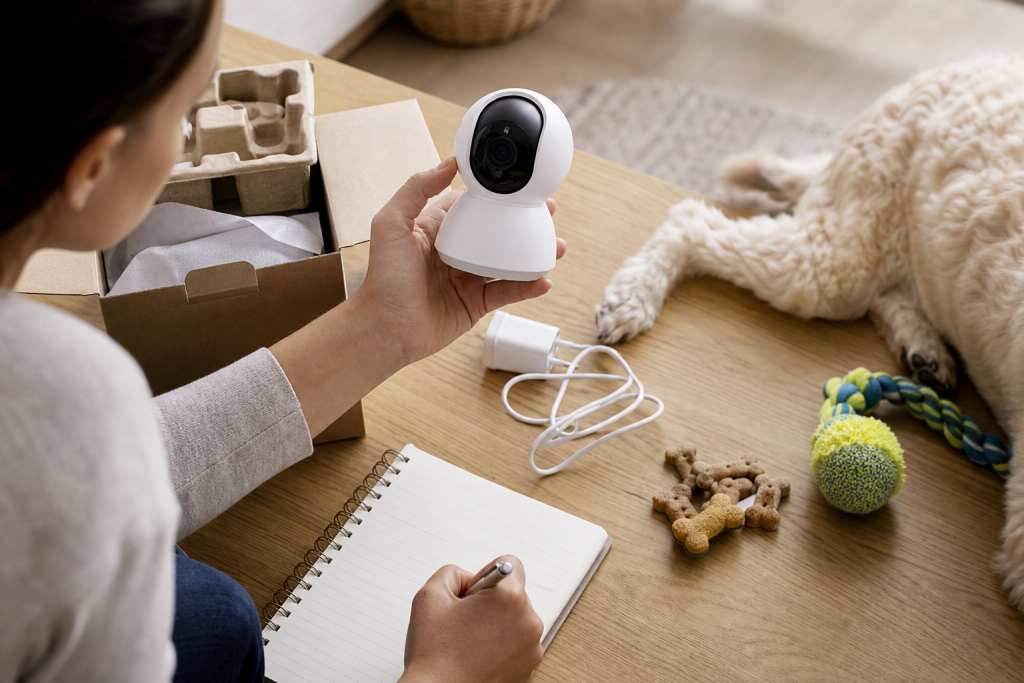
The Treat Fit Test To Do Before Checkout
Do not assume every training treat works. Check the manufacturer’s treat dimensions, then compare them with the treats your pet already tolerates well. Dry, firm, round or evenly shaped treats usually work better than soft, sticky, crumbly or odd-shaped snacks.
If your pet has food sensitivities, a weight plan, a prescription diet or a history of digestive upset, treat compatibility is not just a convenience issue. Use your veterinarian’s diet guidance before adding a remote snack routine. A cheap camera is not a bargain if it makes you buy a second bag of treats your pet should not eat.
Count The Calories Before The Camera Makes Treats Too Easy
Remote treat tossing can turn one snack into a habit. WSAVA nutrition guidance says treats should make up no more than 10% of a dog’s daily calorie intake, and WSAVA’s broader nutrition FAQ applies the same controlled-treat idea to dogs and cats. That is a useful shopping rule because small pets can hit their treat budget quickly.
Before buying, check the calories per treat on the package, decide how many tosses you would realistically use per day, and subtract those calories from the daily treat budget. If several family members can access the app, set one person as the treat gatekeeper or you may double-feed without noticing.
App, Wi-Fi And Placement Checks
A treat camera needs a stable setup. Confirm these points before the return clock starts:
- Wi-Fi band: many pet devices still require 2.4 GHz Wi-Fi, and some models or versions differ on 5 GHz support.
- Upload speed: video quality and alerts can suffer if your home upload speed is weak where the camera sits.
- Power outlet: place the camera where the cord is not tempting or reachable.
- Tip-over risk: a treat launcher can attract paws, noses and jumping. Check the manufacturer’s mounting or placement guidance.
- Shared access: read whether extra users, cloud history, smart alerts or downloaded clips require a paid plan.
- Privacy: use a strong password, update the app, and avoid pointing an always-on camera at private household areas.
Deal And Coupon Checks Before Paying
Pet-camera deals often look simple because the device price is easy to compare. The better comparison is the first-year cost: camera price, any required subscription, extra treats, replacement parts, shipping, tax and whether the deal removes normal return rights.
Check retailer terms at checkout. Chewy, Petco and PetSmart all publish return or coupon policies, but sale items, third-party sellers, bundles and time-limited promotions may have details that matter. Do not rely on a coupon blog or screenshot if the cart, retailer policy and manufacturer’s site do not confirm the same terms.
What To Avoid
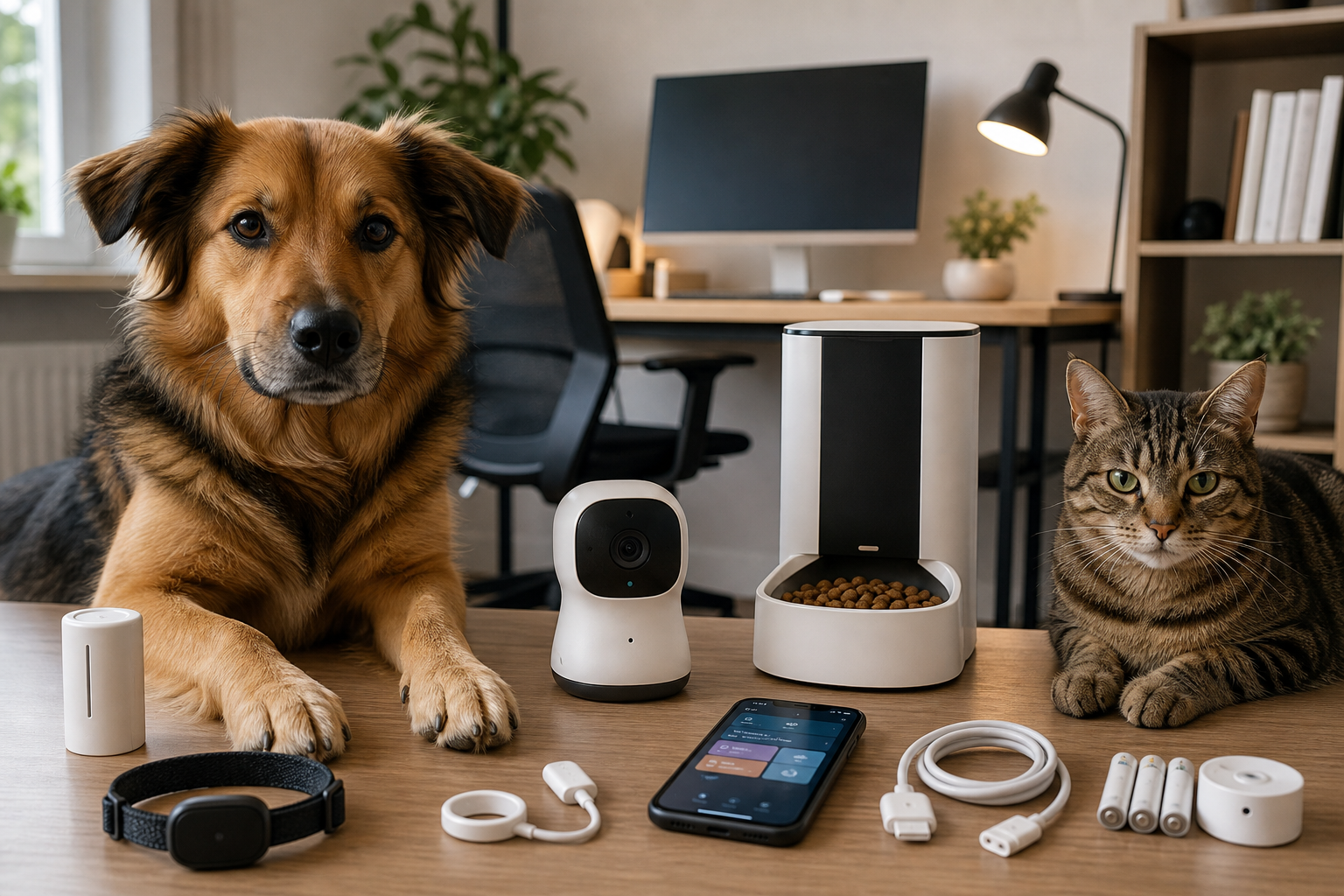
Avoid buying a treat camera only because it is heavily discounted if you cannot confirm the food, app and network requirements. Skip no-name listings that do not show treat dimensions, warranty support, app requirements or return terms. Be careful with products that imply a camera can solve separation anxiety, behavior problems or health monitoring on its own.
Also avoid using risky snacks just because they fit the dispenser. FDA safe-handling guidance treats pet food and treats as products that can carry contamination risk, so keep treats sealed, wash hands and bowls, and throw away spoiled or damaged food. If your pet becomes unwell, stop using the treats and ask your veterinarian what to do next.
Quick Answers
Is a treat-tossing pet camera worth it?
It can be worth it if you want live check-ins, two-way audio and occasional reward use, and if your Wi-Fi, treats and privacy expectations match the model. It is less useful if you only need a basic camera or if the treat feature pushes you into extra subscriptions and snacks.
Can cats use dog treat cameras?
Some devices are marketed broadly for pets, but treat size, launch force, placement and a cat’s comfort level matter. Check the manufacturer’s species guidance and test slowly while you are home.
Should I pay for the pet camera subscription?
Only if the paid features are the reason you are buying it. If you mainly want live viewing and occasional treat tossing, make sure those basic functions still work without the plan.
What is the biggest checkout mistake?
Buying by discount alone. A lower price does not help if the treats jam, the camera needs a paid plan for the alerts you expected, or the device will not work on your home Wi-Fi.
Sources
Sources last checked June 8, 2026, 19:33 Europe/Rome.
- TechRadar, “9 dog-care gadgets that are so clever they deserve a treat” (current pet-tech demand signal): https://www.techradar.com/home/9-dog-care-gadgets-that-are-so-clever-they-deserve-a-treat-including-an-ingenious-on-the-go-water-solution-and-a-canine-fitbit
- Furbo Help Center, “Can I Use My Own Treats with Furbo?”: https://help.furbo.com/hc/en-au/articles/17498745314585-Can-I-Use-My-Own-Treats-with-Furbo
- Furbo 360 Dog Camera technical specifications: https://hotfix.furbo.com/us/products/furbo-360-dog-camera
- Petcube Bites 2 Lite product page: https://petcube.com/bites-2/
- Petcube Bites 2 product FAQ: https://petcube.com/en-ca/store/product/bites-2/
- WSAVA, Feeding treats to your dog: https://wsava.org/wp-content/uploads/2024/06/Feeding-treats-to-your-dog-v2.pdf
- FDA, Tips for Safe Handling of Pet Food and Treats: https://www.fda.gov/animal-veterinary/animal-health-literacy/tips-safe-handling-pet-food-and-treats
- Chewy return policy: https://www.chewy.com/app/content/return-policy
- Petco return policy: https://www.petco.com/returns
- PetSmart coupon policy: https://www.petsmart.com/help/payment-H0004e.html