
#pet cameras
#pet detection
#pet privacy
#smart pet tech
A no-subscription pet camera can still cost more than the checkout price if the feature you actually want, such as pet-specific detection or cloud clips, sits behind a paid plan. Shelly’s newly announced low-cost indoor camera is a good reminder: local viewing and microSD storage may be enough for some owners, but smarter alerts can be a separate decision. Before you buy any cheap pet camera, check what works free, what needs a subscription and whether the camera can safely cover the room your dog or cat actually uses.
Why this matters now
Pet cameras are drifting away from novelty gadgets and toward ordinary home tech. Owners want to check a dog during a workday, see whether a cat is using a favorite room, or confirm that a sitter arrived. At the same time, smart-home companies are selling indoor cameras with pet monitoring as one use case, often at lower prices than dedicated treat-tossing pet cameras.
The catch is that “no subscription” can mean several different things. It may mean live view is free. It may mean recordings can be saved only if you buy a microSD card. It may also mean basic motion alerts are free, while cloud storage, richer detection or shared access costs extra. That difference matters before checkout because the cheapest camera may not be the cheapest camera for the way you plan to use it.
The feature to check before the price wins
Start with pet detection, not the headline price. Shelly’s knowledge base describes Shelly Camera as a compact Wi-Fi camera with local control, local microSD storage and cloud-based AI object recognition. Its use cases include baby or pet monitoring, and its specs list 1080p video, night vision, two-way audio, privacy zones, a privacy mode and USB-C power.
That does not automatically mean every pet owner gets every pet-friendly feature without another cost. The Verge reported that the camera can livestream over Wi-Fi and save to microSD without a subscription, while a subscription unlocks cloud recording and smart object detection that can distinguish people, pets and vehicles. That is a normal smart-camera tradeoff, but it is easy to miss if the shopping page leads with the device price.
What “no subscription” should include
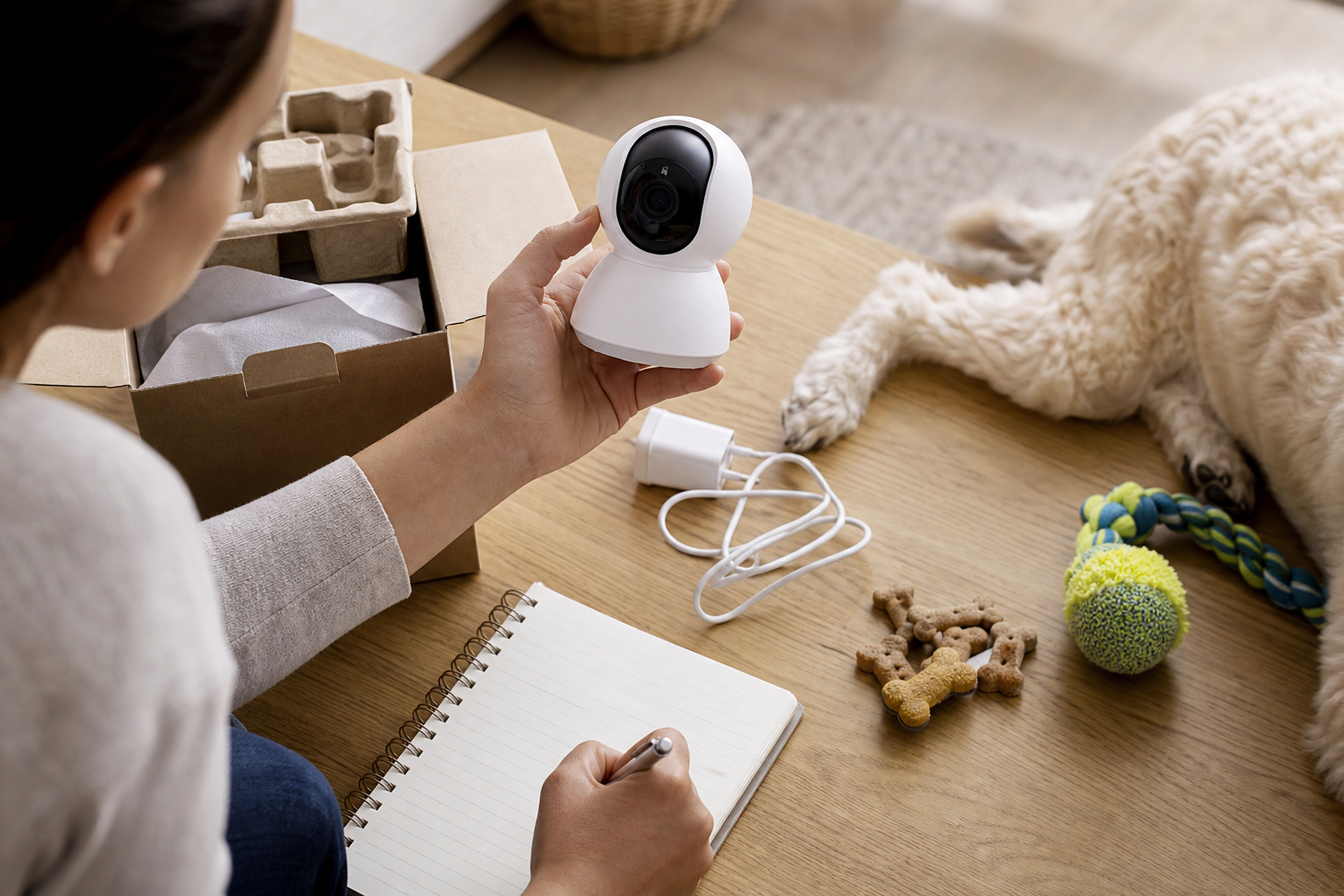
A useful no-subscription pet camera should still cover the basics you need day to day. Look for live view, two-way audio if you want to talk through the camera, motion alerts, recording options and a clear way to download clips. Shelly’s documentation says the camera supports local streaming, cloud streaming, privacy zones, a side-button privacy mode and local storage on a microSD card up to 512 GB, with the card not included.
That last detail is not small. If a camera needs a microSD card for useful local recordings, the real cart includes the camera, a compatible card and any mount, longer cable or plug adapter you need. For a pet room, also check whether the camera is fixed or pan-and-tilt. A fixed 110-degree view may be fine for one bed or crate area, but it can miss a cat tree, hallway or feeding spot.
The checkout math
Before paying, write down the first-year cost instead of comparing device prices alone. Include the camera, memory card, extension cable, wall mount, optional cloud plan and any second camera you may need for full room coverage. A $50 camera can still be a solid deal, but only if the free tier handles your real use case.
Also check retailer terms before you open the box. PetSmart’s promotional terms say offers can be limited to eligible products, may have exclusions and may not combine with other offers. Its return policy says online purchases can be returned in store for the purchase price minus shipping, delivery fees, gift wrap and other charges, and electronic merchandise is listed among items that need a valid receipt for returns or exchanges. If you buy from a marketplace seller, confirm whether the seller, not just the marketplace, handles returns and warranty support.
Privacy checks pet owners should not skip
A pet camera still watches a home. Before buying, check whether the camera has a physical off switch, app-based privacy mode, privacy zones and a visible recording indicator. Shelly’s documentation says its privacy mode disables video recording, microphone and speaker, and that a back switch can power the camera off completely. Those are the kinds of controls worth looking for on any model, especially if it points at a living room, bedroom or sitter area.
Do not assume “local storage” means private by default. You still need a strong account password, two-factor authentication where available, firmware updates and a clear choice about whether clips go to the cloud. If the camera offers pet names, behavior summaries or AI labels, read the privacy policy before entering details you would not want tied to your home video history.
What to avoid
- A camera that says “pet alerts” but does not say whether pet detection is free or paid.
- A local-storage model without a clear maximum card size or compatible card type.
- A fixed-view camera for a room where your dog or cat moves between several zones.
- A camera with no physical privacy control if it points at private living areas.
- A deal where the return window ends before you can test night vision, audio delay, alerts and clip access.
A practical pet-camera test
When the camera arrives, test it before trusting it. Place it where the pet spends time, check the live view in daylight and at night, trigger motion alerts by walking through the room, then review whether clips save the way you expected. If the camera has pet detection, test whether it recognizes your actual dog or cat without flooding your phone with false alerts from shadows, toys or curtains.
For dogs that bark, chew or panic when alone, a camera is only a monitoring tool. It does not replace training, enrichment, a safe room setup or veterinary advice for sudden behavior changes. For cats, do not rely on a camera to prove normal eating, drinking or litter habits if you already suspect a health issue. Call your vet when behavior changes are sudden, severe or paired with physical signs.
FAQ
Is a no-subscription camera always cheaper for pet monitoring?
Not always. It is cheaper only if the free features cover what you need. If you later pay for cloud clips, pet detection or extra storage, the first-year cost can move closer to a dedicated pet camera.
Do I need pet detection?
You may not need it if you only want to open a live view occasionally. Pet detection is more useful when you want filtered alerts, fewer false notifications and automatic clips of your dog or cat moving around the room.
Is microSD storage enough?
It can be enough for many homes, but check card compatibility, clip length, overwrite behavior and whether you can download footage easily. A card is also another item to price before checkout.
Sources
Last checked: September 3, 2026, 10:36 CEST, Europe/Rome.
- Shelly Knowledge Base, Shelly Camera.
- The Verge, Shelly’s new $50 security camera watches your home without a subscription.
- WIRED, Best Pet Cameras of 2026.
- PetSmart, Promotional Terms.
- PetSmart, Return Policy.