
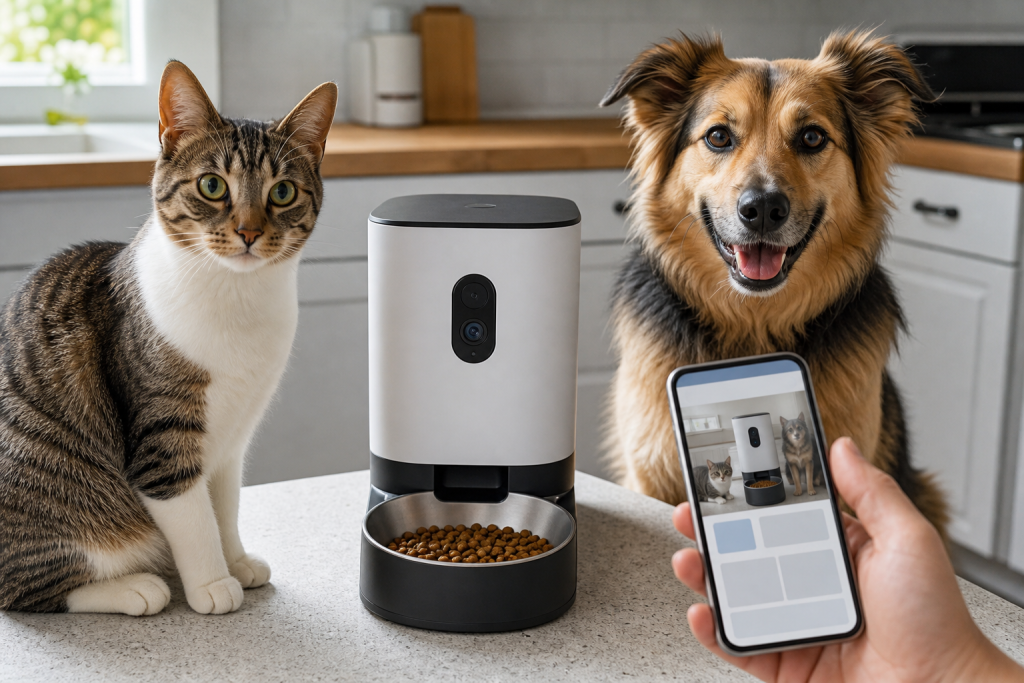
#automatic pet feeder
#pet camera
#pet tech deals
#smart feeder
A smart feeder with a camera can be useful, but the deal is only good if the feeder still works for your real feeding routine after the app, video storage and Wi-Fi details are counted. The camera may show more of your kitchen than just the bowl, and the cheapest checkout price can hide cloud-video plans, weak offline behavior, awkward placement and portion sizes that do not match your pet’s food.
That matters right now because camera-equipped feeders are showing up in pet-tech roundups, retailer deal pages and smart-home carts at the same time pet owners are trying to simplify summer travel, office days and multi-pet feeding. The safer move is not to reject the gadget automatically. It is to buy it like a small connected camera that also controls meals.
Why the camera changes the buying decision
A plain automatic feeder is mainly a timer, hopper, motor and bowl. A camera feeder adds video, audio, motion or pet-recognition features, cloud storage choices and account access. That can help you confirm whether a cat actually ate or whether a dog is stealing from the wrong bowl, but it also means the device may collect video from a room where people, visitors and children pass through.
Before buying, decide what you actually need the camera to prove. Live view may be enough if you only want to check that food dropped. Saved clips or AI summaries are different because they depend on app support, storage terms and sometimes a paid plan. If the feeder is going in a kitchen, mudroom or apartment living area, privacy belongs on the same checklist as bowl size.
Check these details before checkout
- Essential feeding without a subscription: Confirm that scheduling, manual dispensing and feeding logs still work without a paid video plan. Some brands separate core feeder controls from optional cloud storage, but shoppers should verify the exact model.
- Video storage choice: Look for whether the device supports live view only, cloud clips, local microSD storage or both. Cloud plans with 7-day or 30-day history can be useful, but they change the true cost of ownership.
- Wi-Fi compatibility: Check whether the feeder supports your home network. Many smart-home devices depend on a stable 2.4 GHz connection, while some newer listings advertise both 2.4 GHz and 5 GHz. Do not assume your mesh router setup will be painless.
- Offline behavior: Ask what happens if Wi-Fi drops, the app is down or power goes out. A feeder that keeps its saved schedule locally is less risky than one that needs the cloud for basic meal timing.
- Portion range: Compare the feeder’s minimum and maximum portions with the feeding directions on your pet’s actual food. Kibble size, calorie density and scoop volume can make an app portion look more precise than it is.
- Cleaning path: Camera features do not matter if the bowl, chute or hopper is hard to wash. Check whether food-contact parts are removable and whether replacement bowls, desiccant bags, lids or power cords are sold separately.
- Multi-pet reality: If one pet steals food, a basic camera may only prove the problem. You may need a microchip feeder, separate room, supervised trial or different routine rather than a more expensive camera model.
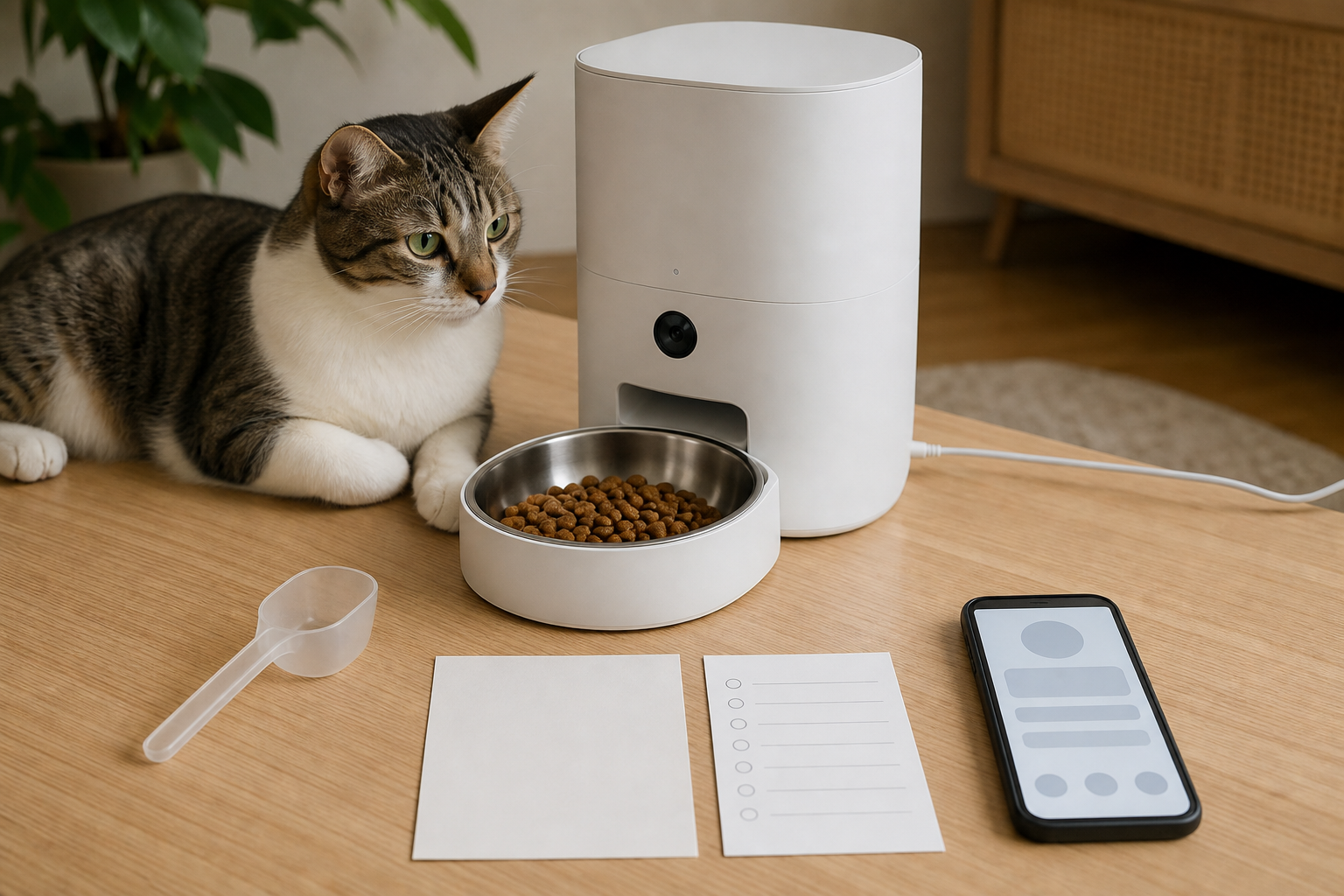
The deal section: what to verify before paying
Do not compare camera feeders by sticker price alone. Put the device price, shipping threshold, return window, cloud-video plan, replacement parts and any required accessories in one total. A short free cloud trial can make a feeder feel cheaper at checkout, then become another recurring bill after you have already trained your pet around it.
Retailer promos also need a cart check. Autoship discounts, same-day delivery offers and coupon codes may exclude certain electronics, third-party sellers, pharmacy items, bulky products or sale items. If the feeder is expensive, save screenshots of the final cart, return terms and warranty language before ordering. That is especially important if you are buying through a marketplace seller rather than the manufacturer or a major pet retailer.
Privacy checks for a feeder with eyes
Treat a camera feeder like any other internet-connected camera. Use a strong unique password, turn on multi-factor authentication if available, update firmware, review sharing permissions and avoid reusing the same login you use elsewhere. If your router supports it, consider a guest or separate network for smart-home devices.
Placement is just as practical as settings. Aim the camera at the bowl, not across the room. Do not put it where it records a neighbor’s window, a child’s play area, a work desk or private household routines. If the app allows audio, event detection, pet recognition or shared family access, review those controls before assuming the default settings are right for your home.
What to avoid
- A feeder with a camera but no clear answer on whether meals continue during an internet outage.
- A model where the best features are locked behind a plan you would not pay for after the trial.
- Any listing that uses vague phrases like “AI care” without explaining what data is stored, where clips go or which alerts are included.
- A hopper that only fits one kibble shape when your pet eats a larger, oily or irregular food.
- Buying for a medical feeding problem without asking your veterinarian how meals should be timed, measured or monitored.
- Putting a camera feeder in a room where people reasonably expect not to be recorded.
Quick answers
Is a camera feeder better than a normal automatic feeder?
Only if the video solves a real problem, such as confirming which pet ate or whether food actually dispensed. If you only need timed meals, a simpler feeder may cost less and create fewer privacy and subscription questions.
Do smart feeder cameras need a subscription?
Some core feeding controls may work without a subscription, while saved clips, longer video history or AI summaries may require a plan. Check the exact device and plan page before checkout because the useful features vary by model.
Can a smart feeder replace a pet sitter?
No. A feeder can help with routine dry-food meals, but it cannot notice every health, water, litter, power or household problem. For travel, use it as one tool in a broader care plan.
What should cat owners check first?
Check portion size, bowl position, whether the cat will approach the motor noise, and whether another pet can steal the food. For cats on special diets or weight plans, ask your veterinarian before changing meal timing.
Sources
Sources last checked: 2026-07-13 22:34 Europe/Rome.