

#pet tech deals
#smart home pets
#smart pet feeders
#voice controlled pet tech
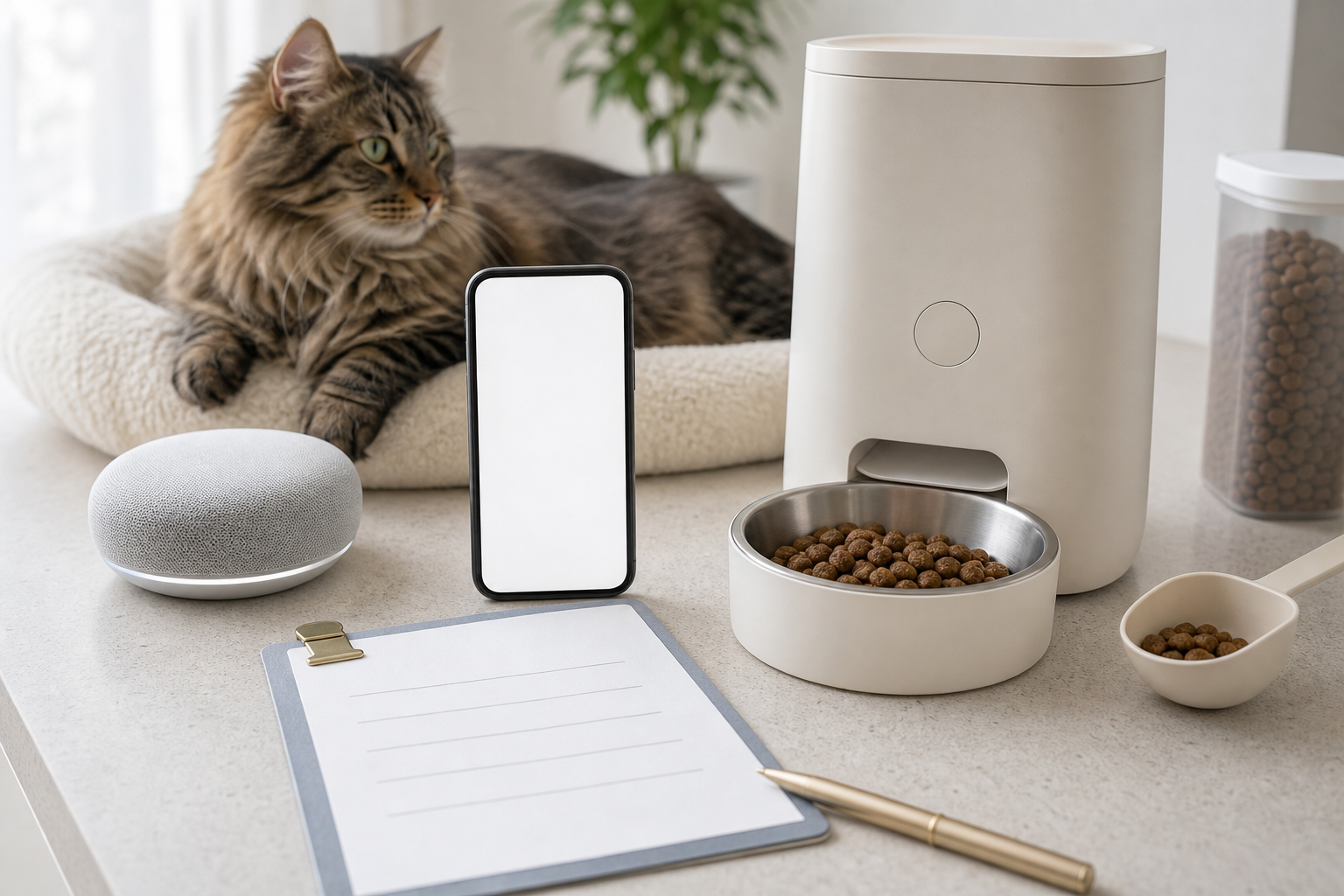
A voice-controlled pet gadget deal is only useful if the command works in the real home where your dog or cat lives. Before you buy a feeder, camera routine, smart plug or pet-care automation because it says Alexa, Google Home or voice control, check compatibility, account access, manual controls, privacy settings and return terms. The hidden cost is not just the device, it is the time and money lost when a sitter, router, app update or subscription breaks the routine.
Why This Matters Now
Pet tech is moving deeper into ordinary smart-home systems. Google now promotes pet-focused Home automations for lights, thermostats, cameras, plugs, sensors and food-container reminders, while its developer documentation includes a pet-feeder device type for dispensing food or water in set quantities or presets. PETKIT also announced Alexa voice control for its smart feeder family, describing it as a way to trigger on-demand feeding by voice.
That does not mean every discounted smart pet device will work with the voice assistant you already own. Voice compatibility can depend on the exact model, region, app skill, cloud service, linked account and the commands the manufacturer actually supports. If you are buying because you want a hands-free pet-care routine, verify the routine before the return window starts closing.
The Checkout Mistake: Buying The Badge Instead Of The Workflow
The phrase “works with Alexa” or “works with Google Home” can hide a lot of detail. A feeder might support a simple extra portion but not schedule editing by voice. A camera routine might depend on a subscription, a supported camera model or a separate smart speaker. A smart plug can turn something on or off, but that does not make every plugged-in pet product safe to automate.
Before checkout, write down the exact job you expect the gadget to do. Examples include “dispense a small snack while I am cooking,” “turn on a hallway light when the camera sees my cat at night,” “remind me if the food bin has not opened by dinner” or “let the sitter trigger dinner without using my personal phone.” Then check whether the product page, manual or support article confirms that job in plain language.
Compatibility Checks Before You Pay
- Assistant support: confirm the exact assistant, not just generic “voice control.” Alexa, Google Home, Siri, SmartThings and Home Assistant are not interchangeable.
- Supported commands: look for the actual actions. Can it dispense food, start a routine, send a notification or only turn power on and off?
- Model and region: a feature can apply to one product family, one country or one app version. Do not assume a cheaper marketplace listing has the same support.
- Internet dependence: Google notes that Home automations and some notifications, remote controls, streaming and recordings can require working internet, Wi-Fi and third-party services.
- Manual fallback: a feeder, fountain, light, fan or door should still have a safe manual option if the app, speaker or cloud service is unavailable.
- Multi-person access: decide whether a pet sitter can use a limited account, a shared routine, a physical button or written backup instructions.
What Voice Control Should Not Replace
Voice control can make a routine easier, but it should not become the only way your pet eats, drinks or stays comfortable. A voice command can be misheard, blocked by a muted microphone, unavailable during an outage or restricted to the account holder. For feeding devices, it is also easy to turn a cute extra-snack feature into too many calories if multiple people can ask the assistant for food.
Use voice features for convenience, not as the safety net. Keep the normal feeding schedule visible, measure portions against your veterinarian’s guidance when diet matters, and make sure someone can operate the device without the smart speaker. If the gadget is health-related or your pet has a medical diet, ask your vet before changing feeding routines.
Privacy And Account Settings To Check
Voice assistants add another account and microphone to the pet-tech stack. The FTC advises checking a voice assistant’s privacy policy and settings, including how audio recordings are handled and whether you can delete old recordings. For internet-connected devices generally, the FTC also recommends changing default credentials, using two-factor authentication when offered, keeping firmware and apps updated, and disabling features you do not use.
That matters for pet owners because these devices are often placed in kitchens, living rooms and sleeping areas. A pet camera, smart speaker and feeder app may expose more about your household routine than the dog or cat’s dinner. Before buying, check whether the device supports separate user access, activity logs, recording deletion, account unlinking and app permissions that you can actually manage.
Deal And Coupon Checks
A discount on a voice-compatible gadget can still be a poor deal if the feature you want needs a paid plan, a hub, a newer smart speaker or a second device. Do not compare only the checkout price. Compare the full first-year cost, including subscriptions, replacement bowls or hoppers, batteries, filters, power adapters, warranty extensions, shipping and return postage.
For repeat deliveries, Chewy’s Autoship page says the first Autoship order can receive 35% off with a maximum discount of $20, followed by an extra 5% on select brands for future orders. PetSmart’s promotional terms say offers may not combine with all other discounts, and its terms can apply after discounts and before taxes or shipping. Those details change, so verify the cart, the promotion terms and any subscription settings before paying.
What To Avoid
- Buying a feeder just because a listing says “smart” without confirming the exact voice assistant and command list.
- Automating a heating pad, fan or electrical pet product through a plug without checking the product’s own safety instructions.
- Giving a sitter your personal smart-home login when a limited-access option or manual fallback would be safer.
- Assuming a voice command replaces weighing food, checking the bowl or watching your pet’s appetite.
- Ignoring return rules until after you discover the assistant skill does not work in your region.
Quick Answers
Is voice control worth paying extra for?
Sometimes. It is most useful when the exact command saves a real step, such as triggering a small feeder portion while your hands are full. It is not worth much if you still need to open the app for every important setting.
Can a smart speaker feed my pet by itself?
Only if the feeder, app account, assistant skill and command support that action. Even then, keep a normal feeding plan and a manual backup.
Should I buy from a marketplace seller?
Only after checking the model number, warranty, return window, app support and whether the seller is authorized. A cheap imported model can be difficult to return if the assistant feature fails.
What should pet sitters know?
They need a simple backup plan: where the food is, how much to feed, how to use the device manually and who to call if the routine fails.
Sources
Sources last checked: August 5, 2026, 13:36 CEST, Europe/Rome.
- Google Home, Smart Home Automations for Pets.
- Google Home Developers, Smart Home Pet Feeder Guide.
- PETKIT, Smart Feeders Now Work with Alexa for Instant On-Demand Feeding.
- FTC Consumer Advice, How To Secure Your Voice Assistant and Protect Your Privacy.
- FTC Consumer Advice, Securing Your Internet-Connected Devices at Home.
- Chewy, Autoship & Save.
- PetSmart, Promotional Terms.