
#dog walker
#pet sitter
#pet tech
#pet travel
#smart lock
A smart lock can be a good pet-sitter purchase, but only if it lets you control access without leaving your home dependent on one app, one battery or one permanent code. Before buying, check temporary code controls, backup entry, battery alerts, software support, return terms and whether your sitter platform has rules about where access details can be stored.
This matters right now because summer travel, airline pet limits and pet-sitting bookings push many dog and cat owners to solve home access in a hurry. A sale badge on a smart lock is not enough if your walker cannot get in, your code stays active after the visit or the lock loses the feature you bought it for.
Why pet owners are looking at smart locks
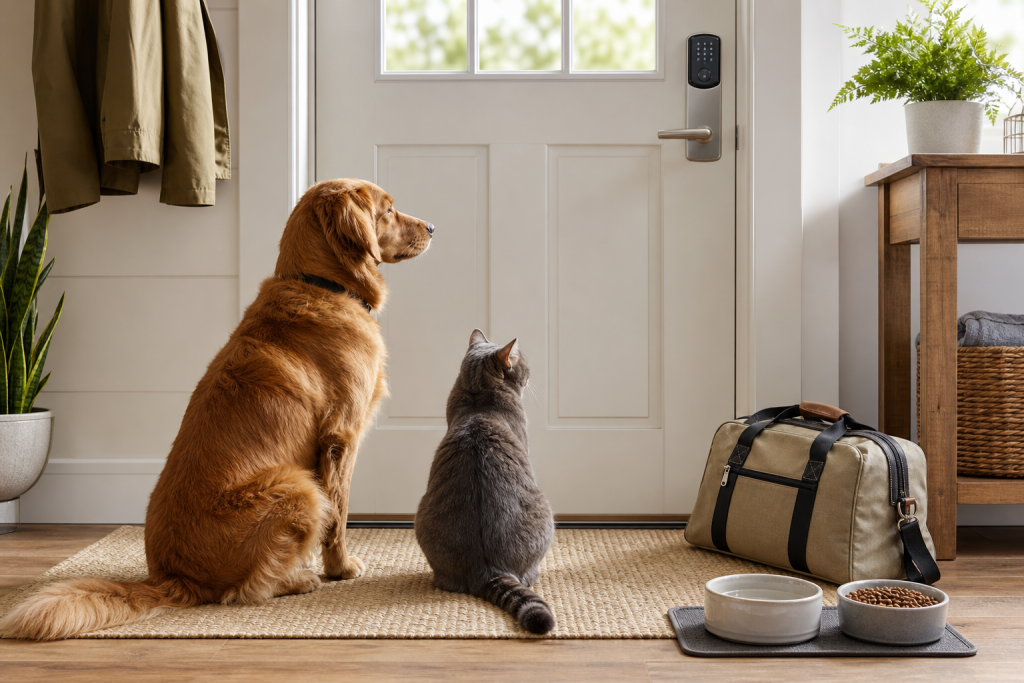
Many pet owners do not need a smart lock every day. They need one on the day a dog walker arrives while they are at work, a cat sitter checks food and litter during a trip or a trusted neighbor has to reach a pet after a delayed flight.
That is a real shopping problem. American Airlines says carry-on pets are limited to cats and dogs that meet size, age and destination requirements, and checked pets are restricted to certain official travel situations. In practice, many owners still need at-home care when a pet cannot travel comfortably or legally with them.
The hidden cost is that smart locks are not just door hardware. They are also apps, cloud accounts, batteries, Wi-Fi or hub requirements, guest access rules and support policies. If any of those pieces is weak, the discount can turn into a lockout problem.
The checkout checks that matter most
Start with guest access, not the finish or the keypad style. A pet-sitter lock should let you create a separate code for each sitter, limit when that code works and remove it quickly after the booking. If the product page only says “share access” without showing time windows, code limits or revocation controls, keep reading before you buy.
Then check the backup path. A good pet plan needs a physical key option, a trusted neighbor, a lockbox, a garage entry plan or another way in if the app, phone, Wi-Fi, hub or battery fails. The goal is not to make your home complicated. It is to keep your pet from depending on a single technical path.
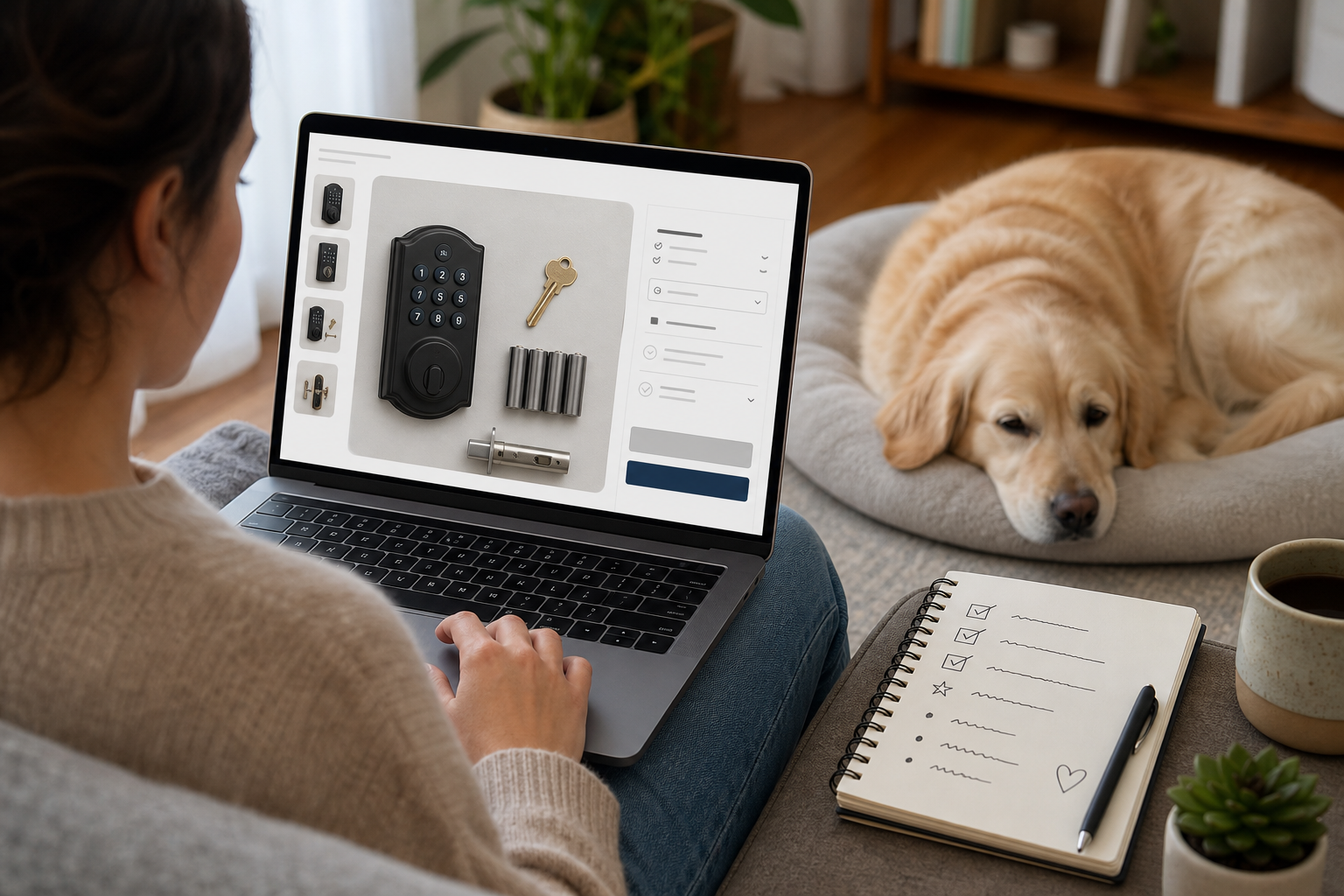
Also check the power story. Look for the battery type, expected battery life, low-battery alerts, emergency power contacts if offered and whether the lock still operates with a key. Do not assume a rechargeable or unusual battery is cheaper over time. Price the replacements before checkout.
Finally, check fit. Many locks require a compatible deadbolt, door thickness, backset and phone operating system. If you rent, live in a condo or have a fire-rated door, confirm that installation is allowed before ordering.
The software-support problem shoppers miss
The Federal Trade Commission has warned that many smart-product pages do not clearly say how long software updates will continue. That matters for a smart lock because the feature you are buying may depend on an app, cloud service or security update schedule.
Before paying, look for the manufacturer’s software support policy, app update history, account security options and whether the lock can still work as a normal lock if the smart service changes. If the support duration is impossible to find, treat that uncertainty as part of the price.
For home-network security, follow basic IoT hygiene. New York’s Office of Information Technology Services recommends securing routers, checking for updates, using a separate network for household IoT devices and disabling unnecessary app permissions. Those steps are not pet-specific, but they matter when the device controls a door that gives access to your animals and home.
Deal and coupon checks before paying
A smart lock discount is useful only if the final setup cost still makes sense. Check whether the deal includes the keypad, bridge, hub, batteries, mounting hardware and any subscription needed for remote access or activity history. Some locks work locally at the door but need an add-on for remote code management.
Read the return policy before installation. Once a lock has been opened, installed or paired to an account, returns can be more complicated than returning a leash or bowl. Save packaging until you have tested guest codes, app alerts, battery alerts and the backup key.
Do not buy only because a code box says it works with every smart-home platform. Confirm the exact ecosystem you use, such as Apple Home, Google Home, Alexa, SmartThings, Matter, Wi-Fi, Bluetooth, Z-Wave or Zigbee. A cheap lock can become expensive if you need a separate hub to make pet-sitter access work remotely.
What to avoid
Avoid one shared permanent code for every walker, sitter and neighbor. It is convenient at first, but it creates a mess later because you cannot tell who used it and you may forget to change it.
Avoid storing door codes in public notes, visible calendars or casual text threads that may be seen by the wrong person. Wag’s home access policy, for example, tells Pet Care Providers not to enter lockbox codes or access codes in the Walker Notes feature. Even if you use a different service, the principle is useful: access instructions should be limited, current and stored where the platform or household expects them.
Avoid buying a camera-lock combo just because it looks safer. If you only need timed access, a simpler lock plus a clear sitter plan may be better than adding video storage, extra permissions and another subscription. If you do buy a lock with a camera or microphone, review recording settings, notification sharing and data controls before inviting a sitter.
A simple pet-sitter access plan
Set up the sitter’s code before the first paid visit and test it while you are home. Confirm that the sitter can lock the door again from outside, not just unlock it. Give written instructions for pet supplies, leash location, food, medications if any, litter, emergency contacts and what to do if the code fails.
After the visit or trip, disable the temporary code and check the lock’s access history if the feature exists. Replace batteries on a schedule instead of waiting for the final warning. If your pet depends on the sitter entering at a specific time, a calendar reminder for battery checks is cheaper than a missed visit.
FAQ
Is a smart lock safer than giving a pet sitter a key?
It can be, especially if it supports temporary codes and access history. It is not automatically safer. A poorly managed smart lock with a shared permanent code can be worse than a well-controlled physical key system.
Do I need a subscription for pet-sitter access?
Not always. Some locks allow local keypad codes without a subscription, while remote code changes, cloud history or video storage may require extra hardware or a plan. Check the exact feature you need before checkout.
What if the battery dies while I am away?
That is why the backup plan matters. Before travel, confirm the lock’s battery level, know the emergency power or key option and leave a secondary access method with someone you trust.
Should I buy a smart lock with a camera for pets?
Only if you actually need the camera features and accept the privacy tradeoffs. A camera adds storage, notification and permission questions that a basic keypad lock may avoid.
Sources
- Federal Trade Commission, How long will your smart device get software updates? It’s hard to know, published November 26, 2024.
- Federal Trade Commission, Smart Products Surveyed Fail to Provide Consumers with Information on How Long Companies will Provide Software Updates, published November 26, 2024.
- New York State Office of Information Technology Services, Securing Your Smart Home & Navigating the Internet of Things, Part II, published January 13, 2025.
- Wag!, Home Access Policy.
- American Airlines, Pets travel information.
- Yale Home, Pet Care Hack: Yale Smart Locks Simplify Life for Pet Owners, used as a manufacturer example of temporary pet-care access positioning, not as a product endorsement.
Sources last checked: 2026-06-25 01:36 Europe/Rome.