
#digital pet ID
#lost pet
#pet ID tags
#pet tech deals
#QR pet tag
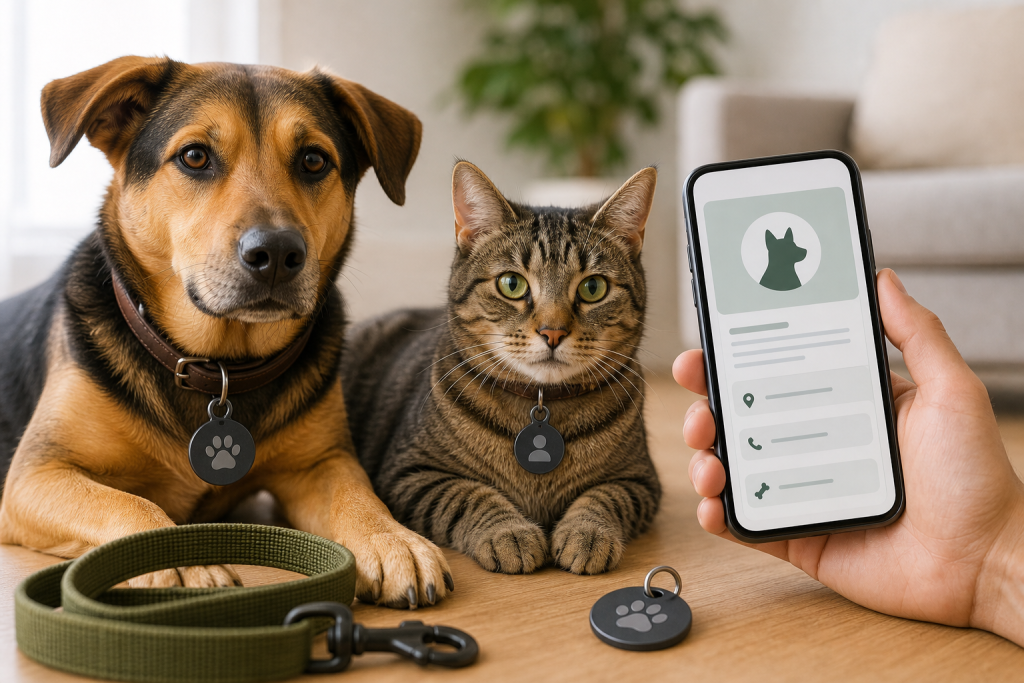
A QR pet tag can be useful, but the deal is weak if the tag is not activated, the profile hides key contact details, or the recovery features you expected require a paid plan. Treat it as a digital ID layer, not a replacement for a plain phone-number tag or a registered microchip. Before checkout, check what works for free, what happens when someone scans the tag, and whether you are comfortable with the privacy tradeoff.
Why this matters now
Digital pet ID tags are easy to find online because they promise a cleaner answer than engraving a small metal tag. Some use a QR code, NFC, a web profile, a lost-pet alert network, or a call center. That can help when your phone number changes or your pet needs multiple emergency contacts on file.
The catch is that a digital tag only works when the service, profile, and collar all work at the same time. A finder also has to notice the tag, scan it, trust the link, and share enough information to help. That makes the checkout page more important than the headline price.
The checkout checks that matter
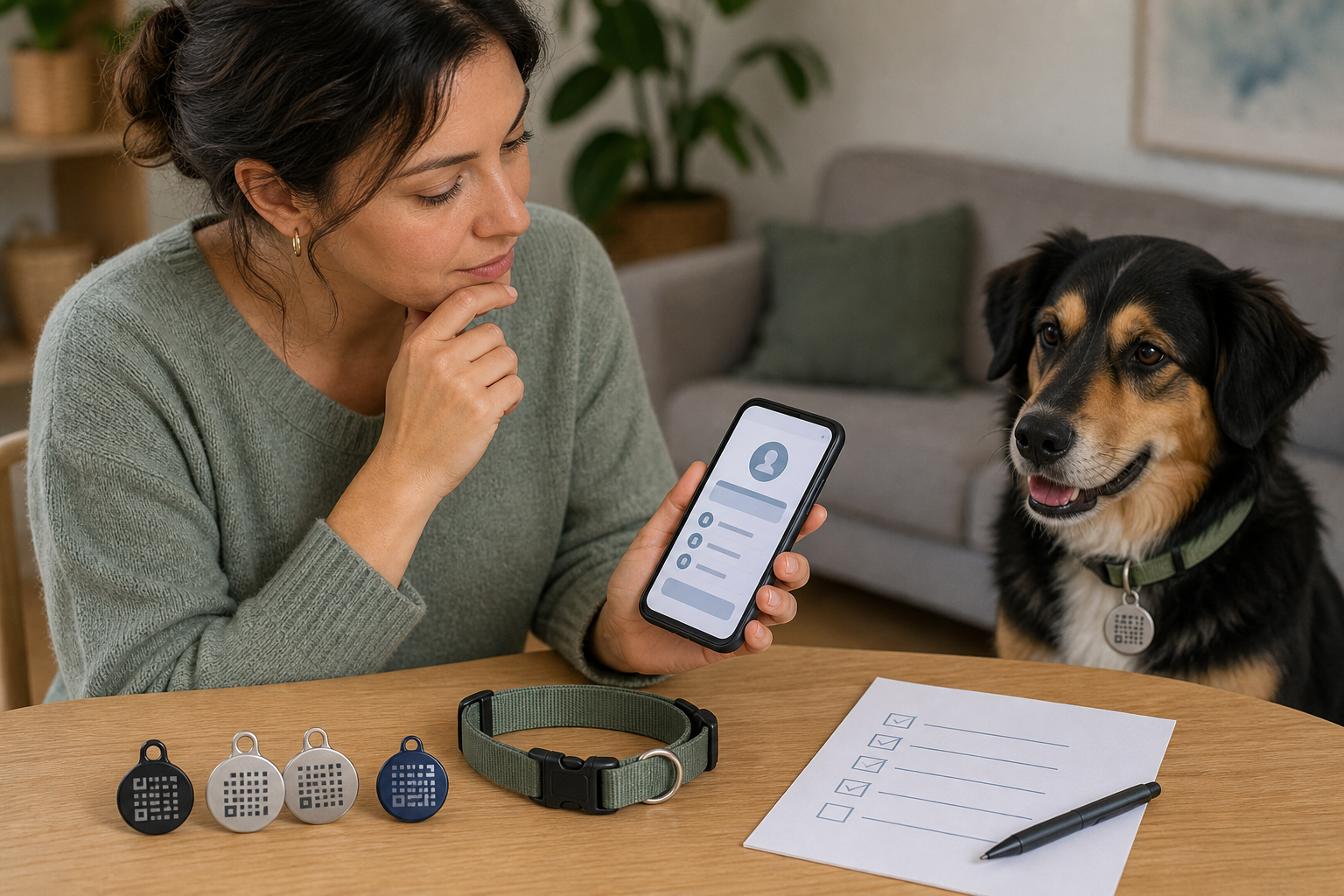
Start with activation. A QR tag that is still sitting in its envelope or linked to a blank profile is just a charm on the collar. After setup, scan it with another phone and confirm what a stranger would actually see.
- Free versus paid features: check whether the basic profile, emergency contacts, scan alerts, map links, community alerts, hotline access or poster tools require a subscription.
- Contact visibility: make sure the public view gives a finder a practical way to reach you without exposing more personal information than you want online.
- Backup contact: add a second person if the service allows it, especially for travel, boarding, dog walkers and multi-pet households.
- Collar fit: choose a tag size and attachment ring that will not drag, rub, detach easily or get caught during normal wear.
- Offline backup: consider engraving a phone number on the tag or using a second traditional ID tag in case the finder does not scan QR codes.
- Microchip status: confirm your pet’s microchip is registered and current. A QR tag is visible, but a microchip is still the backup shelters and clinics can scan.
When the deal is not really a deal
A low tag price can be reasonable if the free plan includes the recovery tools you actually need. It is less attractive if the main value sits behind a recurring plan, a per-pet upgrade, or a feature that only works after a finder shares their location.
Before paying, check the renewal term, how many pets are covered, whether premium features can be canceled without losing the basic profile, and whether personalized tags are returnable. If the tag is part of a “free tag” offer, read the shipping, membership and renewal terms before entering payment details.
Privacy checks before you publish your pet’s profile
A digital ID tag can store more than a phone number. That is useful, but it also means you should decide what belongs on a public scan page. Your pet’s name, your address, medical notes, vet details and daily routine may be more information than a stranger needs.
Use the service’s privacy controls if they are available. A safer setup usually gives a finder a fast way to contact you while keeping your home address, full schedule and sensitive account details private. Also inspect the URL before opening any QR code link, since the FTC warns that QR codes can be abused in phishing and spoofed-link scams.
What to avoid
- Do not buy a QR tag and assume it works before activation.
- Do not treat a scan alert as real-time GPS tracking. A QR tag can usually report a scan event only if someone scans it and shares information.
- Do not skip a plain ID option. A visible phone number can still be the fastest path home.
- Do not rely on a digital tag instead of updating the microchip registry.
- Do not publish your full home address unless you have a clear reason and understand who can see it.
- Do not buy personalized tags without checking return rules, since custom products are often harder to return.
FAQ
Is a QR pet tag better than a microchip?
No. It solves a different problem. A QR tag is visible and can help a finder contact you quickly, while a microchip is an implanted ID that shelters and veterinary clinics can scan if the collar is missing.
Do QR pet tags track my pet?
Usually not in the way a GPS collar does. Many QR tags can show a profile or send a scan notification, but they do not continuously track location unless the product clearly includes separate tracking hardware and service terms.
Should I put my pet’s name on the public profile?
It depends on your comfort level. A name can help a finder calm and identify your pet, but some owners prefer to show only contact instructions, a photo and essential care notes.
What should I test after the tag arrives?
Scan the tag with a second phone, check the public profile, test the contact button if available, confirm your backup contact, and make sure the tag sits safely on the collar.
Sources
Last checked: June 4, 2026, 19:32 Europe/Rome.
- PetHub, How PetHub Works
- PetHub, Basic and premium membership information
- Crumb Help Center, What is a Crumb tag?
- Crumb Help Center, Setting up your Crumb Tag
- AAHA, Microchip Registry Lookup Tool
- FTC Consumer Advice, Scammers hide harmful links in QR codes
- FTC Consumer Advice, How websites and apps collect and use your information
- Chewy return policy
- Petco return policy