
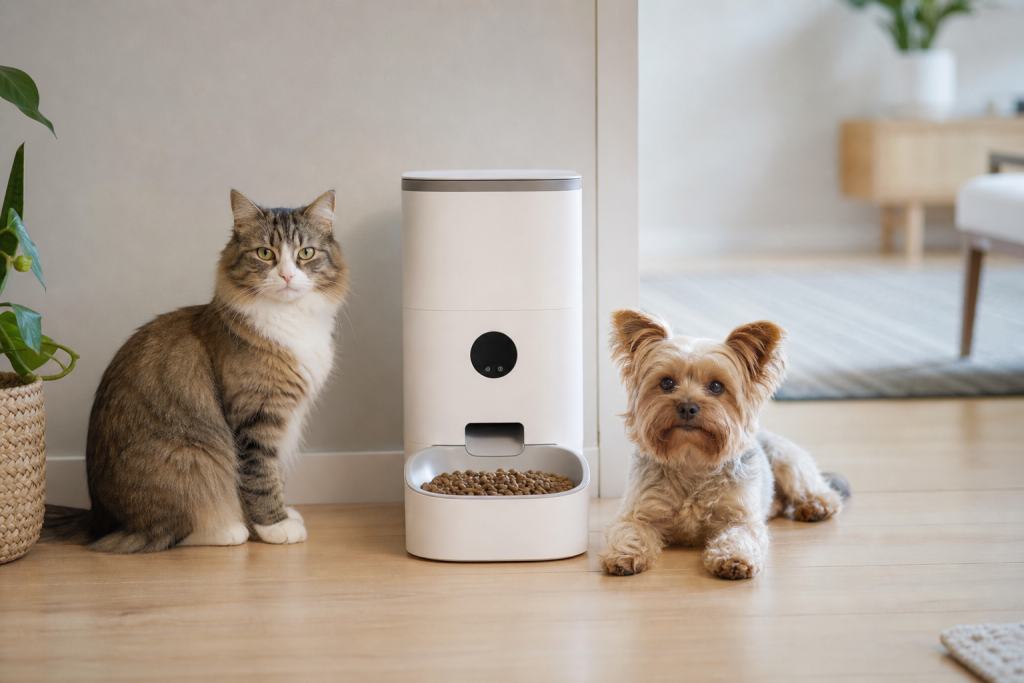
#automatic pet feeder
#backup battery
#pet tech
#smart feeder
A smart feeder is only a good deal if it can keep the meal schedule running when Wi-Fi or wall power fails. Before buying one for a cat, small dog or travel weekend, check whether backup batteries are included, how long they last, whether the feeder still dispenses offline and what alerts disappear when the app is unavailable.
This matters more in July because many owners are using automatic feeders around summer travel, long workdays, storms, fireworks nights and heat-related schedule changes. A sale badge can hide the part that actually protects dinner: power redundancy and a schedule stored on the device, not just in the cloud.
Why the backup battery detail matters now
Automatic feeders are popular because they promise routine. The problem is that the routine depends on several separate things working at once: the motor, the hopper, the portion setting, the local clock, the app, the home router and the power source.
Official support pages show that models handle outages differently. PetSafe says its Smart Feed Automatic Dog and Cat Feeder can use four D-cell batteries as optional backup power, with scheduled feedings maintained for up to seven days. PETLIBRO says the Air Smart Feeder uses a built-in lithium battery as backup power during outages or temporary moves. Tuya support gives the harder reminder for connected feeders generally: if a device is powered off, it cannot feed normally unless that model has its own power supply.
That means two feeders can look similar on a retailer page but behave very differently during a blackout. One may keep dispensing on battery power. Another may keep its saved schedule but miss meals until power returns. A cheaper one may simply stop.
The checkout checks that matter most
Start with the power system, not the app screenshots. Look for the exact battery type, whether batteries are included, whether the backup is rechargeable or disposable, and whether the feeder switches to backup power automatically. If the listing only says “dual power” without explaining what happens during an outage, read the manual or support page before checkout.
Next, check offline feeding. A good smart feeder should not require a live app connection for every scheduled meal after setup. The key question is simple: once the schedule is programmed, does the feeder dispense meals if Wi-Fi drops? If the answer is unclear, treat the feeder as a convenience gadget, not a dependable backup plan.
Also check food compatibility. Many automatic feeders are designed for dry kibble within a specific size range. If your pet eats large kibble, semi-moist food, freeze-dried pieces, prescription food, toppers or mixed textures, the dispenser may jam or portion inaccurately. FDA and AVMA food-safety guidance also points owners back to dry, cool storage and clean feeding equipment, so do not use a feeder as an excuse to leave unsuitable food sitting out.
Finally, check cleaning and parts. A feeder with a removable bowl, washable hopper parts, available desiccant packs and replacement power cords is usually easier to live with than a heavily discounted model with no parts path. If the bowl or chute cannot be cleaned well, the low price can turn into wasted food and odor.
When the sale price is not the real price
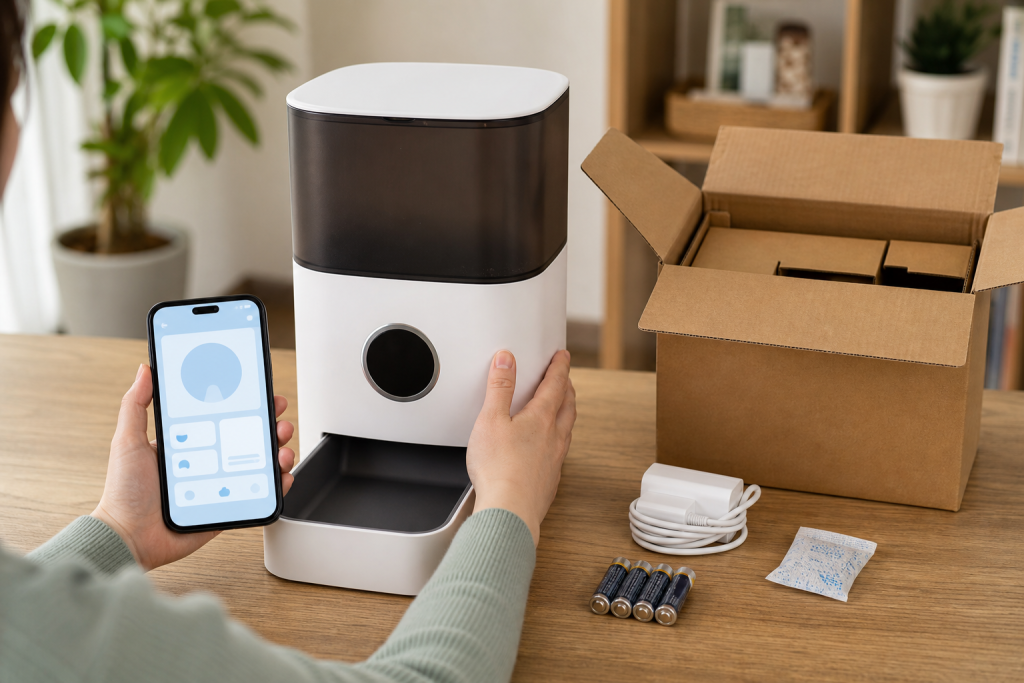
A smart feeder deal can shrink once you price the accessories. Before paying, add the cost of backup batteries, replacement bowls, desiccant packs, power adapters and any optional app plan that unlocks alerts or feeding history. Do not assume a subscription is required unless the manufacturer says so, but do not assume every alert is free either.
Check the return window against your actual test plan. A feeder should be tested while you are home for several days, with the exact food your pet eats and the exact meal schedule you plan to use. If the return period is short, do not wait until a trip to discover that your cat can reach into the chute or your dog can tip the unit.
For coupons, verify whether the code applies to electronics, app-connected products, open-box items or marketplace sellers. Some retailers exclude certain brands, services, subscriptions, replacement parts or prior purchases. A real discount on the wrong feeder is still a bad buy.
What to avoid
Avoid buying a feeder solely because it has a camera, voice recording or a polished app. Those features can be useful, but they do not matter much if the feeder cannot dispense accurately when the internet is down.
Avoid using an automatic feeder as your only care plan for a long trip. It can help with routine meals, but someone should still be able to check your pet, confirm the food is dispensing, refill water, clean bowls and respond if the feeder jams or the pet refuses food. If your pet has a medical condition, unusual feeding needs or medication tied to meals, ask your veterinarian what level of monitoring is appropriate before relying on automation.
Avoid skipping the first-week test. Run the feeder with fresh backup batteries installed, then unplug it briefly while you are home to confirm the schedule continues as expected. You are not trying to stress-test the pet. You are checking whether the device behaves the way the listing promised.
Quick answers
Should every smart feeder have backup power?
For a feeder used when you are away, backup power is a major buying check. If it is only used while you are nearby, it is less critical, but still useful during storms or short outages.
Do smart feeders still work without Wi-Fi?
Some do after the schedule is set, but it depends on the model. Confirm this in the manual or support page before buying, especially if your home internet is unreliable.
Are automatic feeders safe for wet food?
Only use a feeder designed for wet food and follow the manufacturer and food-label storage directions. Do not put wet or mixed food into a dry-kibble feeder unless the product specifically allows it.
Is a cheaper non-smart feeder better?
Sometimes. If you only need timed dry-food portions and do not need app alerts, a simpler feeder with reliable local controls and battery backup may be a better deal than a smart model with fragile app dependence.
Sources
- PetSafe Support, “Set up the Smart Feed Automatic Dog and Cat Feeder, 1st and 2nd Generation” and Smart Feed product support pages.
- PETLIBRO, Feeder FAQ and Air Smart Feeder battery support pages.
- Tuya Support, “If the power is cut off or the internet is cut off, can the pet feeder still work?”
- FDA, “Proper Storage of Pet Food & Treats” and “Pet Food.”
- AVMA, “Safe handling of pet food and pet treats.”
Sources last checked: July 2, 2026, 01:35 Europe/Rome.