
#Connected pet devices
#Pet device security
#pet tech deals
#smart pet tech
A cheap smart pet camera, feeder or tracker is not a good deal if the app, cloud account or security support is unclear. Before buying app-connected pet tech, check whether the maker explains software updates, account protection, data collection, subscriptions, returns and replacement parts. The newer U.S. Cyber Trust Mark is worth looking for where available, but it is voluntary, so the absence of a label means shoppers still need to do their own checks.
That matters now because pet-tech deals are everywhere ahead of late-June sale events, and many devices promise convenience while depending on an app. A camera may collect household video, a feeder may rely on a schedule stored in software, and a tracker may need location services or a paid plan. The device is only as useful as its support, security and core function after checkout.
Why This Pet-Tech Check Matters Now
Amazon has confirmed Prime Day 2026 for June 23 through June 27, and pet gadgets are already part of the wider deal conversation. Smart feeders, cameras, GPS trackers, fountains, collars and app-connected toys can all look tempting when a sale badge appears. The problem is that the real cost is often not only the checkout price.
The Federal Trade Commission has warned shoppers that it can be hard to know how long smart products will keep receiving software updates. That is not a small detail for a pet device. If a product depends on an app, Wi-Fi, Bluetooth, cellular service or cloud storage, support can affect security, reliability and whether useful features keep working.
The Security Label Shoppers Should Know
The Federal Communications Commission describes the U.S. Cyber Trust Mark as a cybersecurity labeling program for qualifying consumer Internet of Things products. In plain English, it is meant to help shoppers identify connected products that meet program security criteria, with a label and QR code pointing to more product information.
Pet owners should treat that as a helpful signal, not a guarantee that a device is perfect for their animal or home. The program is voluntary, and many pet products may not carry the mark. If a smart pet device has no label or security page, look harder at the maker’s update policy, account controls, app permissions and whether the device keeps doing its basic job without a paid add-on.
What To Check Before Buying App-Connected Pet Gear
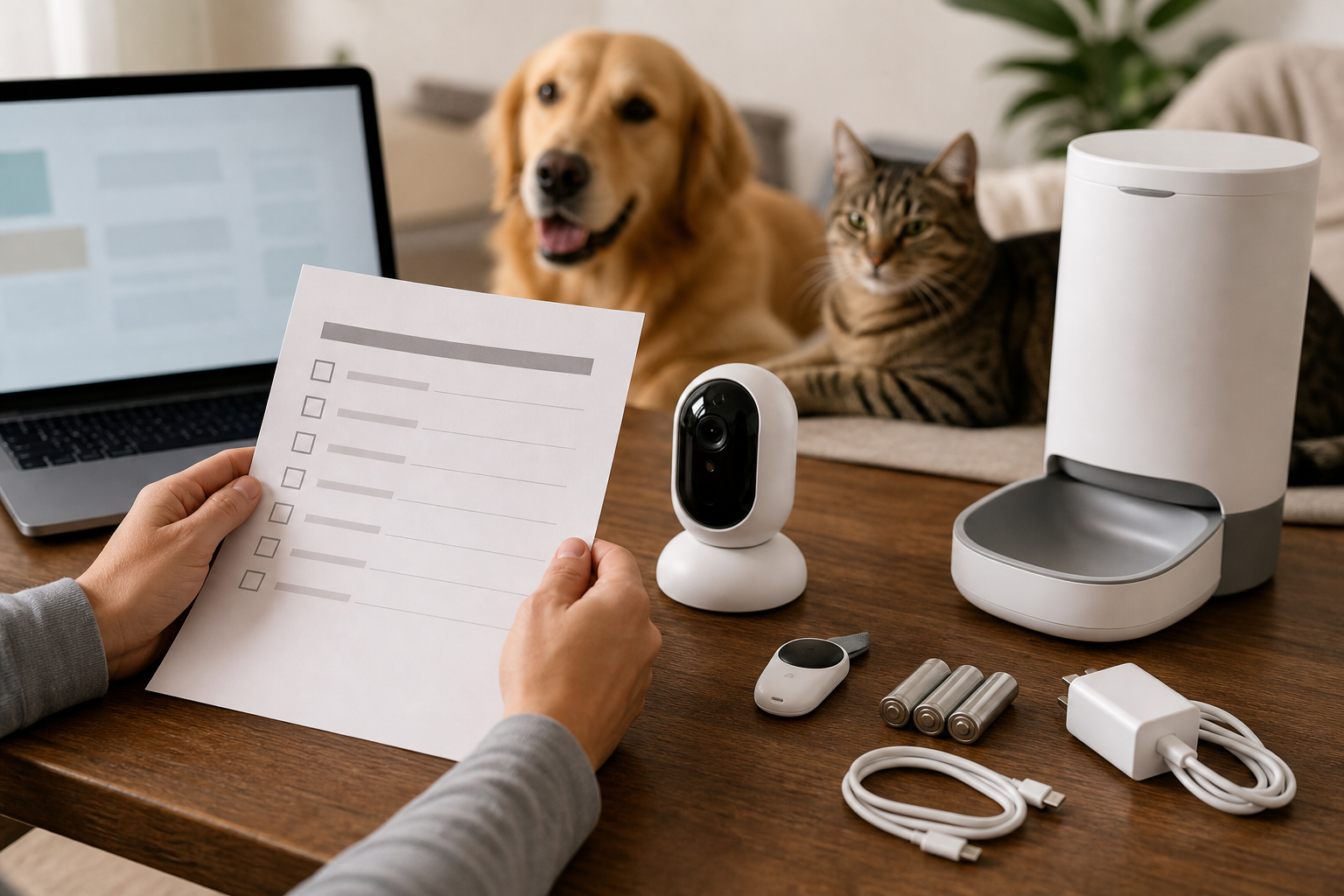
Software support: Search the product page and the manufacturer’s site for how long updates are provided. If the answer is missing, the FTC suggests contacting the maker before buying.
Core offline function: Ask what still works if the internet drops, the app is down or the subscription expires. This is especially important for feeders, doors, litter boxes, cameras, temperature monitors and trackers.
Account security: Prefer devices that support strong passwords, two-factor authentication and clear account recovery. Do not reuse a password from email, shopping or banking accounts.
Data collection: Read the app store privacy details and the brand’s privacy page before giving a pet camera, collar or tracker access to video, location or household routines.
Subscriptions: Check which features are included without a plan. Cloud clips, live GPS, advanced alerts, multi-pet profiles or health summaries may cost extra after the hardware arrives.
Replacement parts: Look for filters, trays, batteries, charging cables, bowls, liners, mounts, clips and sensors before checkout. A discounted device can become expensive if ordinary parts are hard to find.
Return window: Verify whether opened electronics, used pet items or marketplace seller purchases follow the same return rules as ordinary store items.
When A Deal Is Not Really A Deal
A smart pet deal deserves extra scrutiny when the discount hides a required plan, a short warranty, unclear app support or a seller name you do not recognize. Do not count a coupon as savings until the cart shows the final price, shipping, taxes, first-month subscription terms and any auto-renewal language.
If the device is for safety-sensitive use, such as feeding on a schedule, monitoring heat, tracking an escape-prone pet or watching a pet alone at home, treat the app as a helper rather than your only plan. Keep a manual backup, such as a neighbor check-in, spare bowl, ID tag, microchip registration, ordinary litter box, non-smart water bowl or written feeding instructions.
Privacy And Safety Mistakes To Avoid
Do not buy a pet camera or collar because it promises “AI” without explaining what data it uses. Do not assume a feeder is safe for every diet if your pet eats wet food, prescription food or measured meals. Do not rely on a tracker as a replacement for a microchip and readable ID tag. Do not put a camera in a room where guests, children or workers would reasonably expect privacy.
Also avoid any seller that cannot answer basic questions about app support, replacement parts, warranty, returns or security updates. For connected products, silence is information. If the maker will not explain the device before checkout, support may not improve after the return window closes.
Quick Answers
Should I only buy smart pet devices with the U.S. Cyber Trust Mark?
No. The mark is useful where available, but the program is voluntary and may not appear on many pet devices yet. Use it as one signal alongside support, privacy, subscription and return checks.
What is the most important question before checkout?
Ask what still works if the app, Wi-Fi, cloud service or subscription stops working. If the answer is unclear, the deal is weaker than it looks.
Are smart pet cameras and trackers unsafe?
Not automatically. They can be useful, but they handle sensitive information such as video, location, routines and alerts. Buy from brands that explain security updates, privacy controls and account protection clearly.
Can a sale device become useless later?
Yes. If a connected product loses app support, replacement parts, cloud service or required subscriptions, important features can shrink or stop. That is why software support and basic offline function belong on the checkout checklist.
Sources
Sources last checked June 19, 2026, 10:34 Europe/Rome.